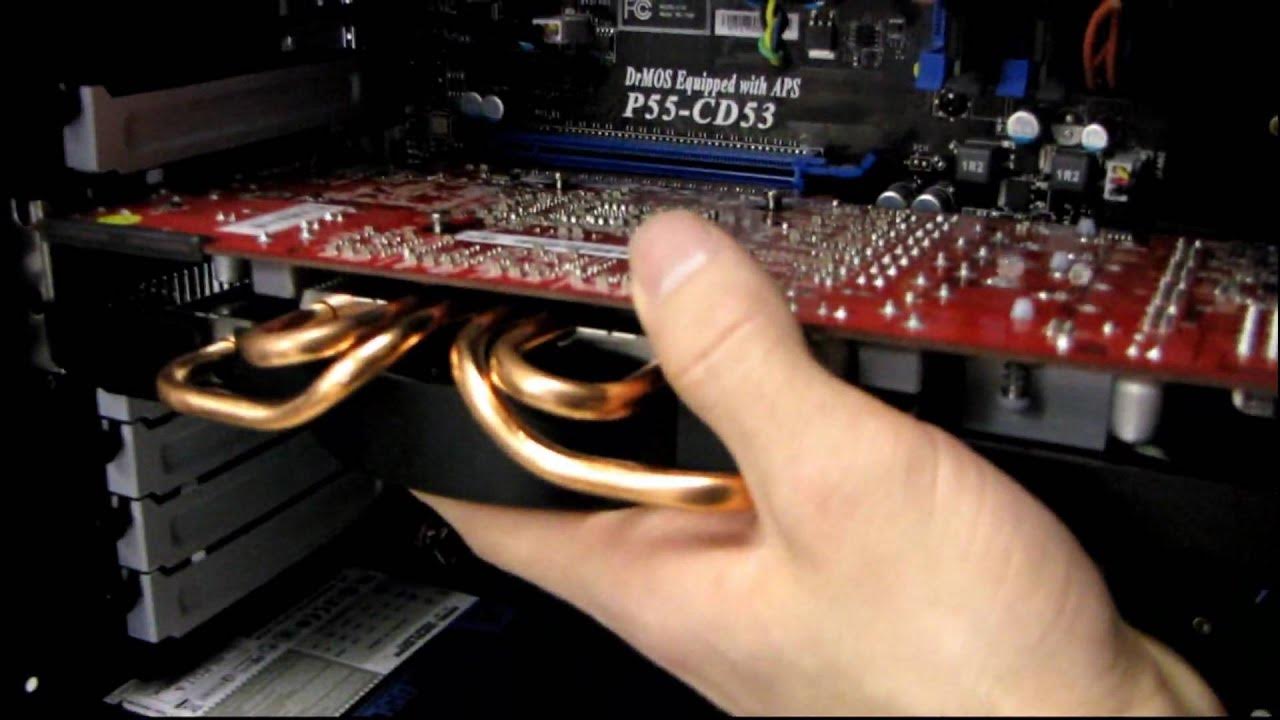
Quick Radeon HD 5800 Series Video Card Installation Video Linus Tech Tips
0 up · 0 down · 0 ratings
Description
My customer care department at work asked me to do a quick video on this, so here it is!
This video provides a concise, hands-on guide to installing an AMD Radeon HD 5800 series video card, prompted by issues observed with shipping and mounting heavy coolers in some systems. The host explains the potential strain placed on PCI Express slots when a large graphics card is weighed by its cooler, which can lead to damage, and frames the video as a quick, customer-ready setup tutorial. The installation steps are described clearly: start by ensuring the card lines up with a PCI Express 16x slot, then seat the fingers of the card into the slot with a firm press. After that, secure the card with the appropriate screws, using thumb screws if the case supports them or a screwdriver otherwise to fasten the top IO plate screws. The host also highlights the relatively vulnerable mounting method, noting the loose fit once the screws and plastic clip are in place and the importance of the power connectors, which must be seated firmly until the clips snuggly engage the card. The guide finishes with a recap and a mention of the specific card used in the tutorial, a PowerColor HD 5830, to show the process in a real example. Overall, the video emphasizes proper alignment, secure mounting, and correct power connection as key steps to a successful installation, with practical tips for packaging and shipping considerations in professional environments.
Topics · hardware · computer_hardware · video_card_installation · tech_tips
Questions answered
- What is the recommended PCI Express slot type for the Radeon HD 5800 series installation?
- Use a PCI Express 16x slot.