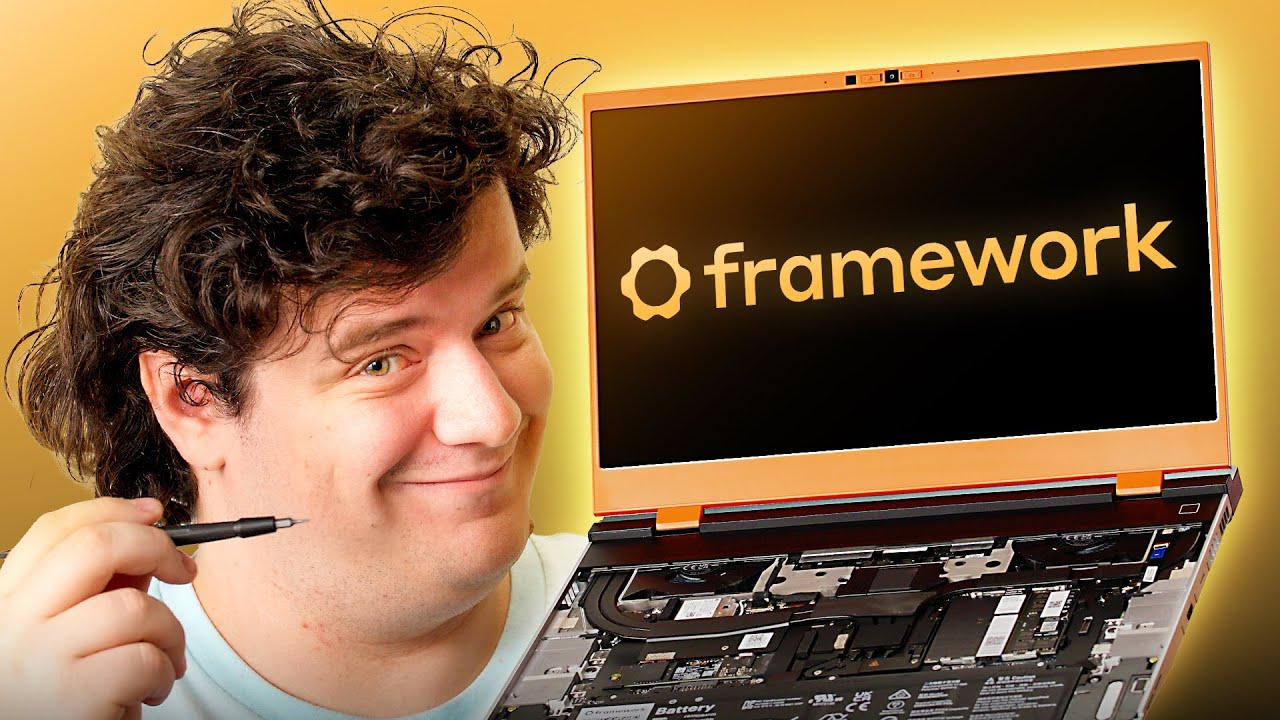
I can FINALLY Upgrade the GPU on My Laptop! - Framework Laptop 16 (2025)
0 up · 0 down · 0 ratings
Description
Upgrade your setup’s connectivity with StarTech.com’s new 140W Triple-Monitor USB-C Docking Station today using our link: lmg.gg Framework is back with the next generation of their repairable and upgradeable laptop, and Elijah's ready to
check out its modular 5070 to see if it's worth upgrading your last-gen Framework 16 or buying it all new.
Promos
Check out the all new Framework Laptop 16: lmg.gg Want us to unbox something? Make a suggestion at lmg.gg ► GET MERCH: lttstore.com ► GET A VPN: piavpn.com ► GET EXCLUSIVE CONTENT ON FLOATPLANE: lmg.gg ► SPONSORS, AFFILIATES, AND PARTNERS: lmg.gg Purchases made through some store links may provide some compensation to Linus Media Group. Affiliate links powered in part by affilimate.com Linus Sebastian is an investor in Framework Computer, Inc CHAPTERS --------------------------------------------------- 0:00 Framework delivers on Gen 2 0:21 Unboxing and assembly 7:40 Build quality and design impressions 8:52 Sponsor 9:46 Screen and system specs 12:02 LABS display test results and speaker impressions 14:06 Cyberpunk gameplay and LABS performance test results 16:01 Fan noise and LABS battery test results 17:01 Webcam/mic impressions and changing the LED matrix 18:06 Overall thoughts and pricing Outro
The video opens with an enthusiastic exploration of Framework's second generation Framework Laptop 16, emphasizing its modular, upgradeable design and the ability to upgrade the GPU, even in last year’s model. The host unboxes the device, shows the accessories, spacers, IO modules, and the new 240W power adapter, and explains how the IO layout must align with the manual for optimal power distribution. He then proceeds to install memory and storage, describes the cooling system and a newly designed internal layout, and demonstrates key build steps like reconnecting cables and attaching the keyboard, trackpad, and LED matrix. The reviewer highlights the display options, the open-source LED control library, and the LED matrix customization while noting some ergonomic quirks and the overall build quality, including the keyboard feel and potential gaps between spacers. After assembling, he boots the system, runs through BIOS and driver updates, and tests the GPU upgrade to a mobile AMD Radeon 5070, explaining how Advanced Optimus and the new display are required for best performance. He performs initial lab-style testing and gaming benchmarks, comparing against the old GPU and noting frame rates, fan noise, battery life, and thermals. The video shifts to gaming tests with Cyberpunk and other titles, detailing average FPS, 1% lows, and how the 5070 upgrade affects performance on the laptop, while also commenting on display color accuracy and speaker quality. The host wraps up with final impressions, pricing considerations, and a candid verdict on whether this upgrade path is worth the cost for most users, suggesting it is ideal for existing Framework customers while acknowledging that the overall price remains steep. In closing, he reinforces the upgrade narrative for Framework fans, discusses BIOS and driver prerequisites, and invites viewers to share opinions on the product’s value and future upgrade potential.
Topics · technology · hardware · laptops · gaming · reviews
Questions answered
- What GPU upgrade does the Framework Laptop 16 support and how does it affect performance?
- The Framework Laptop 16 supports a mobile AMD Radeon 5070 GPU, which upgrades gaming performance compared to the prior GPU. In benchmarks like Cyberpunk, the 5070 upgrade yields a higher average FPS (around 128 FPS in their tests) and improved overall gaming capabilities, though exact gains depend on the game and settings.
- What are the prerequisites to upgrade the GPU on an older Framework laptop?
- To upgrade an older Framework 16 with the newGPU, you must ensure you have the proper second version of the display, update the BIOS, and install the correct drivers for the 5070 to enable Advanced Optimus and full efficiency.