Intel LGA1366 Core i7 & Extreme Edition CPU Installation Tutorial Guide Walkthrough Linus Tech Tips
0 up · 0 down · 0 ratings
Description
Finally got around to doing one for LGA1366. Sorry this took so long.
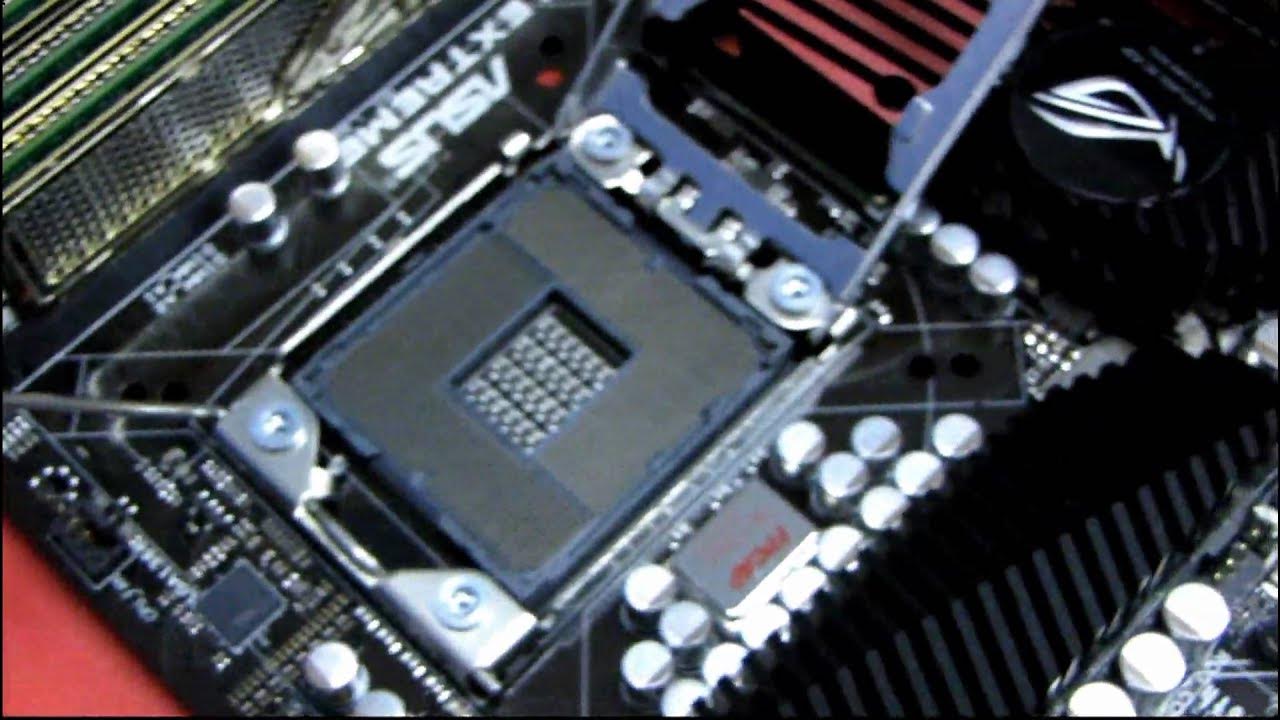
This installation guide walks through the precise steps to install an Intel LGA1366 Core i7 CPU in an X58 platform motherboard, demonstrated on an Asus Rampage 3 Extreme. The host begins by showcasing the socket protector cover and explains why the pins are fragile, emphasizing careful handling to avoid bending or damaging them. The steps include unlocking the socket lever, removing the protective cover, and correctly aligning the CPU with the two notches in the socket. The presenter stresses looking directly at the socket rather than at a camera to ensure proper alignment, and he performs a cautious wiggle test to confirm the CPU is seated evenly before securing the heatsink and locking the socket lever. The process highlights how the socket uses two contact points to hold the CPU in place and notes the need for some force to lock the lever under the hook. The walkthrough concludes with a reminder about handling delicate components and a call to subscribe for more hardware tutorials, updates, and unboxings. Overall, the video serves as a practical, step-by-step reference for first-time LGA1366 CPU installation, emphasizing patience, precision, and proper hardware protection throughout the procedure.
Topics · hardware · computer-assembly · cpu-installation · linus-tech-tips
Questions answered
- What socket and motherboard are demonstrated in this tutorial, and what CPU is being installed?
- The tutorial demonstrates installing an Intel LGA1366 CPU on an X58 platform motherboard, specifically the Asus Rampage 3 Extreme, using an Intel Core i7 processor.
- What is the correct method to prepare the socket before CPU installation?
- First, push down and pull away the socket lever to loosen the locking mechanism, then remove the protective cover to expose the pins.
- How should the CPU be aligned with the socket notches, and what check should be performed before securing?
- Line up the two notches on the CPU with the two notches in the socket, insert with careful alignment, and give the CPU a gentle wiggle to ensure it sits squarely before securing the lever and cover.