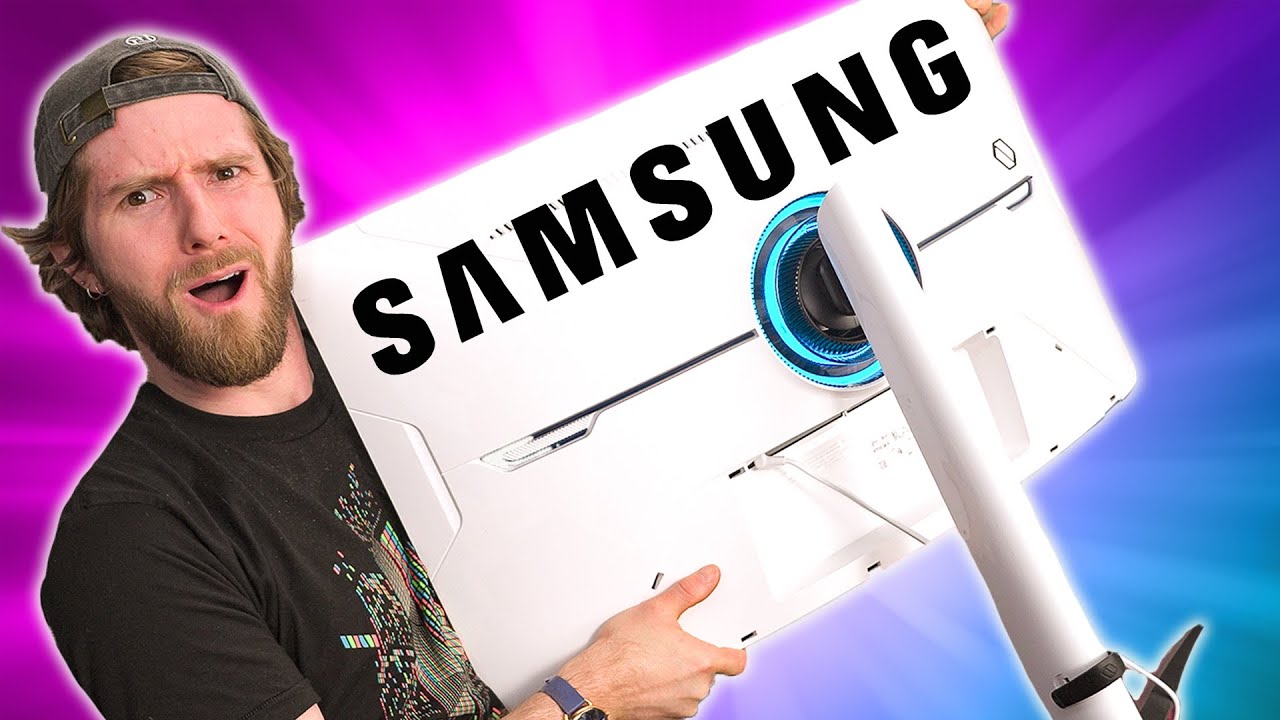
Time to get more money! - Samsung Odyssey Neo G8 Monitor
0 up · 0 down · 0 ratings
Description
Thanks to Samsung for sponsoring this video! Learn more about the Samsung Odyssey 32" G85NB Gaming Monitor at displaysolutions.samsung.com Samsung sent over their new Samsung Odyssey Neo G8 for Linus to
Promos
check out and it is impressive, but is there even a computer that can take advantage of its high specs? Want us to unbox something specifically for a video? Make a suggestion at lmg.gg ► GET MERCH: lttstore.com ► AFFILIATES, SPONSORS & REFERRALS: lmg.gg ► PODCAST GEAR: lmg.gg ► SUPPORT US ON FLOATPLANE: floatplane.com FOLLOW US ELSEWHERE --------------------------------------------------- Twitter: twitter.com Instagram: @shortcircuityt TikTok: @linustech Facebook: @ShortCircuitYT CHAPTERS --------------------------------------------------- 0:00 Truly mesmerizing 0:18 Unboxing and specs 1:04 Aesthetics and ports 1:50 Simple install 2:09 Testing swivel/tilt/pivot/height adjustments 2:33 Andy loses it 2:51 Setting up 4k 240hz 3:34 Checking out the monitor settings 5:07 This baby gets BRIGHT! 6:16 Time to game! 6:40 Gaming impressions - Shadow of the Tomb Raider 7:53 Gaming impressions - DOOM Eternal 8:50 Gaming impressions - Forza Horizon 5 9:48 Testing smart input switching 10:51 Final thoughts 11:12 Outro
The Samsung Odyssey Neo G8 is introduced as a high end gaming monitor boasting 32 inches of curved display, a 1000R curvature, 4K resolution and a claimed 240 Hz refresh capability, along with a mini LED backlight and over 1100 local dimming zones. The host walks through unboxing, installation, and the physical features, highlighting the slim aesthetic, RGB accents, and the array of inputs including DisplayPort, two HDMI ports with smart input switching, and a built in USB hub. Setup is described as straightforward, with a sturdy supplied stand and the option to mount via VESA for ergonomic flexibility, including height, tilt, swivel and pivot adjustments. The video then dives into display settings, confirming adaptive sync support via FreeSync Premium and G-SYNC compatibility, and discusses the limitations around achieving 240 Hz at 4K, while exploring the device’s on screen display to tweak brightness, color profiles and local dimming behavior. The host emphasizes the exceptional brightness and contrast, noting a peak brightness claim around HDR 2000 nits and the impact of full array local dimming on image quality, as well as the feature to adjust the wall lighting to match content through Core Sync and an ambient lighting aesthetic. As the test progresses, the monitor’s performance in real games is showcased with titles like Shadow of the Tomb Raider, Doom Eternal and Forza Horizon 5, describing vivid visuals, sharp cursor rendering, minimal haloing, and the overall sense that the monitor can deliver a noticeably upgraded experience compared to prior displays. The review also covers practicalities like auto input switching, the necessity of a high bandwidth connection for 4K 240 Hz, and the potential cost implications, framing the Neo G8 as a premium option that requires corresponding GPU power and budget, while acknowledging its compelling visuals, HDR depth, and gaming fluidity. In closing, the video reiterates Samsung’s sponsorship and teases the G8 release timeline, inviting viewers to learn more via the sponsor link and to consider whether their hardware and wallet align with this top tier gaming monitor. The overall takeaway is that the Odyssey Neo G8 can deliver extraordinary brightness, contrast and motion performance, but the practical realities of 4K 240 Hz gaming and the price mean it will be a fit for enthusiasts with strong GPU resources and a willingness to invest in a premium display experience.
Topics · hardware · gaming · display technology · product reviews
Questions answered
- Does the Samsung Odyssey Neo G8 support 4K at 240 Hz out of the box, and what are the limitations?
- The monitor supports 4K with high bandwidth and adaptive sync, but achieving a true 240 Hz refresh at 4K is not straightforward and may require specific configurations and GPU capability; the panel can be configured for high refresh in practice but may be limited by bandwidth and overclocking options.
- What comes included in the package and what mounting options are available for the Neo G8?
- The box includes the monitor, a stand with height, swivel, tilt and pivot adjustments, and a VESA mounting bracket for wall or arm mounting; it also offers USB hub ports and two HDMI ports with smart input switching along with a DisplayPort input.