ASUS Rampage III Extreme Lights - This Thing is Blingtastic Linus Tech Tips
0 up · 0 down · 0 ratings
Description
Cameraman was pretty impressed by the LEDs and indicator lights on the Rampage III Extreme and told me I should do a quick video on that.
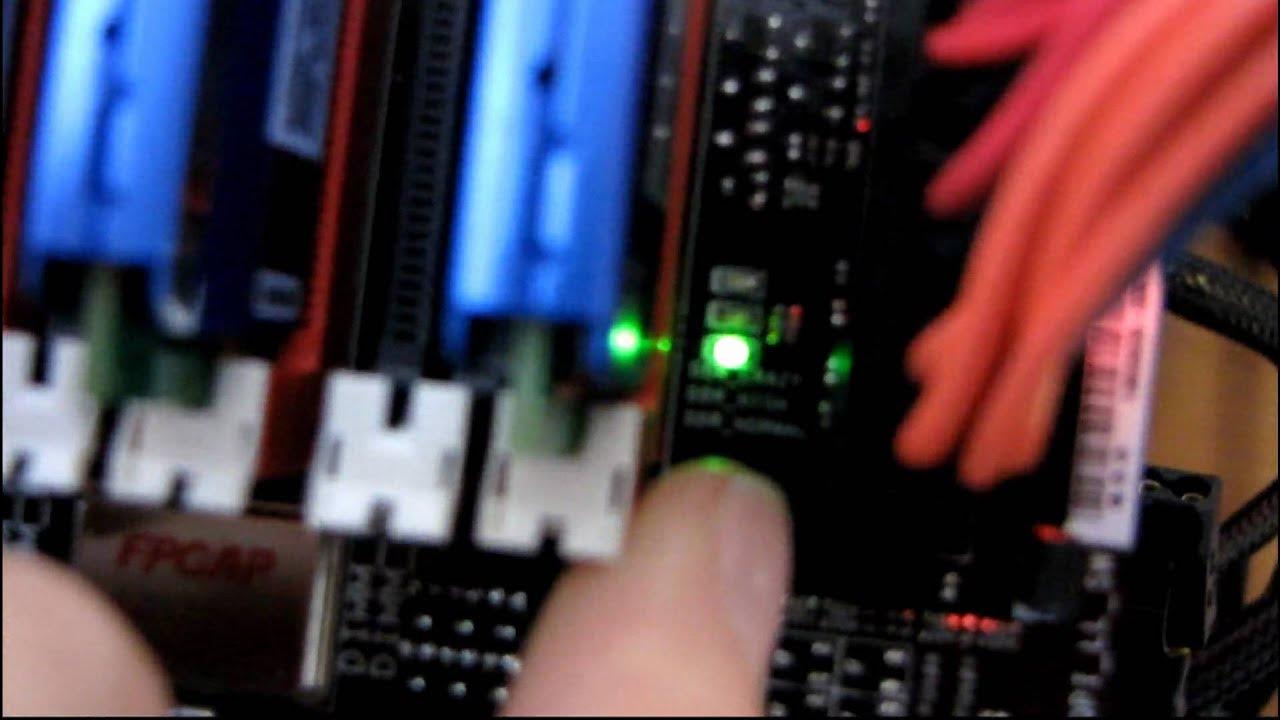
The video provides a concise tour of the ASUS Rampage III Extreme motherboard focusing on its distinctive LED lighting and indicator features. Linus plugs in the necessary cables, including the eight-pin power connector, to demonstrate that the Republic of Gamers logo glows even with the system off. He highlights the quick post test sequence that lights up CPU, RAM, VGA, and produces a beep code when no video card is present. A key feature shown is the RAM voltage indicator, which changes its LED color as voltage increases, along with similar indicators for the Southbridge, NorthBridge, and CPU voltage, giving a visual readout of hardware states during operation. The board also supports dual BIOS profiles, with LEDs that indicate which BIOS chip is active, enabling easy switching between profiles for overclocking or testing. Linus concludes with a quick assessment of the lighting as both a visual and functional aid, noting that a few LEDs do not pulsate when the system is powered on and inviting viewers to subscribe for more content.
Topics · hardware · pc-motherboard · overclocking · rgb-lighting · linus-tech-tips
Questions answered
- What does the RAM voltage indicator on the Rampage III Extreme show?
- The RAM voltage indicator shows the current RAM voltage level, moving its LED up as the voltage increases.
- Can the Rampage III Extreme boot from two different BIOS profiles?
- Yes, the motherboard supports two separate BIOS profiles and can boot from either one depending on which BIOS chip is selected.