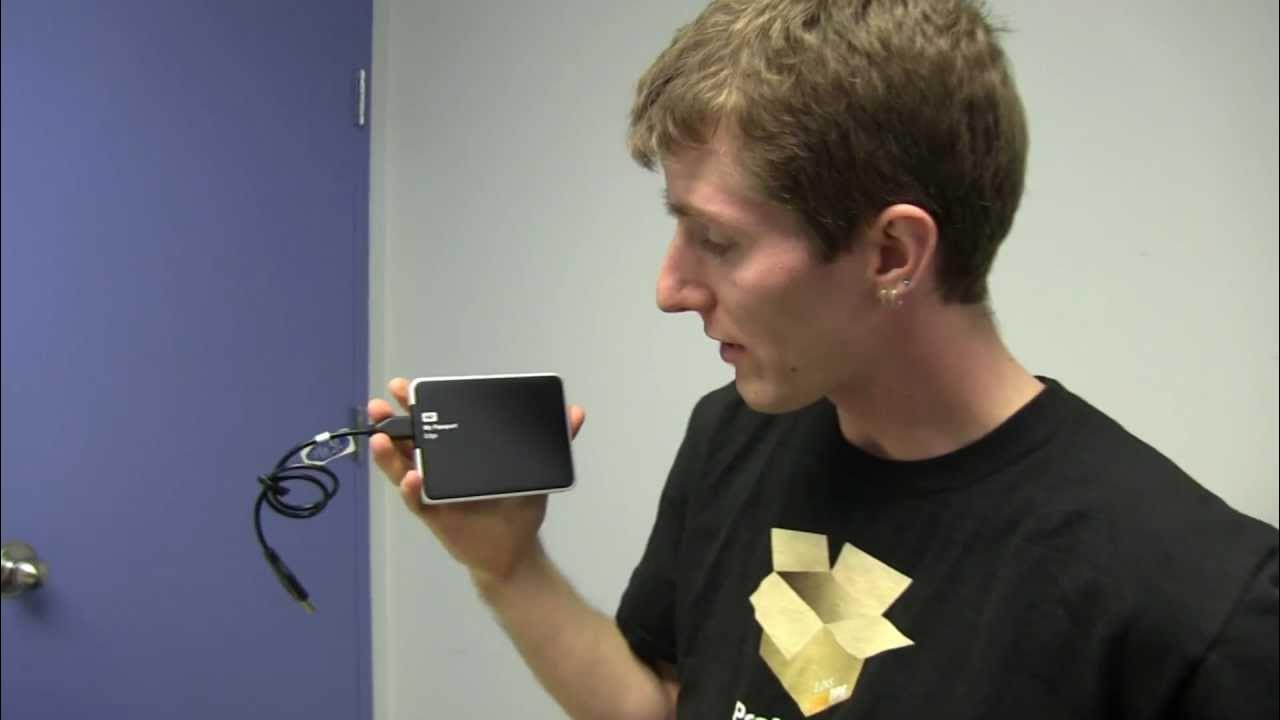
Western Digital WD Passport Edge for Mac USB3 Hard Drive Unboxing & First Look Linus Tech Tips
0 up · 0 down · 0 ratings
Description
Why do the Apple folks always get the good stuff?!?! CA: ncix.com US: us.ncix.com
This unboxing and first look video presents the Western Digital WD Passport Edge for Mac USB3 hard drive. The host introduces the product and walks through the packaging contents, noting the USB cable, WD security utilities, and a quick install guide. He highlights the drive’s Mac-oriented formatting, which is HFS Plus Journaled, and mentions that Windows users would need to reformat for compatibility, while also pointing out that Time Machine backup is supported on Mac. The video contrasts the Apple-branded Mac version with the NTFS-formatted PC version, praising the aluminum, two-tone metal enclosure and the slim, premium build. He discusses key features like hardware encryption with password protection, USB 3.0 interface, and cross-compatibility with PCs when reformatted, while humorously venting about Apple’s product branding versus PC aesthetics. Throughout the segment he emphasizes design and build quality, the practicalities of backing up both Mac and PC, and the product’s portability and security. The unboxing wraps with a quick reminder to subscribe for more Linus Tech Tips content, and a closing recap of the drive’s materials, finish, and included accessories. The overall takeaway is that the WD Passport Edge offers a sturdy, stylish exterior with strong Mac compatibility and optional PC usability, delivered with Linus’s characteristic blend of humor and detailed critique.
Topics · hardware · unboxing and review · consumer electronics · mac compatibility · storage devices · usb 3.0
Questions answered
- Can the WD Passport Edge for Mac be used with a Windows PC without reformatting?
- Yes, the drive can be used with a Windows PC after reformatting to a Windows filesystem such as NTFS.
- Is Time Machine backup supported on this drive?
- Yes, Time Machine backups are supported on Mac when using the WD Passport Edge formatted for Mac.
- Does this drive offer hardware encryption and password protection?
- Yes, it includes hardware encryption with password protection to keep data private.