Personal Rig Update 2012 Part 13 FINAL ASSEMBLY HAS BEGUN Linus Tech Tips
0 up · 0 down · 0 ratings
Description
The personal rig will be coming to life hopefully within the next week or so. I'm trying to find 30-60 minutes to work on it every couple of days. Also for you college educated folks who notice that it is no longer 2012, I know. The series is called "Personal Rig Update 2012", so I won't be changing the title of the series in spite of the calendar's nasty tendency to change numbers on me...
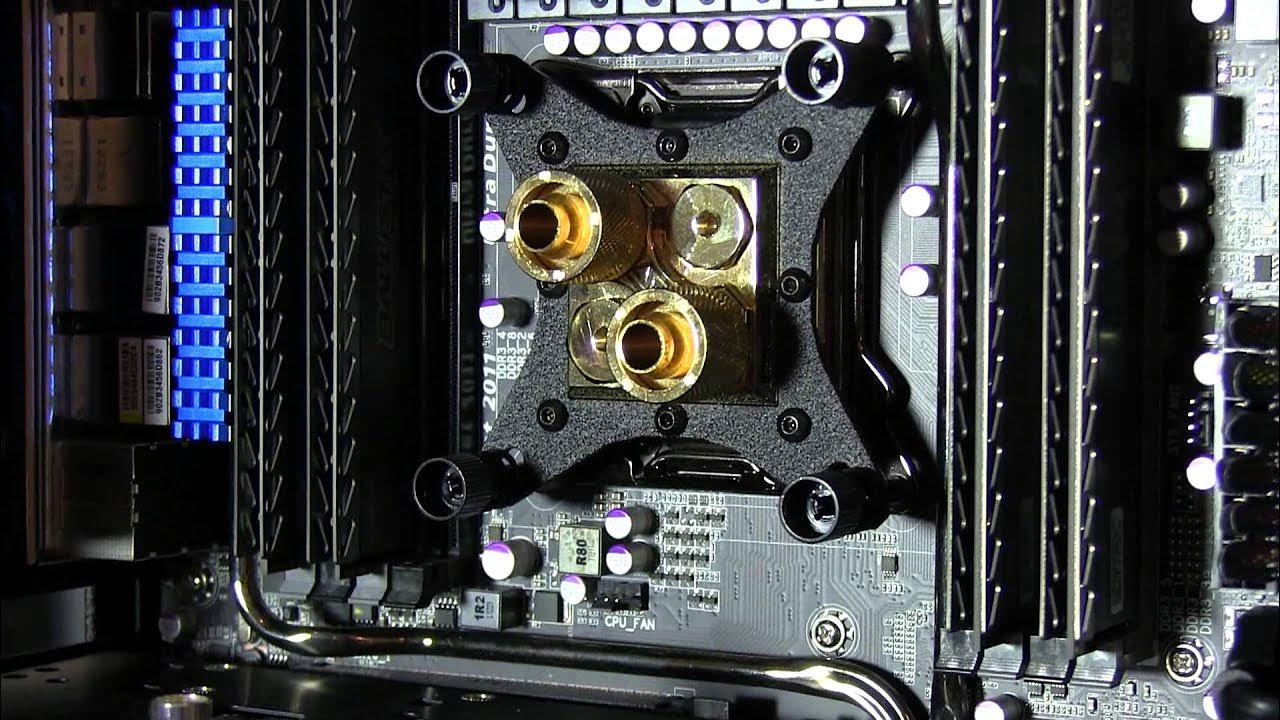
This video documents the ongoing assembly of Linus Tech Tips' Personal Rig Update 2012, Part 13, focusing on final assembly preparations and meticulous cable management. Linus walks through the setup space, showcasing the Mountain Mods case with a black wrinkle finish and discussing cosmetic imperfections he accepts given the cost of re-coating. He inventories parts scattered around the work area, including a dual 120 radiator, a quad radiator, a high-end pump, sleeved cables, and various adapters, explaining which components will be used where in the build. A key emphasis is on cleaner cable presentation, with Linus demonstrating two-wire-per-sleeve cabling for all connections and detailing the clean routing behind the motherboard tray. He also outlines where the cooling components will reside, noting the pump in the basement and the radiator placements for the front and bottom of the chassis, as well as the future plans for M.2/SSD storage, SATA power distribution, and PCI-Express cable routing. Throughout, he discusses the design philosophy of minimizing visible wiring, using custom sleeving, and preparing for a sophisticated lighting scheme that will highlight the T virus reservoir and UV-reactive tubing. The video also covers practical steps like flushing and cleaning the loop components with vinegar and distilled water, planning LED placement to avoid glare, and coordinating a focus on UV blue lighting for a cohesive visual aesthetic. By the end, Linus frames the project as a highly personal, long-term build that will require careful execution, with the final hardware configuration and lighting plan still evolving as he enters the final assembly phase. He closes with a nod to future updates and a reminder to subscribe for more detailed build logs, unboxings, and reviews.
Topics · technology · computing · hardware · pc-builds · modding · diy · lifestyle
Questions answered
- What are the main cooling components planned for the build and where will they be installed?
- The build uses dual and quad radiators with a pump mounted in the basement, and the plan is to place the front and bottom radiators in the case. The loop will be cleaned and tested on the kitchen counter before final installation.
- What is the purpose of the T Balancer in this build?
- The T Balancer is used to control all of the system fans automatically via USB, coordinating cooling based on temperature sensors so the fans respond to the CPU/GPU area and the overall chassis temperatures.
- How does Linus approach cable sleeving and assembly for this rig?
- Linus sleeves two wires per cable for a cleaner look, routes cables behind the motherboard tray, and aims to minimize visible cabling by using clean connections and careful routing, including custom sleeved four-pin Molex connections and strategic management of power and data lines.