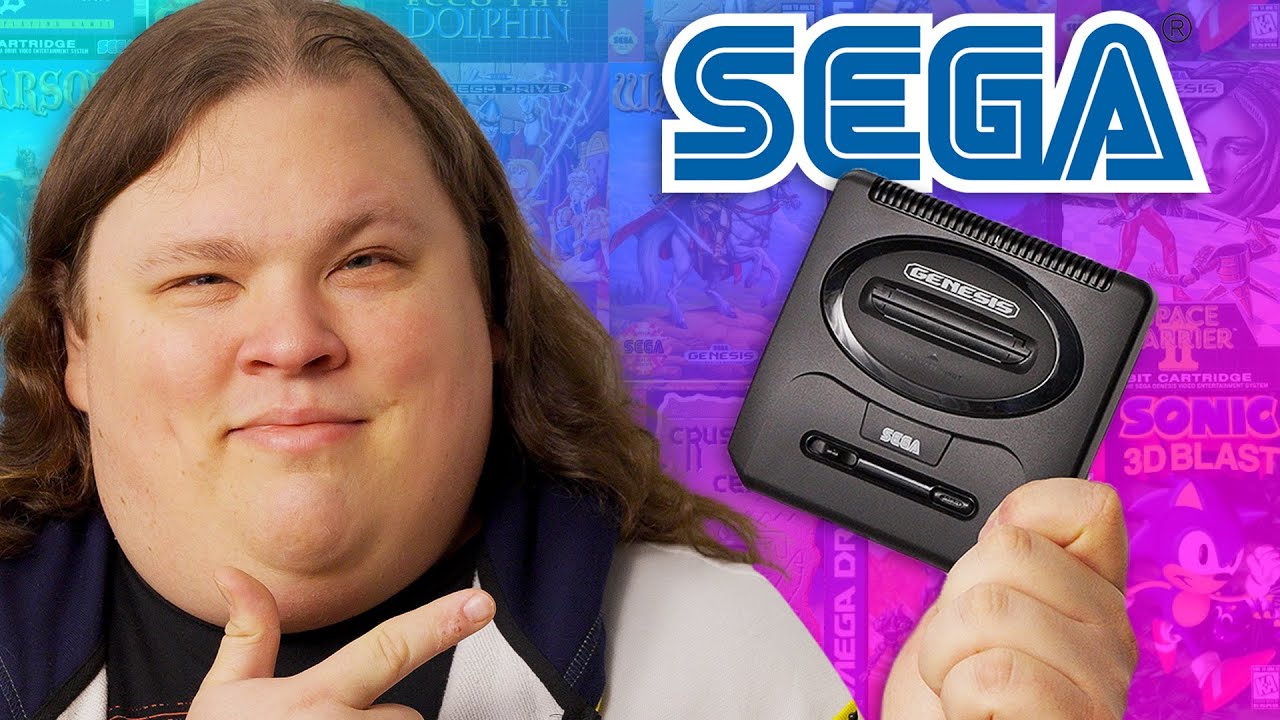
This makes me happy - Sega Genesis Mini 2
0 up · 0 down · 0 ratings
Promos
Get 20% off your order and free standard shipping on order over $65 with code CELEBRATE at ifixit.com Anthony is a Sega kid, so we got in the new Sega Genesis Mini 2 for him to take a look at. Is it a worthy successor, or should you stick to the original hardware? Buy a Sega Genesis Mini 2: geni.us Purchases made through some store links may provide some compensation to Linus Media Group. Want us to unbox something? Make a suggestion at lmg.gg ► SUBSCRIBE ON FLOATPLANE: floatplane.com ► GET MERCH: lttstore.com ► AFFILIATES, SPONSORS & REFERRALS: lmg.gg ► PODCAST GEAR: lmg.gg ► SUPPORT US ON FLOATPLANE: floatplane.com FOLLOW US ELSEWHERE --------------------------------------------------- Twitter: twitter.com Instagram: @shortcircuityt TikTok: @linustech Facebook: @ShortCircuitYT CHAPTERS --------------------------------------------------- 0:00 Awww 0:30 Comparison to the Mini 1 1:07 Included games 1:33 Unboxing 2:24 Checking out the console 3:52 Sponsor - iFixit 4:25 This thing is LIGHT 4:43 Powering it up and checking out settings 6:22 Playing Ecco the Dolphin and CRT filter comparison 7:57 Playing Lightning Force and trying Highspeed mode 9:11 Thoughts on included games 10:44 Teardown 12:00 Overall thoughts 12:25 Outro
This video presents a thorough hands-on look at the Sega Genesis Mini 2, focusing on how it fits into the legacy of the Genesis line while examining its design, features, and game library. The host immediately emphasizes the small footprint and the visual appeal of the Mini 2, noting its more compact form compared to previous models and the anticipation surrounding its unboxing. He walks viewers through the included hardware: the single six-button controller, the USB power cable, HDMI output, and the front-facing USB ports that echo the original console’s layout. Throughout the segment, there is a strong emphasis on build quality, weight, and the tactile feel of the controller, paired with a practical discussion of the device’s setup and power requirements. The video then shifts to on-screen menu navigation, where the host explores the settings, language options, display scaling choices, and the available CRT-like visual enhancements, including CRT line scans and a subtle blur that better mimics classic display output. He also highlights a few artistic touches, such as the warm versus crunchy sound profile and the ability to customize the wallpaper to resemble a vintage TV look. The core of the video centers on gameplay demonstrations, with Ecco the Dolphin and Thunder Force 4 (Lightning Force) used to illustrate the impact of Highspeed mode and the differences between original and emulated performance, including how certain games manage slowdown and sprite density. In his final evaluation, the host argues that the Genesis Mini 2 represents a more representative snapshot of the overall Genesis library, while acknowledging trade-offs like the absence of certain Sonic titles and the continued challenge of expanding the game catalog, especially compared to the Mini 1. The video closes with a teardown and a candid assessment of the device as a shelf-worthy collector’s item, underscored by a positive overall impression and a hopeful eye toward future hardware iterations or hacks that could broaden the library.
Topics · Gaming · Retro Gaming · Hardware Unboxing · Technology Review · Retro Console · Video Games
Questions answered
- What distinguishes the Sega Genesis Mini 2 from the Mini 1 in terms of hardware and design?
- The Mini 2 is smaller and lighter, includes a single six-button controller (whereas the Mini 1 used to ship with a smaller three-button controller), and continues a similar but refined hardware approach with HDMI output and USB power. The package also emphasizes a more solid build for the controller and an interface that closely mirrors the original Genesis user experience, with improved display options and settings.
- What gameplay features does the host highlight when testing Ecco the Dolphin and Lightning Force on the Mini 2?
- For Ecco the Dolphin, the host notes high visual fidelity and the CRT-like options that improve color and dithering, with an emphasis on accurate rendering of the game's atmosphere. For Lightning Force, he explores Highspeed mode to reduce slowdown, allowing more consistent sprite handling and smoother gameplay, which is particularly noticeable in action-heavy sections.