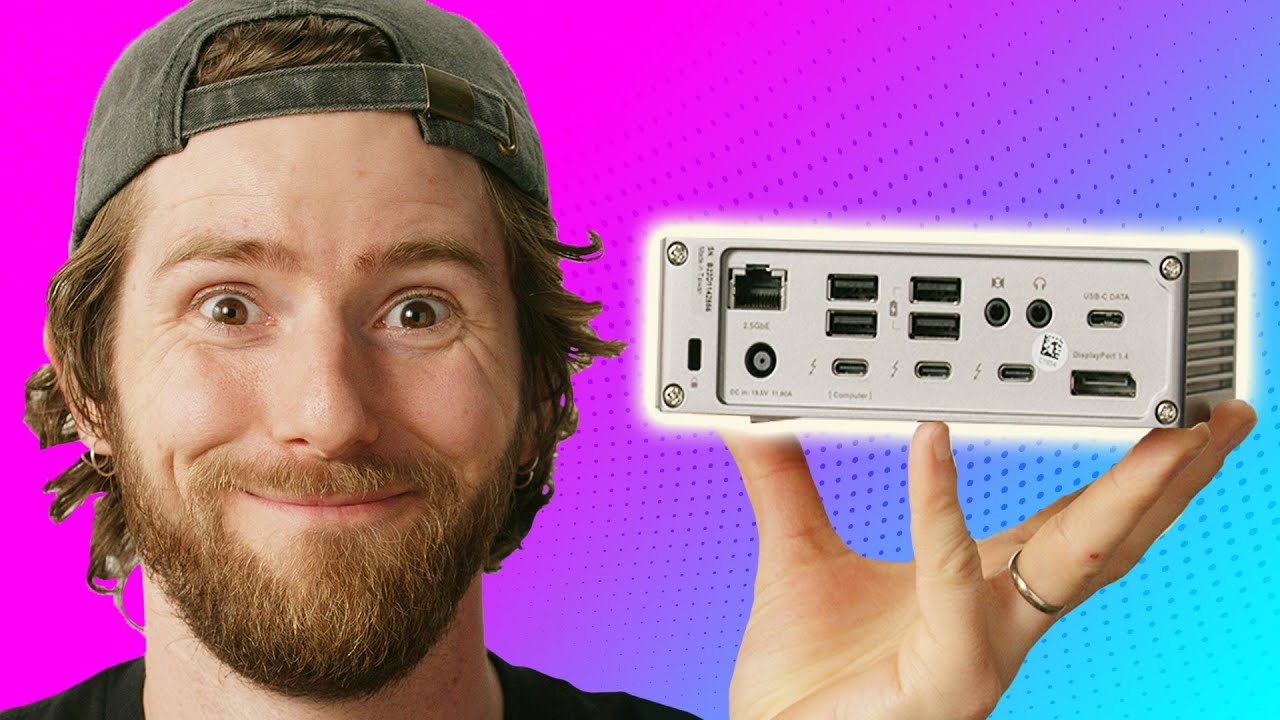
I stole it. - Caldigit TS4 Dock and Element Hub
0 up · 0 down · 0 ratings
Description
Thanks to CalDigit for sponsoring this video! Learn more bout CalDigit's Thunderbolt 4 docks at: TS4: caldigit.com Element Hub: caldigit.com Purchase TS4: CalDigit: caldigit.com Amazon US: amazon.com Amazon UK: amazon.co.uk Purchase Element Hub: CalDigit: caldigit.com Amazon US: amazon.com Amazon UK: amazon.co.uk Purchases made through some store links may provide some compensation to Linus Media Group. The USB-C and Thunderbolt hub market is HUGE due to laptops having fewer ports to make them more compact, so Caldigit sent over a few of their hubs for us to
Promos
check out. Want us to unbox something specifically for a video? Make a suggestion at lmg.gg ► GET MERCH: lttstore.com ► AFFILIATES, SPONSORS & REFERRALS: lmg.gg ► PODCAST GEAR: lmg.gg ► SUPPORT US ON FLOATPLANE: floatplane.com FOLLOW US ELSEWHERE --------------------------------------------------- Twitter: twitter.com Instagram: @shortcircuityt TikTok: @linustech Facebook: @ShortCircuitYT CHAPTERS --------------------------------------------------- 0:00 Intro 0:18 TS4 Unboxing 0:53 *groan* 1:14 Included accessories 1:56 WHY. 2:29 This is what makes the TS4 great 4:25 Other adapters 5:16 Trying it out! 5:50 Why 2.5Gb ethernet matters 8:01 I'm taking this home! 8:32 Unboxing the Element Hub 9:57 Trying it out 10:34 Conclusion 10:47 Outro
The video opens with a light, humorous intro and immediately dives into the two CalDigit Thunderbolt docks: the TS4 Dock and the Element Hub. The host outlines the sheer footprint and power capabilities of the TS4, highlighting its 18 ports and a total power delivery of 98 watts to the connected computer plus 20 watts for charging from the front USB-C port, all driven by a hefty 200 watt brick. He emphasizes the practical value of many ports, including front-facing SD and micro SD card slots, a 2.5 Gb Ethernet option on the back, and multiple USB-A and USB-C connections, as well as the ability to drive multiple high-resolution displays. The teardown includes a quick note on the physical design, such as the option to lay the unit flat or stand it up with silicone feet, and a demonstration of cable management with the dock mounted on the desk for cleaner wiring. He then tests the front ports for reliability and discusses the implications of two-and-a-half gigabit Ethernet for faster network transfers, especially useful for working with NAS or editing large files from network storage. The segment wraps with practical demonstrations on display outputs, showing how to adapt HDMI and DisplayPort connections to drive dual displays, and a candid acknowledgement that some Mac-specific display limitations are not dockable by CalDigit’s hardware alone, but can be mitigated via adapters. The conclusion underscores the TS4 as a premium, feature-rich dock aimed at professionals who need robust IO, with the Element Hub introduced as a smaller, portable alternative that still delivers Thunderbolt connectivity, while acknowledging the price difference between the two models. The host teases taking the TS4 home for personal use, praising its front-facing port layout and how it improves cable management over previous docking solutions. Finally the video reinforces the sponsor message and invites viewers to explore CalDigit's TS4 and Element Hub product pages for more details and purchasing options.
Topics · technology · hardware · computer-peripherals · reviews
Questions answered
- What is the maximum power brick rating for the TS4 Thunderbolt Dock and what does it provide to connected devices?
- The TS4 uses a 200 watt power brick and provides up to 98 watts to the connected computer plus 20 watts of charging from the front USB-C port.
- Can the Element Hub operate without external power, and why?
- No, the Element Hub requires external power to operate because it needs power delivery for all connected devices and to drive multiple Thunderbolt ports.
- What are the key front and back port configurations on the TS4 and how do they support displays and networking?
- Front ports include SD and micro SD card readers, a 20 watt fast charger for a phone, and a USB-A port; back ports include two Thunderbolt ports, two USB-C ports, DisplayPort 1.4, a 2.5 Gb Ethernet, a headphone line-in, and additional USB-A ports for high-speed connections and multi-display setups.