Why Does Your Internet Connection Randomly Stop Working?
0 up · 0 down · 0 ratings
Promos
Ever wonder why your Wi-Fi suddenly cuts out without warning? Freshbooks message: Head over to freshbooks.com and don’t forget to enter Tech Quickie in the “How Did You Hear About Us” section when signing up for your free trial. Buy Gaming Router On Amazon (Paid Link): geni.us On Newegg (Paid Link): geni.us On Walmart (Paid Link): geni.us Purchases made through some store links may provide some compensation to Linus Media Group. Techquickie Merch Store: designbyhumans.com Techquickie Movie Poster: shop.crowdmade.com Leave a comment with your requests for future episodes, or tweet them here: twitter.com Follow: twitter.com Join the community: linustechtips.com License for image used: creativecommons.org
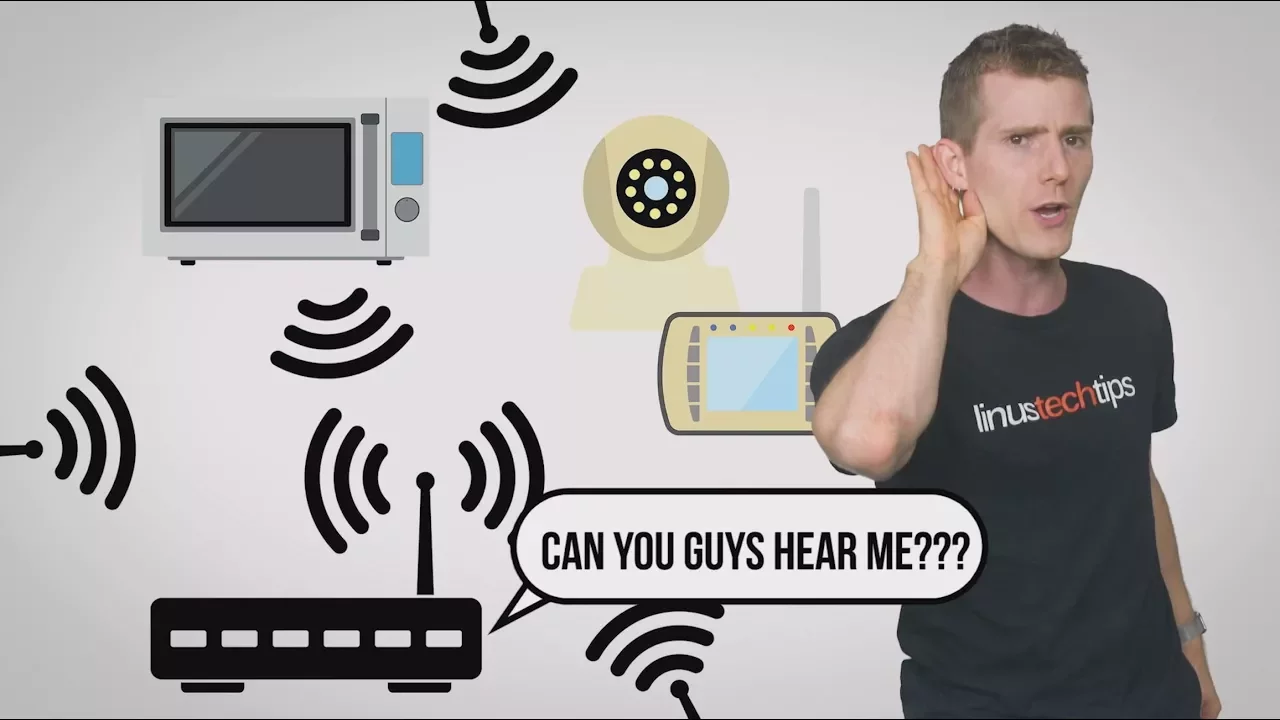
The video explains why home internet connections seem to stop working without warning, breaking down the problem into several practical layers. It starts by framing the router as more than a simple box, highlighting that it contains a CPU, memory, and other components that manage data flow across all connected devices. The host explains how overloads can occur when multiple tasks demand bandwidth, such as streaming, gaming, and intensive browsing, causing slowdowns or brief outages as the router struggles to keep up. It then dives into Dynamic IP addressing, describing how ISPs assign temporary addresses and how a busy router might fail to latch onto a new IP, effectively leaving traffic searching for a destination much like sending mail to an old address. The explanation continues with common physical causes, including overheating from poor ventilation due to crowded desks or blocked vents, which can cause intermittent connectivity. The narrative then shifts to radio interference on the Wi-Fi side, especially on the 2.4 GHz band crowded by household devices, and suggests practical steps like checking the channel, moving to the 5 GHz band if available, and inspecting router placement to improve reception. The host also covers software factors, noting that buggy firmware can cause disconnects and that firmware updates can fix these issues. Finally, the video provides a concise set of user-friendly remedies and ends with a light tip about stress management while maintaining productivity, tying back to FreshBooks and the value of reliable connectivity for freelancers and small business owners.
Topics · Technology · Internet & Networking · How-To & Troubleshooting · Home Networking
Questions answered
- What is a Dynamic IP address and why can it cause disconnects at home?
- A Dynamic IP address is a temporary address assigned by your ISP to route traffic to your devices. If the router becomes busy and fails to latch onto a new IP after the lease expires, it may continue trying to reach the old address, leading to perceived disconnects until the router refreshes its connection.
- What are practical steps to reduce Wi-Fi interference on the 2.4 GHz band?
- Move devices away from sources of interference, check and change the Wi-Fi channel to a less crowded one, and switch to the 5 GHz band if both the router and devices support it, as it typically offers faster speeds and more channels.