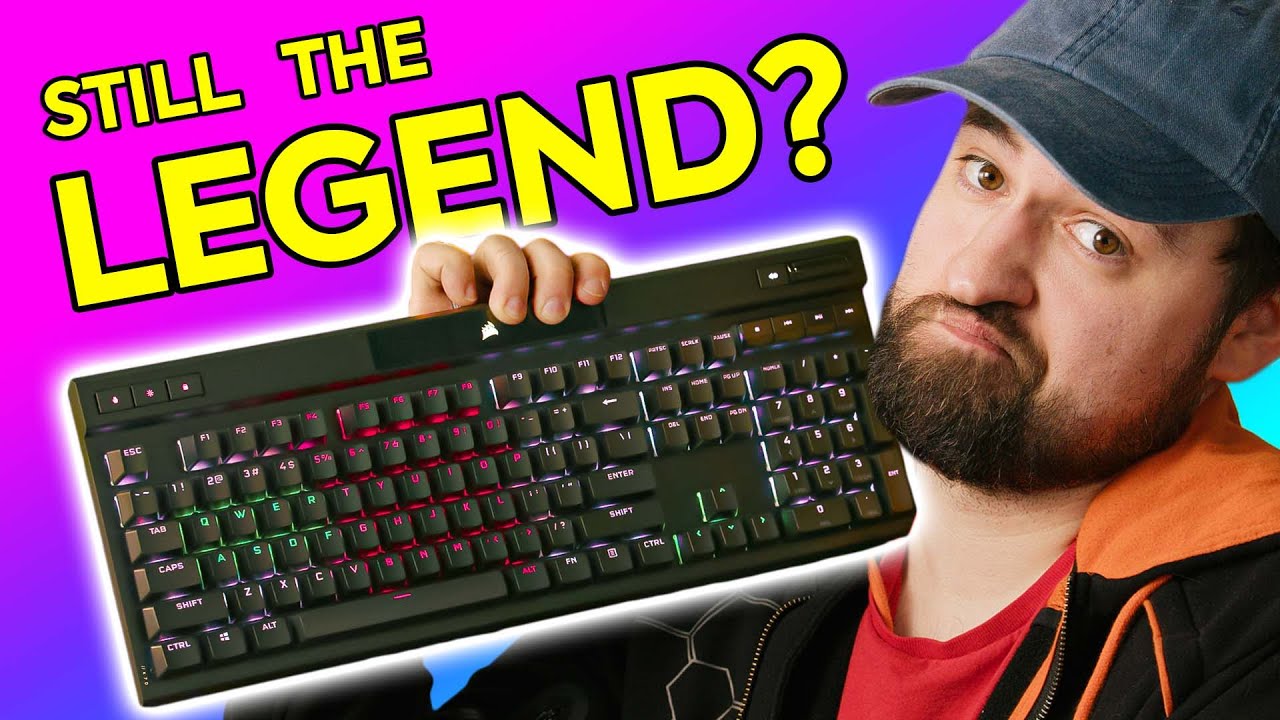
Can Corsair's LEGEND continue? - K70 RGB Pro Keyboard
0 up · 0 down · 0 ratings
Promos
Thanks to MANSCAPED for sponsoring the video! Get 20% OFF + Free Shipping at manscaped.com Corsair's K70 has been around for a long time, and it's been one of their best sellers for mechanical keyboards, but lately, custom keyboards are starting to grow rapidly due to their styling and just overall feel. So can this legendary keyboard stay relevant? Buy the Corsair K70 RGB Pro: lmg.gg Purchases made through some store links may provide some compensation to Linus Media Group. ► GET MERCH: lttstore.com ► AFFILIATES, SPONSORS & REFERRALS: lmg.gg ► PODCAST GEAR: lmg.gg ► SUPPORT US ON FLOATPLANE: floatplane.com FOLLOW US ELSEWHERE --------------------------------------------------- Twitter: twitter.com Instagram: @shortcircuityt TikTok: @linustech Facebook: @ShortCircuitYT CHAPTERS --------------------------------------------------- 0:00 - PAIN 0:20 - Keyboard overview 1:30 - Unboxing 2:26 - Exterior overview 3:01 - Keyboard USB-C cord 3:28 - Unboxing continued 4:20 - Tournament switch 4:53 - Media keys 5:09 - Cable channel impressions 5:44 - Wrist rest thoughts 6:18 - Build strength impressions 6:30 - Keystroke impressions 6:47 - It's not hot-swap 8:13 - Custom USB-C keyboard cable 8:37 - Sponsor - Manscaped 9:06 - RGB impressions 10:18 - Typing impressions between switches 11:15 - Colour impressions 11:25 - Typing impressions continued 13:35 - iCUE software impressions 13:51 - What is Keyboard Devounce 14:05 - iCUE continued 15:00 - Why onboard memory is good 15:15 - 8Khz typing test 15:40 - Size and weight impressions 16:11 - Outro
The video opens with an unboxing and quick overview of the Corsair K70 RGB Pro keyboard, setting the stage for a deep dive into its features and how it stacks up in 2022 against newer custom keyboard trends. The host highlights the eight kilohertz polling rate, NKRO, onboard eight megabytes of storage for profiles, and the general design language, including the aluminum chassis and detachable USB-C cable. They compare the variety of Cherry MX switch options available for this model, noting differences in feel between blue, brown, red, and speed silver variants, and discuss how these switches influence typing and gaming experiences. The segment also touches on practical aspects like cable management, the tournament switch for macro-free profiles, and the magnetic wrist rest with its strong magnet, all while weighing the pros and cons of not having hot-swap switches. By the end of the first block, the host frames the K70 RGB Pro as a complete package that remains relevant for users who want a premium, feature-rich keyboard with solid software integration through iCUE. The overall takeaway is that Corsair’s legendary status with the K70 line still holds value, especially for users who prioritize memory profiles, robust software control, and a traditional full-size form factor.
Topics · gaming · peripherals · hardware-reviews · technology
Questions answered
- What makes the K70 RGB Pro still relevant in 2022 for gamers and writers?
- Its onboard memory for profiles, eight kilohertz polling, NKRO, detachable USB-C cable, and the iCUE software that lets users customize lighting, key assignments, and debounce settings keep it competitive for both gaming and typing tasks.
- Are hot-swappable switches a feature of this keyboard?
- No, the model shown uses soldered switches, and hot-swap is not supported, which is a point of critique in the review.
- What is tournament mode on this keyboard used for?
- Tournament mode disables macros and simplifies RGB to a single color to minimize distractions during competitive play.
- How do the different Cherry MX switch types affect typing feel in this review?
- Blue switches feel clicky and loud, brown switches offer a balanced tactile feel, red switches are linear and quieter, and speed silvers are designed for faster actuation, affecting typing cadence and sound.