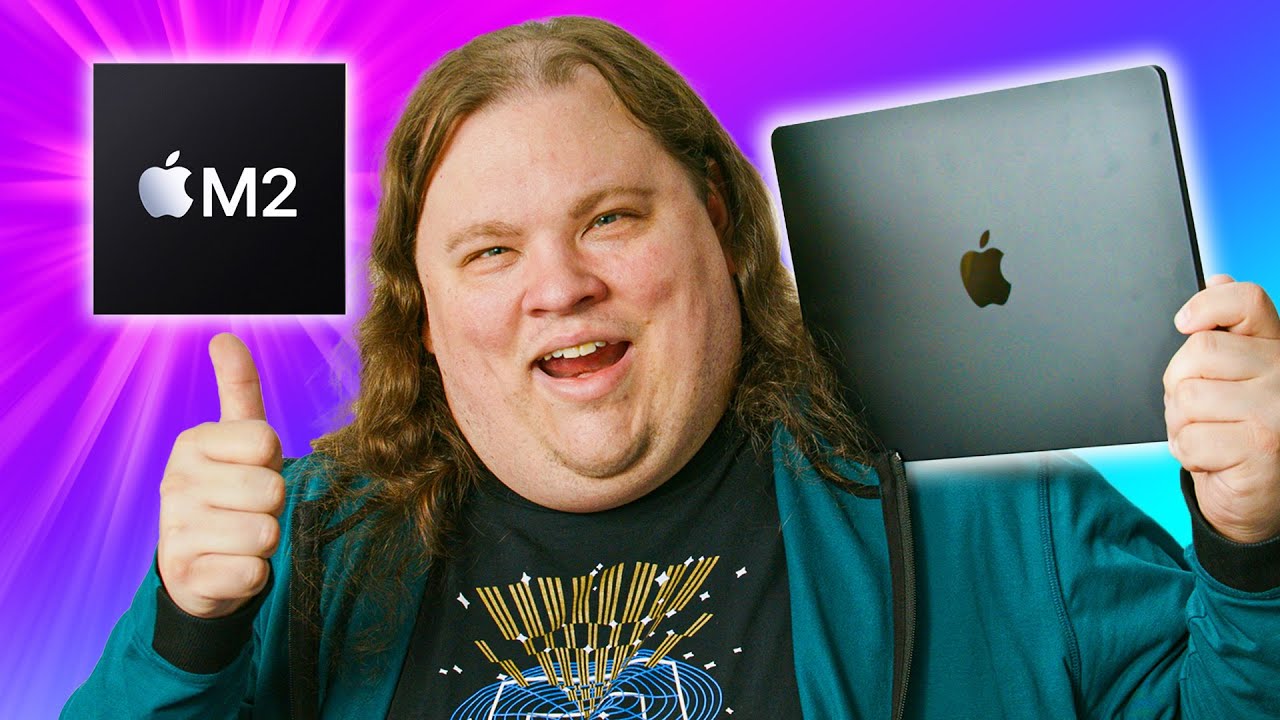
Apple finally got revenge - MacBook Air M2
0 up · 0 down · 0 ratings
Promos
Head to dbrand.com and bring Apple's senior vice president wherever you go. Buy Macbook Air 2022 M2: geni.us Buy Macbook Pro 2022 M2: geni.us Purchases made through some store links may provide some compensation to Linus Media Group. Want us to unbox something specifically for a video? Make a suggestion at lmg.gg ► GET MERCH: lttstore.com ► AFFILIATES, SPONSORS & REFERRALS: lmg.gg ► PODCAST GEAR: lmg.gg ► SUPPORT US ON FLOATPLANE: floatplane.com FOLLOW US ELSEWHERE --------------------------------------------------- Twitter: twitter.com Instagram: @shortcircuityt TikTok: @linustech Facebook: @ShortCircuitYT CHAPTERS --------------------------------------------------- 0:00 Unbox the box 1:00 Specs 1:50 Size Comparison 4:01 Display 4:40 Issues 5:29 Speaker Test 6:05 Craigbook 6:55 Webcam Comparison 8:00 Suggestions 9:04 Benchmarking 9:42 Pricing 10:53 Internals 11:38 First Aid?
The video opens with an unboxing of the MacBook Air M2, starting from the distinctive Apple shipping box and the reveal that this model ships in its own box with the new design language. The host walks through the packaging details, noting the base configuration on the back of the box,8 GB of unified memory and a 256 GB SSD,and contrasts it with higher-end configurations that offer more storage and a 10-core GPU. He highlights the redesign from the wedge-shaped Air to a flatter chassis and points out the MagSafe charging, dual Thunderbolt 4 ports, and the single headphone jack, emphasizing how these choices affect usability and expansion. The setup process begins, with attention drawn to the 13.6 inch display, a larger screen than the MacBook Pro 13, and the implications of the notch and bezel for real estate and color accuracy, including a brief comparison to the Pro’s color spaces. Throughout, the presenter oscillates between admiration for the visuals and practical notes about what is sacrificed or gained in the transition, such as the removal of certain ports or the impact on the user experience of the base model. By the mid-section, the discussion broadens to the keyboard design, Touch ID, and the overall aesthetic, returning to the display, color calibration, and the everyday utility of the machine for writing, browsing, and light media tasks, while intermittently previewing additional features like universal control and the specifics of the new display performance. The segment ends with an initial hardware tour that teases deeper internal testing to come, including thermals and performance under load, setting expectations for the rest of the review.
Topics · technology · hardware · consumer_electronics · apple · lifestyle
Questions answered
- What is the base configuration of the MacBook Air M2 in this video?
- The base model discussed has 8 GB of unified memory and a 256 GB SSD.
- What is a notable change in the MacBook Air M2 chassis compared to the previous model?
- The Air M2 adopts a flatter, thinner chassis rather than the wedge-shaped design of the prior generation.
- What accessory or feature related to the display does the host highlight?
- The host notes the larger 13.6 inch display with a notch and discusses bezel real estate and color space differences between the Air and Pro models.