Corsair H70 CPU Water Cooling Extreme Performance Heatsink Unboxing & First Look Linus Tech Tips
0 up · 0 down · 0 ratings
Description
ncix.com It's basically like the H50... EXCEPT BETTER IN EVERY WAY!!
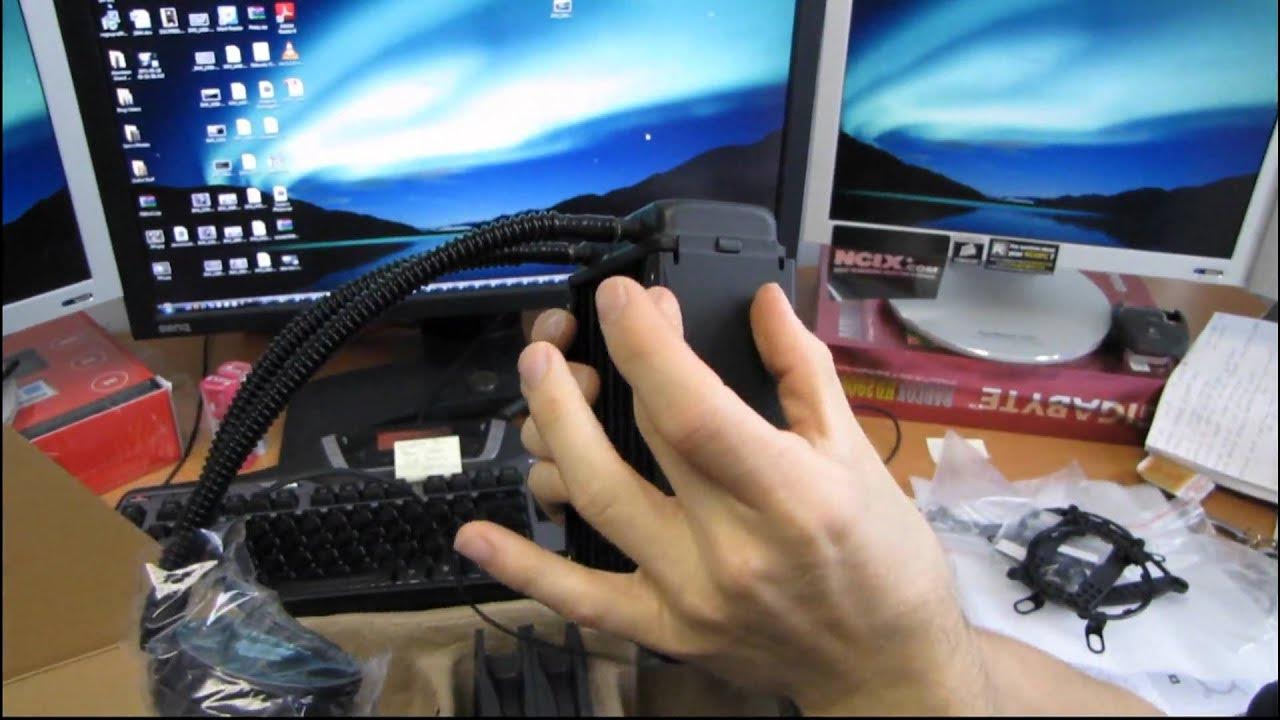
The video starts with Linus unboxing the Corsair H70 CPU water cooling solution, highlighting its compatibility with LGA 775, 1156, and 1366 sockets, as well as AM2 and AM3 mounting hardware. He walks through the contents of the box, including the backplates for multiple sockets, mounting hardware, dual fan adapters, and silent-mount accessories. He comments on the packaging quality, the black aesthetic of Corsair components, and the quick-start guides that accompany the kit. A core focus is the H70’s design improvements over the H50, notably a thicker radiator and a low-profile pump block, which he demonstrates by comparing dimensions and describing how the tubing can be mounted to fit tight spaces. Throughout the unboxing, Linus explains the push-pull cooling concept, where one fan pulls air through the radiator while the other pushes it into the case, and how this setup can maximize cooling efficiency in most case configurations. He also notes the included thermal paste pre-applied to the pump block, and emphasizes that this reduces the need for aftermarket paste on first installation. By the end of the segment, he confirms the H70’s overall build quality, its potential for strong performance, and how it integrates with Corsair’s broader ecosystem of components. In the second segment, Linus delves into installation considerations, discussing radiator thickness, overall footprint, and clearance within typical PC cases. He illustrates how the H70’s thicker radiator improves surface area without sacrificing compatibility, and explains the routing options for tubing to accommodate compact builds. He demonstrates mounting hardware and the backplate system, noting how the included adapters allow two fans to share a single motherboard header while still providing RPM monitoring. He compares the H70’s height to the older H50 and demonstrates the low-profile pump, making it clear that the H70 is designed to fit under most large CPU sockets with the tubing angled for flexibility. Finally, Linus sketches out practical takeaways such as noise considerations, the balance of performance versus quiet operation, and a quick verdict that the Corsair H70 represents a meaningful upgrade over the H50 while maintaining ease of use for first-time water-cooling adopters.
Topics · technology · hardware_unboxing · cpu_cooling · pc_building
Questions answered
- Kunt u uitleggen waarom de Corsair H70 een betere keuze is dan de H50 voor hoge prestaties?
- De H70 biedt een dikkere radiator met meer koeloppervlak en een efficiëntere push-pull-configuratie, wat resulteert in betere warmteafvoer bij hogere belasting vergeleken met de H50. Daarnaast is de pomp lager en compacter, waardoor het in meer systemen past zonder opoffering van luchtstroom of installatiegemak.
- Welke sockets worden ondersteund door de Corsair H70 en hoe zit het met de backplate installatie?
- De H70 ondersteunt LGA 775, 1156 en 1366, en AM2/AM3 voor AMD. De backplate komt met verschillende bevestigingspunten en varianten voor de genoemde sockets, plus hardware voor een gebruiksvriendelijke montage en rubbers/pads om trillingen te verminderen.