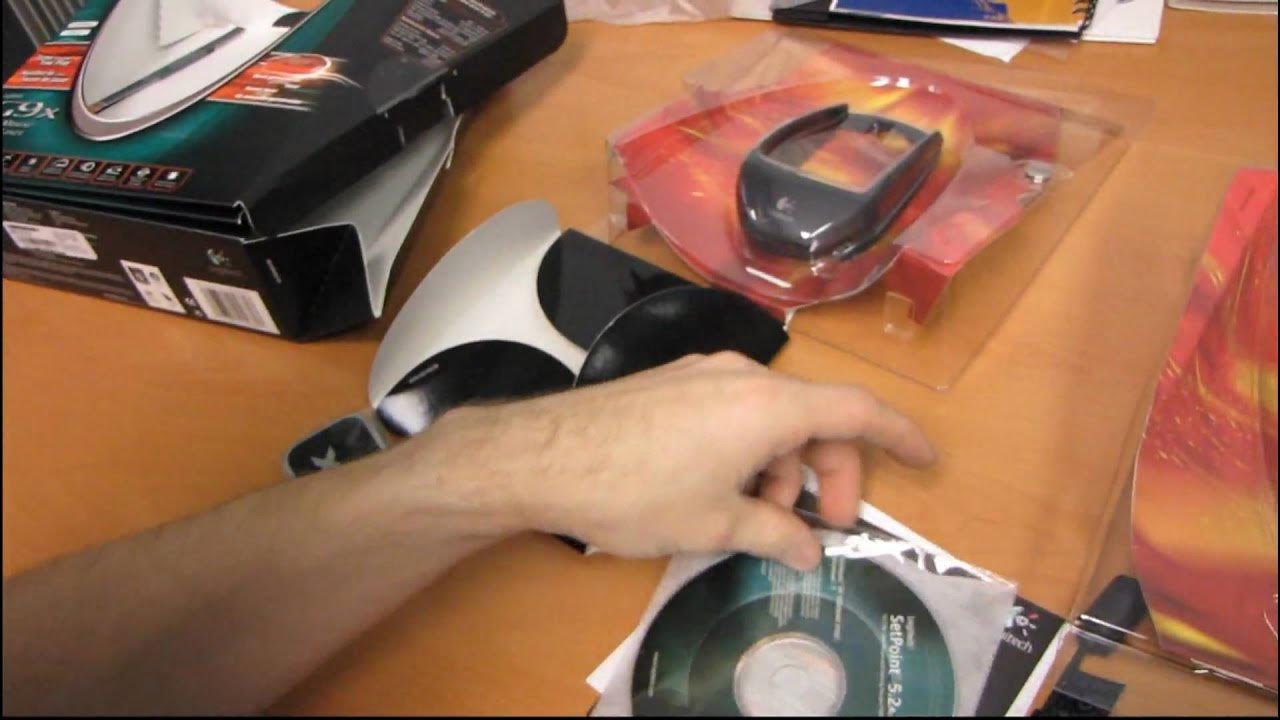
Logitech G9x Laser Gaming Mouse Unboxing & First Look Linus Tech Tips
0 up · 0 down · 0 ratings
Description
The G9 is a mouse that holds a special place in my heart. I've had one since launch and I love everything about it from the ergonomics, to the way it tracks on anything, to the way you can customize the colours of the indicator lights that tell you how high your sensitivity is. Today we have a quick look at the G9x, the successor to the G9.
The video opens with Linus giving a quick comparison between the original G9 and the G9x, highlighting that both mice share the same core features such as PC USB connectivity, laser tracking, nine programmable buttons, tilt wheel, onboard memory, and adjustable sensitivity with weight tuning. The main difference called out is the G9x’s Next Generation gaming laser offering 5600 DPI, compared to the G9’s 3200 DPI, which Linus notes as the key reason not to rebound to the older model in this unboxing segment. He then proceeds with the unboxing of the G9x, sharing personal impressions of the original G9’s ergonomics and comfort, describing its hybrid grip that suits both claw and palm styles. He emphasizes the G9 series’ strong tracking across different surfaces and points out a design quirk around a metal scroll wheel on the G9 that bothered him in daily use, setting the stage for why the G9x represents an incremental improvement. The accessory drawer is opened to reveal a comprehensive user guide, USB setup instructions, DPI profiles, and the micro-gear precision scroll wheel that can switch between smooth scrolling and clickable scrolling, depending on user preference. Linus spends time detailing the customizable LEDs, the importance of downloading the latest G9x software, and notes the high power requirements of the mouse which may affect use with unpowered USB hubs. He then walks through the physical ergonomics, describing the G9x as a comfortable hybrid grip with strategically placed finger grooves, while also showing the interchangeable grips and the weight cartridge box that supports up to four weights for a customized feel. The video wraps with a recap of what’s included, a nod to the tactile and build quality, and Linus’ closing thanks to viewers for checking out the unboxing and overview of the G9x laser.
Topics · hardware · product_review · gaming_peripherals · unboxing
Questions answered
- What is the DPI difference between the G9 and G9x revealed in the video?
- The G9x features 5600 DPI, while the G9 uses 3200 DPI.
- What are the key ergonomic features highlighted for the G9x in this unboxing?
- The G9x has a hybrid grip design with finger grooves, two interchangeable grips, and adjustable weight cartridges for a customizable feel.