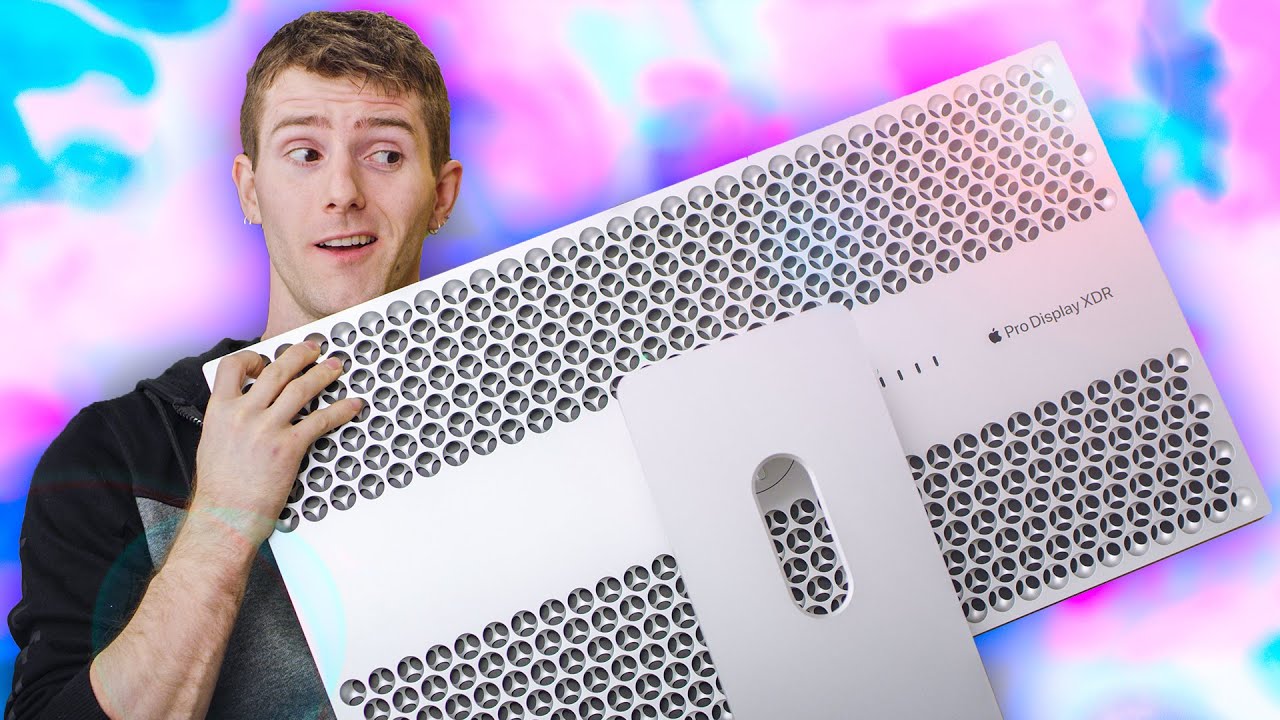
Apple’s Pro Display XDR – A PC Guy’s Perspective
0 up · 0 down · 0 ratings
Promos
Get an unrestricted 30-day free trial of FreshBooks at freshbooks.com Get 15% off your order with offer code LINUS15 and free shipping on Ruggable at myruggable.com Love it or hate it, Apple’s EXPENSIVE Pro Display XDR is here and ready for its close-up – How many blemishes will show through, and is it REALLY “pro”? Buy a Pro Display XDR: On Amazon (PAID LINK): geni.us From Apple: lmg.gg Buy a Pro Stand: On Amazon (PAID LINK): geni.us Buy a VESA Mount Adapter: On Amazon (PAID LINK): geni.us Buy an arm mount to go with the VESA Mount Adapter: On Amazon (PAID LINK): geni.us On Newegg (PAID LINK): lmg.gg Purchases made through some store links may provide some compensation to Linus Media Group. Discuss on the forum: linustechtips.com Our Affiliates, Referral Programs, and Sponsors: lmg.gg Get a Displate Metal Print at lmg.gg Get a 30-day free trial of Amazon Prime at lmg.gg Linus Tech Tips merchandise at lttstore.com Our Test Benches on Amazon: amazon.com Our production gear: geni.us Come see us at LTX 2020: ltxexpo.com Twitter - twitter.com Facebook - @LinusTech Instagram - @linustech Twitch - twitch.tv Intro Screen Music Credit: Title: Laszlo - Supernova Video Link: youtube.com iTunes Download Link: itunes.apple.com Artist Link: soundcloud.com Outro Screen Music Credit: Approaching Nirvana - Sugar High youtube.com
Apple’s Pro Display XDR is presented as a monumental product that targets professional workflows while provoking debate over its price tag. The video frames the monitor as a potential disruptor, arguing that at five thousand dollars it sits in a price tier that compares to competing high-end displays and to Apple’s own premium lineup. The host emphasizes the build quality, the streamlined mounting approach, and the ergonomic promise of the Pro Stand and VESA options, while noting that Apple omits essential mounting hardware in the box. He discusses how the display is optimized for professional HDR mastering, including pre-calibrated reference modes and a claimed peak brightness of up to 1600 nits, which makes the XDR show real potential for demanding color work. Despite acknowledging the premium cost, the presenter also points out practical tradeoffs, such as the need to rely on Apple’s software controls for color management, and the reality that true professional deployments may pair the XDR with third-party monitor arms rather than the optional stand. The section closes with hands-on impressions about image quality, color accuracy under reference modes, and the user experience of calibrating or profiling the display to maintain fidelity in a working studio.
Topics · technology · consumer_electronics · display_technology · macintosh · professional_workflow · hardware_reviews
Questions answered
- What is the main value proposition of Apple’s Pro Display XDR for professionals?
- The display is pitched as a reference-grade monitor with pre‑calibrated HDR modes, deep blacks, very high peak brightness, and color accuracy suitable for HDR mastering, aimed at professional studios and editors who require precise color and workflow integration.
- Does the Pro Display XDR include all mounting hardware in the box?
- No, Apple ships the monitor without mounting hardware in the box; the 200 mm VESA adapter and the Pro Stand are sold separately.
- Can the Pro Display XDR be fully controlled from Windows or non‑macOS systems?
- Control is primarily via Apple’s system preferences on macOS. On Windows or PC setups, available controls are limited and the built‑in features may not be directly accessible without workarounds.