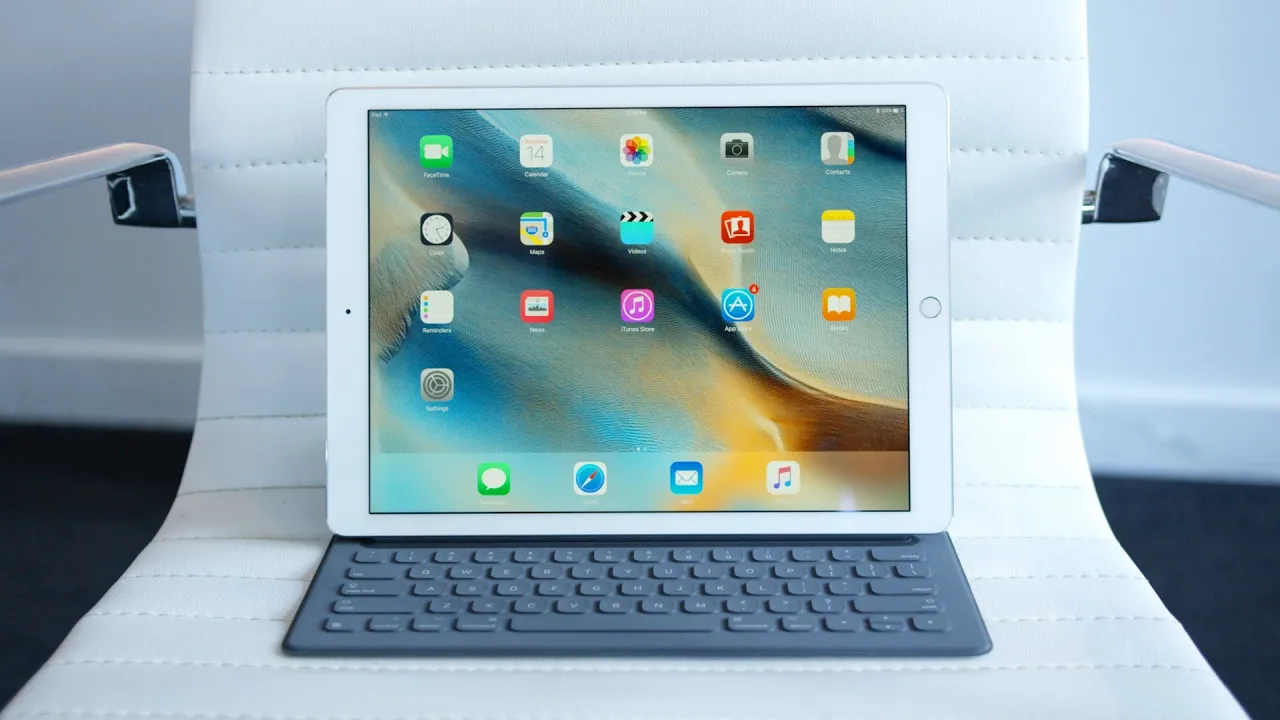
iPad Pro Second Impressions! [Apple Pencil]
0 up · 0 down · 0 ratings
Channels and socials
Apple Pencil and iPad Pro. What's in the name? iPad Pro Impressions: youtu.be Video Gear I use: amzn.com ~ twitter.com google.com @MarquesBrownlee @MKBHD @MKBHD
The video provides Marques Brownlee's second round of impressions on the iPad Pro and its accompanying Apple Pencil, focusing on how the device feels in hand, the overall hardware design, and the user experience after experimenting with first-party apps. He highlights the remarkable 12.9 inch display, the high pixel density, and the improved keyboard experience when the Smart Cover is folded into a keyboard, noting that the keys travel similarly to a standard laptop keyboard. He also discusses the substantial 10,300 mAh battery, stereo speakers that deliver a wide soundstage, and the challenge of holding such a large tablet for extended periods. A core theme is the question of whether the iPad Pro can function as a laptop replacement, with the reviewer testing the combination of the device, the keyboard, and the Apple Pencil in real-world usage, while acknowledging that production workflows and app availability will determine its viability for professionals. In the second portion, the video delves into the Apple Pencil integration, including how the Pencil pairs and charges, palm rejection for drawing, and the advantage of a precise tip for sketching and annotation. Marques notes the latency is nearly imperceptible, yet wishes for more robustness and broader app support to maximize the Pencil's potential. He frames the iPad Pro as a superb consumption device with a stellar display and speakers, while positioning it as a work in progress for production tasks, especially those that traditionally rely on desktop software. The discussion closes with practical takeaways about who the device might suit best, the practicalities of typing on the Smart Cover, and an invitation for viewer input on what to test in a full review.
Topics · technology · consumer electronics · product review
Questions answered
- Can the iPad Pro replace a traditional laptop for professional work?
- The video frames the iPad Pro as a strong alternative for many tasks, especially with the Smart Keyboard and Apple Pencil, but it also notes that full replacement depends on the availability of desktop-grade software and specific workflow needs.
- What makes the Apple Pencil appealing for creators on the iPad Pro?
- The Pencil offers precise input with palm rejection, a thin tip for accuracy, and almost zero lag, which enhances drawing and writing tasks, though broader app support and features like an eraser would improve its utility.