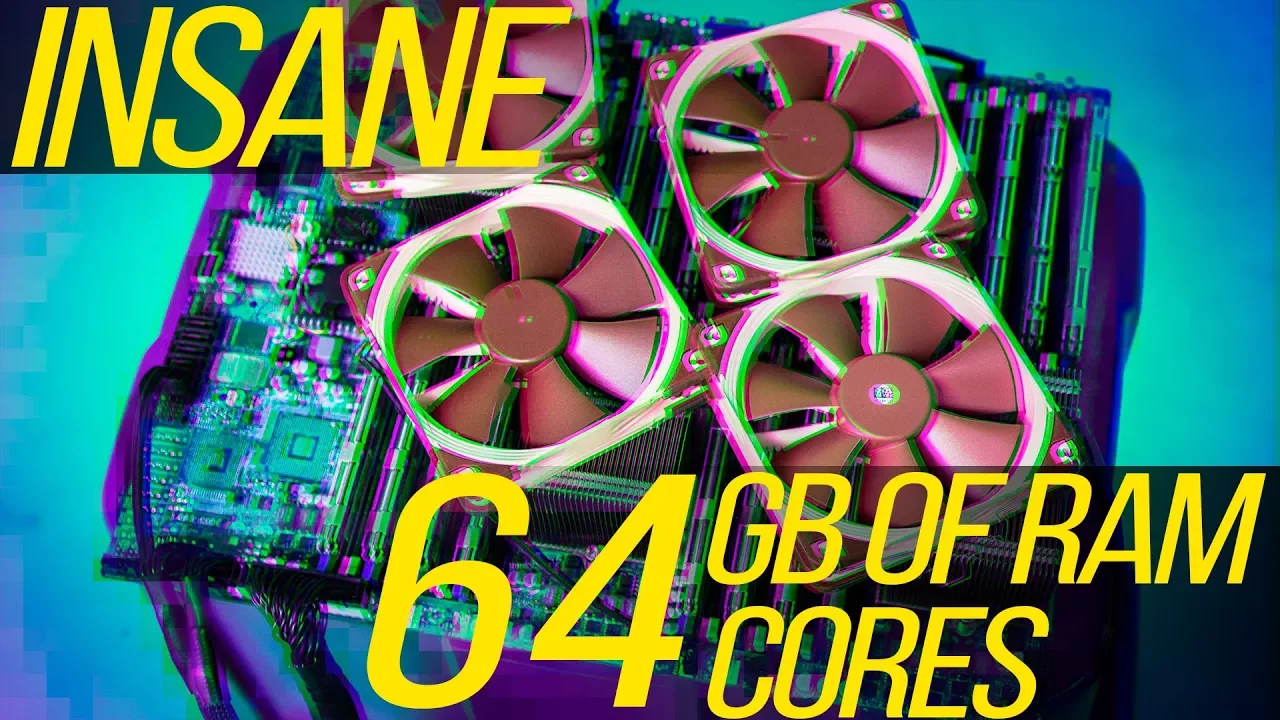
$650 64-Core Quad Socket Gaming Workstation!
0 up · 0 down · 0 ratings
Description
Retired server hardware is always in ample supply, so why not reduce e-waste and build a MONSTER budget workstation? For your unrestricted 30 days free trial, go to freshbooks.com and enter in “Linus Tech Tips” in the how you heard about us section.
Promos
Check out our merch store: designbyhumans.com Buy a Threadripper CPU instead to save yourself the headache: On Amazon: geni.us On Newegg: geni.us Discuss on the forum: linustechtips.com Our Affiliates, Referral Programs, and Sponsors: linustechtips.com Linus Tech Tips merchandise at designbyhumans.com Linus Tech Tips posters at crowdmade.com Our production gear: geni.us Twitter - twitter.com Facebook - @LinusTech Instagram - @linustech Twitch - twitch.tv Intro Screen Music Credit: Title: Laszlo - Supernova Video Link: youtube.com iTunes Download Link: itunes.apple.com Artist Link: soundcloud.com Outro Screen Music Credit: Approaching Nirvana - Sugar High youtube.com Sound effects provided by freesfx.co.uk
This video explores assembling a high core count workstation using decommissioned server hardware, aiming for extreme multithreaded performance on a budget. The host begins by recalling a previous budget eight core gaming PC and explains how server gear can still offer strong performance at a lower price due to off-lease availability and market dynamics on sites like eBay. The project centers on the Supermicro H8QG6F motherboard, a quad-socket platform with four G34 CPUs, 32 DIMM slots, and extensive I/O, which sets the stage for a monster build. After selecting a quad Opteron 6276 setup with 16 cores per CPU and ECC memory, the crew encounters power, BIOS, and compatibility challenges, including a multi-PSU frankenstein solution and a late BIOS flash to enable proper operation. They finally power the rig, verify functionality, and run through a series of benchmarks, contrasting it with modern CPUs like Ryzen Threadripper and Intel Core i9. The results show strong multi-core throughput in some tasks but clear gaming bottlenecks, especially at 1080p with a high-end GPU where DirectX 12 and game engines struggle to utilize all cores efficiently. The video pivots to a pragmatic conclusion: while the system excels in production workloads such as blender rendering and multithreaded tasks, it is not a good all-around gaming machine, making it a niche but compelling budget blender or productivity box rather than a general gaming rig. The host acknowledges the build’s quirks, evaluates thermals, and ultimately frames the project as a proof-of-concept that underscores how obsolete-but-cheap server hardware can deliver surprising value in specific use cases, with a disclaimer about the headaches and hardware mismatches involved. The video closes with practical takeaways, a reminder of the trade-offs between price, performance, and reliability, and calls to action for buying guides, merch, and related content from Linus Tech Tips.
Topics · technology · hardware · performance · budget_build · productivity · computing
Questions answered
- What was the core concept behind building a quad-socket workstation from decommissioned server hardware?
- The idea was to leverage inexpensive, off-lease server components to maximize multi-core performance at a low cost, pushing the boundaries of what a budget build can achieve in professional workloads.
- Why did gaming performance suffer on the 64-core quad-socket system, according to the video?
- Despite high core counts, the system bottlenecked in gaming due to the architecture and the GPU being limited at 1080p, with DirectX 12 and game engines not efficiently utilizing all cores, making it a poor all-around gaming setup.
- What tasks showed the strongest value for this build?
- Production and multithreaded workloads, such as blender rendering and certain parallel-processing tasks, benefited more from the high core count and memory bandwidth than gaming did.