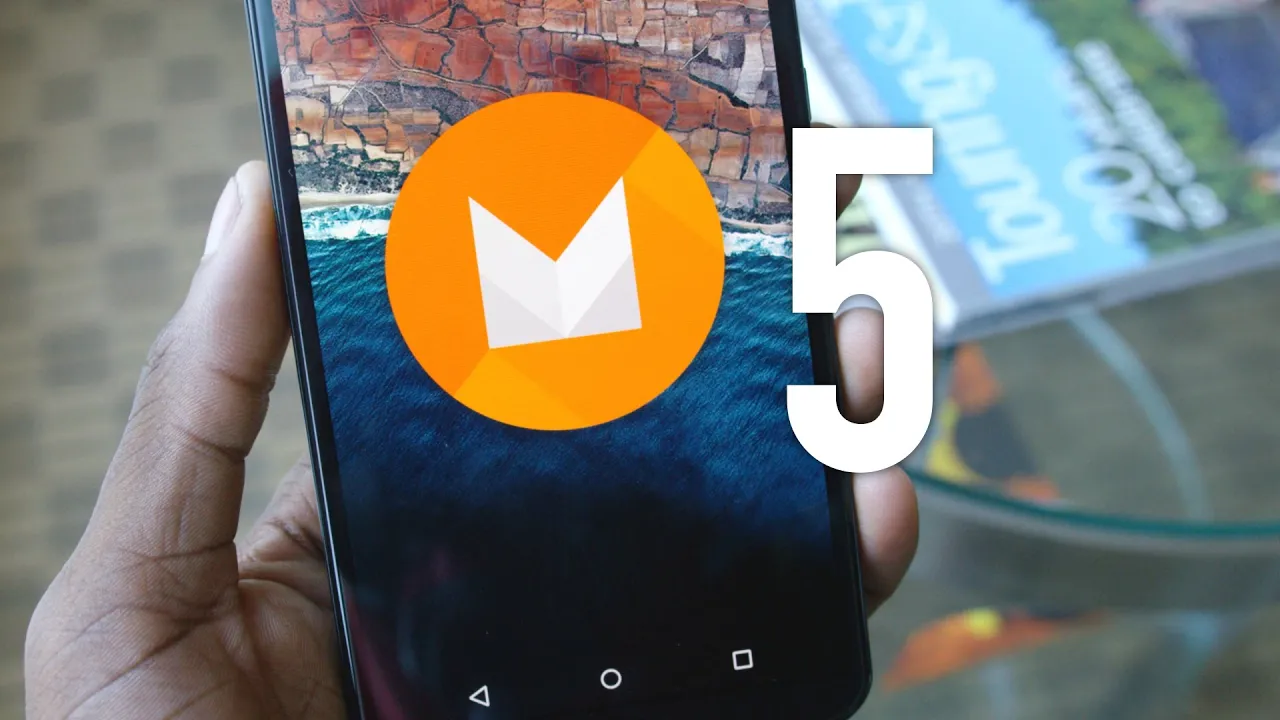
Top 5 Android Marshmallow Features!
0 up · 0 down · 0 ratings
Channels and socials
Android M Developer Preview features and facts! Full feature list: droid-life.com Full Google I/O 2015 Keynote: youtu.be Video Gear I use: amzn.com Intro Track: Deadmau5 - Slow Down, Start Over ~ twitter.com google.com @MarquesBrownlee @MKBHD @MKBHD
Android M, the developer preview discussed in this video, is presented as a 5.2 style update focused on polish, clarity, and a collection of small, practical tweaks rather than a sweeping visual overhaul. The host walks through five highlighted features, starting with improved volume controls that finally offer a silent mode and a dedicated settings cog for separate media, ringtone, and notification volumes, addressing a long-standing Android inconsistency. He then介绍s fingerprint support built into the OS, enabling logging in, app purchases, and even Android Pay with fingerprint authentication, while noting an open API that should spur broader hardware and app integration. The third item centers on a range of smaller refinements, including a refreshed lock screen clock, configurable quick settings, per-app permissions, improved copy-paste behavior, portable hotspot options, and the presence of light and dark themes within settings. Doze, the feature that extends standby time by managing background activity based on sensor data, is highlighted as a key battery life improvement expected to benefit both phones and tablets. Finally, Google Now enhancements take center stage, with Now on Tap acting as a contextual assistant that surfaces relevant information from any screen interaction, such as maps, call shortcuts, or movie details, though the preview indicates it may not be fully functional yet. The video closes by noting additional features like Android Pay, Google Photos, and USB-C support, while acknowledging that the developer preview could see more tweaks before the final release and inviting viewer feedback on the meaning behind the “M” name.
Topics · technology · mobile · operating-systems · android
Questions answered
- What is the main focus of Android M as described in the video?
- Android M focuses on polish and clarity with a collection of practical tweaks rather than a major visual overhaul.
- What is Now on Tap and how is it supposed to work?
- Now on Tap is a feature that reads what's on your screen and presents contextually relevant information and actions, accessible by holding the home button from any screen, though it may not be fully functional in the developer preview.
- Which security and authentication features are highlighted for Android M?
- Fingerprint authentication is built in for logging in, buying apps, and using Android Pay, with an open API to encourage broader hardware and app support.