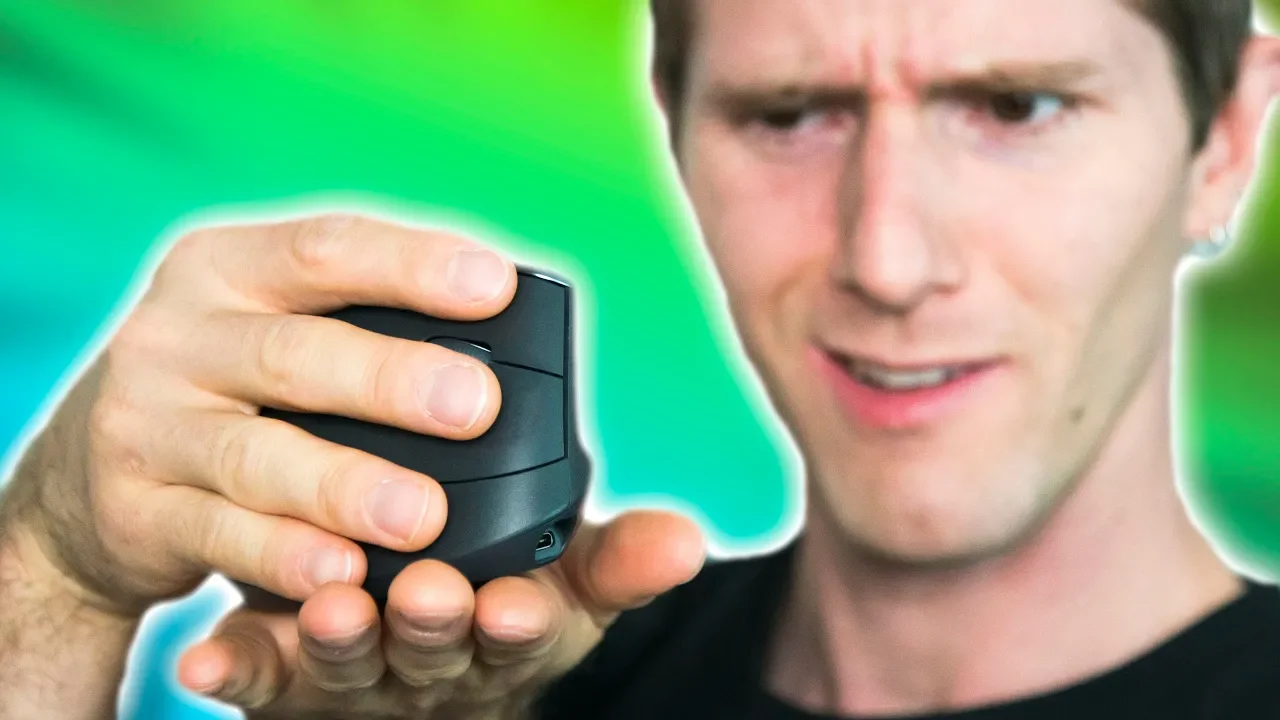
A $100 mouse you hold like THIS?? - Logitech MX Vertical Review
0 up · 0 down · 0 ratings
Promos
Logitech (or Logi) has extended its MX series from the Master 2S, Anywhere 2S, and Ergo to now include a 4th member: the MX Vertical. It’s a 4000 dpi ergonomic vertical mouse that I guess you could use for gaming if you had to... Buy MX Vertical: On Amazon: geni.us On Newegg: geni.us Discuss on the forum: linustechtips.com Our Affiliates, Referral Programs, and Sponsors: linustechtips.com Get Private Internet Access today at geni.us Linus Tech Tips merchandise at designbyhumans.com Linus Tech Tips posters at crowdmade.com Our Test Benches on Amazon: amazon.com Our production gear: geni.us Twitter - twitter.com Facebook - @LinusTech Instagram - @linustech Twitch - twitch.tv Intro Screen Music Credit: Title: Laszlo - Supernova Video Link: youtube.com iTunes Download Link: itunes.apple.com Artist Link: soundcloud.com Outro Screen Music Credit: Approaching Nirvana - Sugar High youtube.com Sound effects provided by freesfx.co.uk
Linus Tech Tips reviews the Logitech MX Vertical, the fourth member of the MX family, focusing on ergonomics and whether a vertical design truly reduces strain while delivering solid performance. The host explains the core idea behind vertical mice: placing the hand in a natural handshake position to minimize pronation and reduce the risk of repetitive strain injuries. He delves into the biomechanics of the forearm, describing how traditional horizontal mice cause the radius and ulna to torque, potentially compressing tissues in the carpal tunnel, and contrasts that with the MX Vertical’s 57-degree orientation. The review then covers practical usage notes, acknowledging a learning curve as users adapt to moving the mouse on a different axis, which affects precision at first. While the form factor and aesthetics receive praise for looking like a piece of modern hardware with a comfortable grip and grippy texture, the reviewer notes fewer features compared to other MX siblings, such as the lack of a hyper-fast scroll wheel, a horizontal scroll option, or advanced tracking on reflective surfaces. The device’s USB-C connectivity is highlighted as a modern convenience, enabling cross-device charging and single-cable compatibility with laptops and Android devices. The host concludes with a balanced verdict: the MX Vertical is an excellent ergonomic option worth recommending for those prioritizing comfort and long-term wrist health, provided they can tolerate its higher price and some learning curve, and they should avoid using it for gaming due to heat and handling characteristics. Overall, the review emphasizes the product’s build quality, ergonomic intent, and the trade-offs in features, while also noting the initial cost and the need to install Logitech Options software to enable full DPI control. The video ends with practical purchase notes and a reminder to explore affiliate links and merch if viewers are interested in supporting the channel.
Topics · ergonomics · peripherals · tech-review · computer-hardware
Questions answered
- Does the Logitech MX Vertical help with repetitive strain injuries and carpal tunnel syndrome?
- Yes, the MX Vertical is designed to reduce forearm pronation by keeping the hand in a more natural handshake angle, which can lower strain on the wrist and forearm and potentially help with repetitive strain injuries. Real-world use notes mention a learning curve and that some users experience fewer painful symptoms after extended use, though results can vary.
- What are the main trade-offs of choosing the MX Vertical over other MX mice?
- The MX Vertical sacrifices some features found on siblings, such as a hyper-fast scroll wheel, additional programmable buttons, and advanced surface tracking on reflective materials, in favor of a more ergonomic shape and USB-C connectivity. It remains a solid choice for comfort and multi-device workflow, but may be less appealing for gamers or users who want extra customization at a lower price.
- Is the MX Vertical suitable for gaming despite its ergonomics focus?
- The mouse is not ideal for gaming for most users due to its design and learning curve, and it can get warm with extended sessions. It excels as an ergonomic productivity device rather than a gaming mouse, especially if you prioritize comfort and long-term wrist health.