ASUS TS Mini Shared Folders Server Storage & Duplication Explanation Linus Tech Tips
0 up · 0 down · 0 ratings
Description
In this episode I explain how Windows Home Server duplicates your files, allows you to access them (at high speed) across your home network, and basically keeps your data safe!
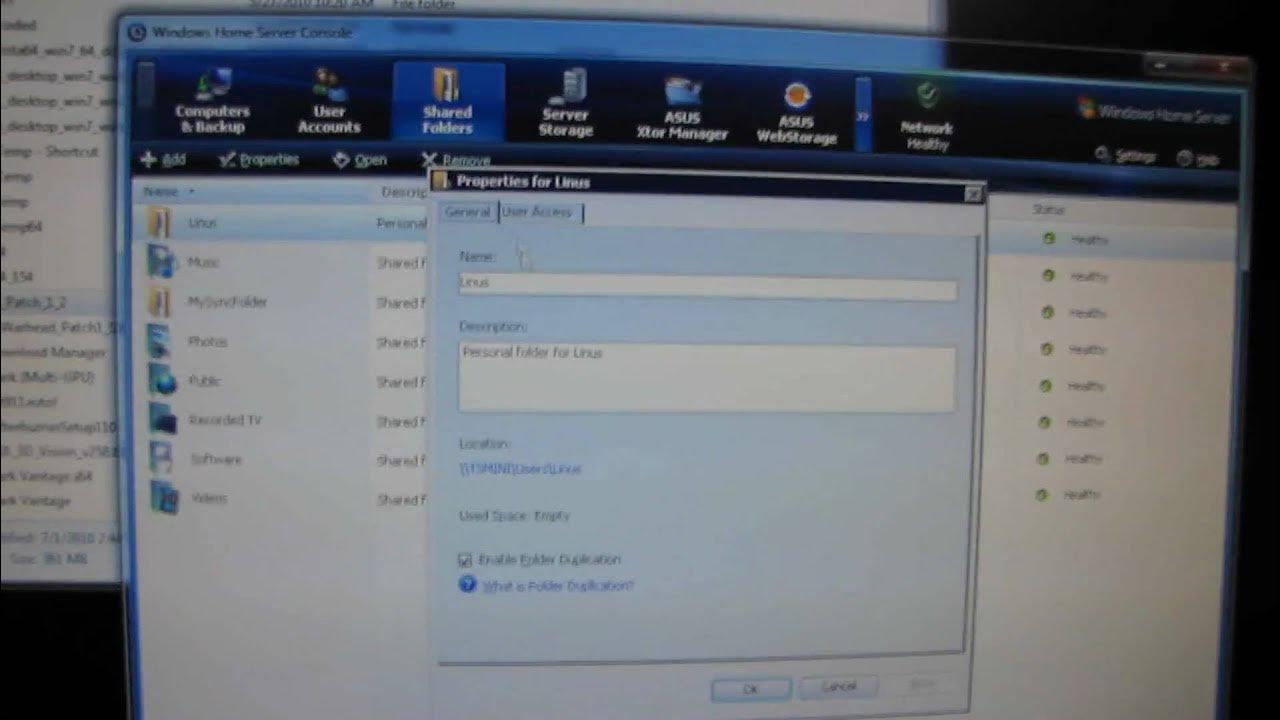
The video introduces the shared folders feature on Windows Home Server and explains how duplication functions to protect data. It begins by recapping prior content on user accounts and backups, then describes multiple ways to access the shared folders, including through the network navigation, desktop shortcuts, and a system tray icon. The host demonstrates the speed of file serving on a modest hardware setup, highlighting sustained transfer rates around 70 to 80 megabytes per second for large files, even on an Atom-based server. A core focus is the duplication feature, which you can enable per folder; in the Linus folder the host shows two identical drives and explains that duplication ensures data exists on at least two physical drives. While this provides strong protection against drive failure, the host notes it is not a guaranteed antivirus against all data loss, and clarifies that duplication is software-based rather than a true hardware RAID, meaning it is not perfectly real-time but near real-time. The video also demonstrates how some folders, such as a public or expendable folder, can be configured to avoid duplication to save space. Overall, the episode emphasizes practical storage performance, data safety through duplication, and flexible folder configuration for different use cases, concluding with a reminder of how these features help keep home data accessible and protected under Windows Home Server.
Topics · home server · data storage · networking · backup and redundancy · consumer technology
Questions answered
- How does Windows Home Server duplication work for shared folders?
- Duplication copies and stores data from a folder on at least two physical drives within the Home Server, so if one drive fails the data remains accessible from the other drive.
- Can duplication be applied to every folder, and are there exceptions?
- Yes, you can enable duplication per folder, but some folders like public or expendable folders can be configured to not use duplication to save space.