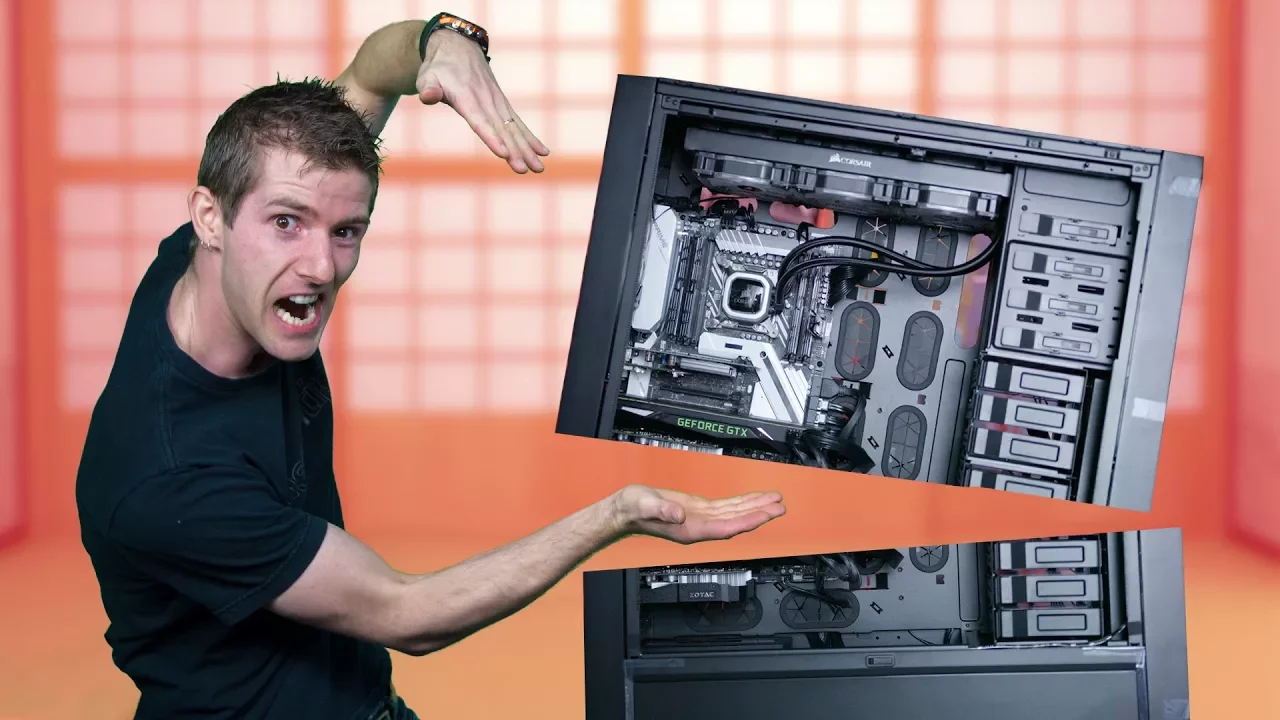
Building the ULTIMATE Twitch Streaming PC!
0 up · 0 down · 0 ratings
Promos
Thanks to Intel for sponsoring this video! Learn more & purchase the Intel Core i9-7960X at: Amazon: geni.us Newegg: geni.us Some say that the ultimate streaming experience comes from having two separate PCs... one for gaming, one for encoding. But what if we put those two PCs onto one CPU? Discuss on the forum: linustechtips.com Our Affiliates, Referral Programs, and Sponsors: linustechtips.com Linus Tech Tips merchandise at designbyhumans.com Linus Tech Tips posters at crowdmade.com Our production gear: geni.us Twitter - twitter.com Facebook - @LinusTech Instagram - @linustech Twitch - twitch.tv Intro Screen Music Credit: Title: Laszlo - Supernova Video Link: youtube.com iTunes Download Link: itunes.apple.com Artist Link: soundcloud.com Outro Screen Music Credit: Approaching Nirvana - Sugar High youtube.com Sound effects provided by freesfx.co.uk
The video explores a bold concept: can you run a dual role gaming and encoding environment on a single high core count CPU using virtualization, rather than employing two separate PCs? The hosts lay out the motivation, starting with the idea that many streamers use a dedicated encoding PC and discuss why a virtualized two-in-one setup could be compelling from a cost, space, and versatility perspective. They highlight that a single strong CPU could allocate dedicated cores to a gaming VM and a streaming/encoding VM while sharing storage and network resources. The discussion covers potential drawbacks such as peripheral passthrough, audio and USB port handling, and the challenges of RAID without a dedicated video card. Throughout, they experiment with a practical hardware stack, including a 10 Gb network link, multiple GPUs, and a large RAID storage array, to test how well virtualization holds up under real streaming workloads. The narrative then moves to testing results, where assigning four cores and eight threads to the gaming VM yields excellent gaming performance, and in some configurations the virtualized setup even edges out bare-metal performance in certain tests. Finally, the episode reflects on lessons learned, acknowledging that while a virtualized two-in-one system has advantages and is attractive for many use cases, future codec advances and broader software support could further improve the viability of this approach, making it a compelling area to watch for streamers and hardware enthusiasts alike.
Topics · Technology · Computing · Streaming · Virtualization
Questions answered
- What is the main idea behind a two-in-one streaming PC using virtualization?
- The concept is to run two virtual machines on a single high core count CPU: one VM handles gaming and the other handles encoding/streaming, using virtualization to isolate workloads while sharing hardware resources.
- What are the main advantages and drawbacks of this virtualized setup for streaming?
- Advantages include potential cost savings on hardware, reduced space, easier backups and quick resets, and the ability to share a single powerful CPU across tasks. Drawbacks involve peripheral and audio passthrough limitations, USB controller constraints, RAID without a dedicated GPU, and complexity in setup and tuning.
- Can x264 encoding in a virtualized environment match or exceed bare metal performance, and how does this affect streaming quality?
- In the tested configuration, a four core eight thread allocation to the gaming VM with virtualization achieved near bare metal performance, and in some cases even better results. With careful tuning, x264 encoding could run at high quality levels, while future codecs like x265 may offer further gains compatible with such setups.