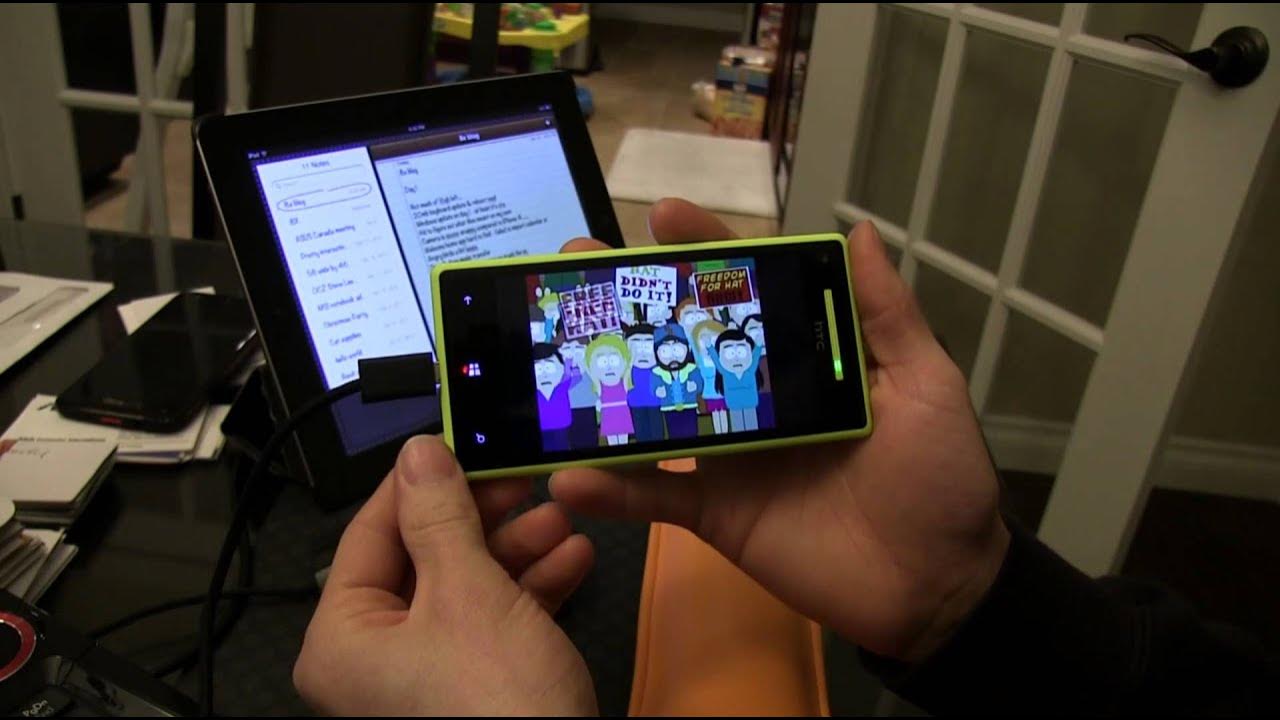
iSwitched to Windows Phone 8 - Day 1 - Linus Tech Tips
0 up · 0 down · 0 ratings
Description
As a hardcore iOS user, I will be doing a series of videos documenting my 30 day attempt to switch Windows Phone 8. I will not be allowing myself to use my iPhone 4 during this month, and will be documenting any surprises I encounter along the way. This was shot at the end of Day 1. Here's the link to the discussion thread on the forum: linustechtips.com
Day one of LinusTechTips’ iSwitched to Windows Phone 8 follows Linus as he swaps from iOS to Windows Phone 8 on the HTC 8X. He starts with general impressions about the device, emphasizing its build quality, ergonomics, and one handed usability, while noting a few rough edges like a stiffer lock button and slightly laggy gaming performance compared to iOS. The vlog-like format captures his exploration of core features, such as maps with offline download capability, the built-in flashlight, and a surprisingly fast camera experience with quick focus and snappy shutter actions. He compares app availability and polish to iOS, noting differences in the Market/Store search experience and certain gaps in app parity, while also highlighting strong integrations like SkyDrive, contact and account management, and drag and drop file transfers between PC and phone. By the end of the day he reflects on syncing challenges, the lack of SMS backup options when switching platforms, and whether to push forward with the 30 day experiment, signaling that the next day’s update may differ as he continues the transition. The day’s practical takeaways include the Windows Phone 8 user interface feel, how tiles and search work versus iOS, and the level of intuitiveness Linus experiences with settings and keyboard usage. He demonstrates the proximity of Windows Phone’s file management to a traditional desktop workflow through drag and drop, calling out the absence of iTunes as a positive change and praising easy media integration. He also tests multimedia capabilities, such as streaming versus offline playback, and describes the camera as a notable improvement with quick access and rich settings like white balance and ISO. The video closes with his acknowledgement of remaining hurdles, such as data and SMS migration, and a call for viewers to continue following the journey to see if the switch proves sustainable. Overall, it’s a candid, hands-on diary that weighs hardware comfort and software ecosystem tradeoffs, while forecasting more hands-on experimentation in subsequent days. In summary, Linus presents a balanced, real-time perspective on adopting Windows Phone 8, praising hardware feel, keyboard responsiveness, and drag-and-drop PC integration, while candidly noting app gaps, data migration friction, and a learning curve for navigation and search. He demonstrates specific features like offline maps, Sky Drive, and camera speed, yet questions the polish of certain apps and the ease of transferring a mixed media library. The Day 1 vlog acts as both a mini-review and a personal challenge update, inviting viewers to weigh whether the Windows Phone ecosystem can meet his needs during a 30-day test run, with further observations promised for the next installment.
Topics · technology · mobile devices · reviews · operating systems · hardware
Questions answered
- What was Linus most impressed with about the Windows Phone 8 hardware on day one?
- He was impressed with the HTC 8X build quality, ergonomic feel, one-handed usability, and the fast camera experience with quick focus.
- What were the main challenges Linus identified for switching to Windows Phone 8?
- Key challenges included app availability and polish compared to iOS, the store/search experience, and the inability to backup or transfer SMS messages easily during the switch.
- Which feature did Linus praise for improving his workflow compared to iOS or other platforms?
- He praised drag and drop file transfers between PC and Windows Phone, which eliminates the need for iTunes and simplifies media management.