PC Misconceptions Debunked
0 up · 0 down · 0 ratings
Promos
Print products with your own designs! Visit VistaPrint at lmg.gg Be sure you don't fall for these common misconceptions about computers. Leave a reply with your requests for future episodes. ► GET MERCH: lttstore.com ► LTX 2023 TICKETS AVAILABLE NOW: lmg.gg ► GET EXCLUSIVE CONTENT ON FLOATPLANE: lmg.gg ► SPONSORS, AFFILIATES, AND PARTNERS: lmg.gg FOLLOW US ELSEWHERE --------------------------------------------------- Twitter: twitter.com Facebook: @LinusTech Instagram: @linustech TikTok: @linustech Twitch: twitch.tv
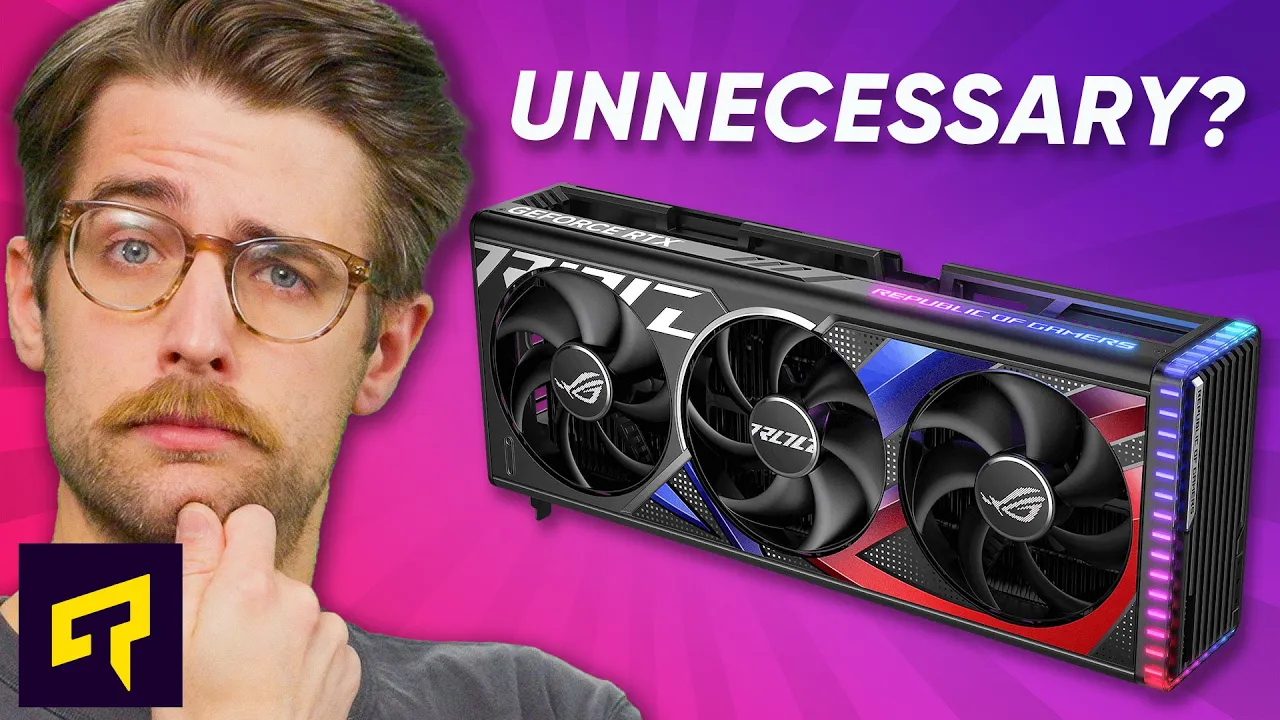
The video debunks several pervasive PC misconceptions, focusing on practical guidance for hardware upgrades and system setup. It argues that the latest or most powerful GPU is not always necessary for a solid 1080p gaming experience, noting that mid-range cards like those in the GTX 1650 family remain common and capable for many titles, while 4K at maximum settings remains the domain of higher-end hardware. The hosts explain memory speed basics, clarifying that RAM often runs at a conservative default speed when first installed, and that enabling the correct XMP, EXPO, DOCP, or EOCP profile in the BIOS is essential to achieve the RAM’s rated speed. They also touch on broader PC health, contrasting past malware issues with modern threats that operate in the background and stressing that insufficient RAM or an underpowered CPU can be primary bottlenecks for slow systems. The episode plugs practical steps and resource notes, including how BIOS tweaks can unlock real-world performance, and invites viewers to share additional misconceptions for future Tech Quickie episodes. The segment also includes a light sponsor message about Vistaprint and closes by encouraging engagement through comments and subscriptions, framing the show as a practical antidote to common myths rather than sensational hardware hype.
Topics · technology · hardware · computer_science · tutorial · consumer_electronics
Questions answered
- Why might upgrading to a newer GPU not always improve gaming performance at 1080p?
- Because for many games a mid-range GPU from the GTX 1650 family can provide solid frame rates at 1080p, and upgrading to a newer high-end GPU may yield diminishing returns unless you are targeting higher resolutions like 4K or maximum settings.
- How can you ensure RAM runs at its rated speed without instability?
- Enter the BIOS, locate the memory profile setting, and enable the correct profile such as XMP for Intel or EXPO/DOCP/EOCP for AMD, matching the numbers on the RAM packaging, then save and reboot.