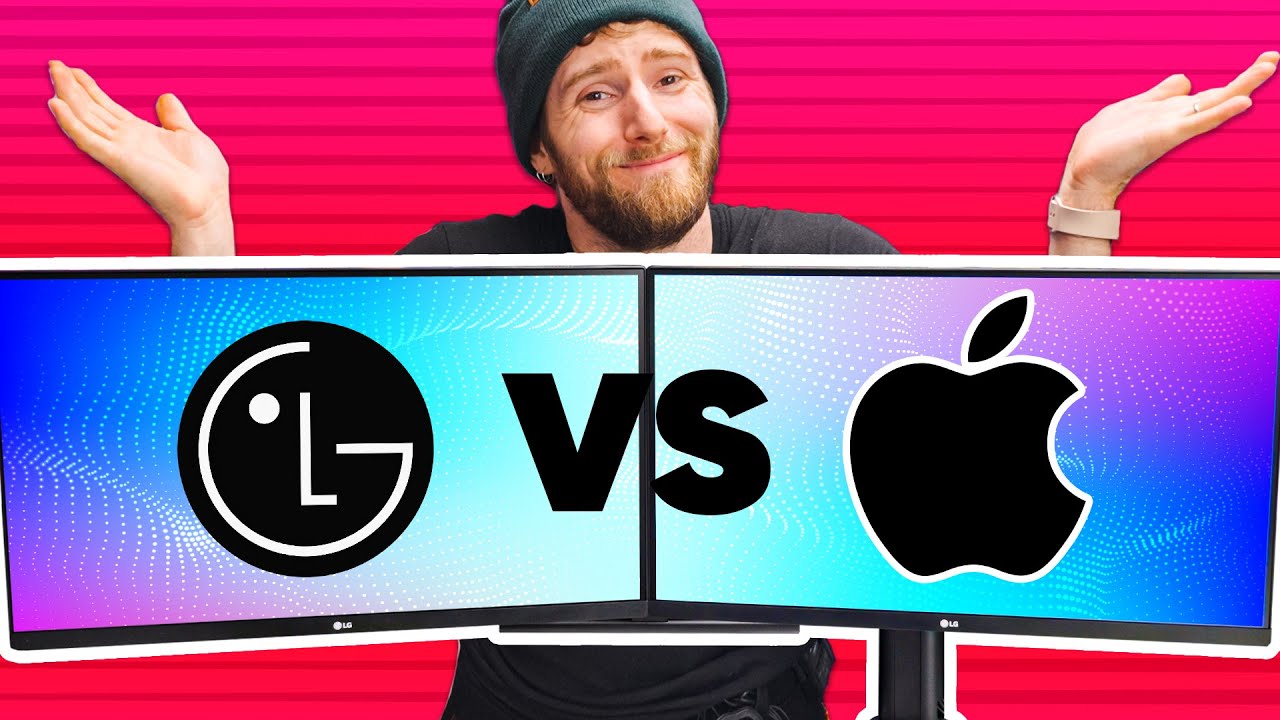
This Makes Apple Look Stupid - LG Ergo Dual
0 up · 0 down · 0 ratings
Promos
Shop smartly with Karma for free at shop.karmanow.com Ever regret buying completely different looking monitors? Looking for a good double monitor arm? The Ergo Dual from LG might be for you, but we've got a few things to say about it first. Discuss on the forum: linustechtips.com Buy the LG 27" Monitors w/ Ergo Dual Stand: geni.us Buy an MSI Mag Z590 Tomahawk Wifi: geni.us Buy a NVIDIA RTX 2080 Ti FE on Amazon: geni.us Buy G.Skill Trident Z RGB 3600MHz C16 on Amazon: geni.us Buy a Noctua NH-L12: geni.us Buy an Intel Core i5-11600K: geni.us Buy a Seasonic X-series 750W Gold PSU: geni.us Purchases made through some store links may provide some compensation to Linus Media Group. ► GET MERCH: lttstore.com ► AFFILIATES, SPONSORS & REFERRALS: lmg.gg ► PODCAST GEAR: lmg.gg ► SUPPORT US ON FLOATPLANE: floatplane.com FOLLOW US ELSEWHERE --------------------------------------------------- Twitter: twitter.com Facebook: @LinusTech Instagram: @linustech TikTok: @linustech Twitch: twitch.tv MUSIC CREDIT --------------------------------------------------- Intro: Laszlo - Supernova Video Link: youtube.com iTunes Download Link: itunes.apple.com Artist Link: soundcloud.com Outro: Approaching Nirvana - Sugar High Video Link: youtube.com Listen on Spotify: spoti.fi Artist Link: youtube.com Intro animation by MBarek Abdelwassaa @mbarek_abdel Monitor And Keyboard by vadimmihalkevich / CC BY 4.0 geni.us Mechanical RGB Keyboard by BigBrotherECE / CC BY 4.0 geni.us Mouse Gamer free Model By Oscar Creativo / CC BY 4.0 geni.us CHAPTERS --------------------------------------------------- 0:00 Intro 0:47 Unbox 2:27 The Clamp 4:50 Assembled 6:20 Cable Management 8:30 The Monitors 11:45 Cons 13:45 Conclusion 15:28 Outro
This video is a hands-on review of the LG Ergo Dual monitor arm and two 27-inch LG monitors. It opens with a critical comparison to Apple, hinting at value and practicality by highlighting a much lower price point for a similar setup. The host walks through unboxing, clamp mounting, and assembly, emphasizing the build quality and the potential for a clean, clutter-free desk with a dedicated dual-monitor arm. He demonstrates the adjustable nature of the arm, including vertical and horizontal configurations, and discusses clearance challenges when mounting around desk features or IO blocks. The review then covers cable management options, USB-C power delivery, and the ability to daisy-chain displays via DisplayPort, noting caveats for certain GPU setups. A key portion of the video analyzes color accuracy, brightness, and HDR performance, acknowledging that while the displays are not perfect out of the box, they are serviceable for amateur photo work and general use. The host also explores macOS compatibility, finding issues with MST support and noting that the setup may not be ideal for Mac users, especially with certain display configurations. Finally, the video presents alternative solutions and budget-friendly stand options, along with a plug for Karma as a shopping tool, and wraps with a balanced verdict: the LG Ergo Dual makes a compelling all-in-one solution for many setups, but there are trade-offs in color consistency, height, and macOS compatibility that buyers should consider.
Topics · tech_reviews · monitors · peripherals · hardware · display · consumer_electronics
Questions answered
- What are the main advantages of the LG Ergo Dual compared to a traditional monitor stand?
- The Ergo Dual provides a dedicated dual-monitor arm with adjustable vertical and horizontal configurations, improved cable management, USB-C power delivery, and the ability to daisy-chain displays via DisplayPort, which can reduce desk clutter and improve ergonomics.
- Are there any notable drawbacks when using macOS with the Ergo Dual?
- Yes, macOS may not support MST on this setup, and some users report limited compatibility depending on the monitor and connection type, making certain configurations less straightforward.
- How does the color and brightness performance hold up for non-professional use?
- Color accuracy is decent enough for casual photo editing, with some Delta E values around 2.6 to 3.4, but brightness in HDR mode is limited, and HDR performance is not top-tier in this package.
- Would you recommend this setup for someone on a tight budget?
- If the user prioritizes desk space and ease of setup, the LG Ergo Dual offers good value, especially compared to premium stand-alone arm solutions, though they should budget for potential additional arms or replacements if color accuracy or macOS compatibility are critical.
- What is a good alternative for someone who wants similar functionality at a lower price?
- A more affordable route could be pairing a gaming display with a simpler or cheaper dual-arm setup, or using a dedicated dual-arm like the HUANUO option mentioned, which can be cheaper though with lower weight capacity.