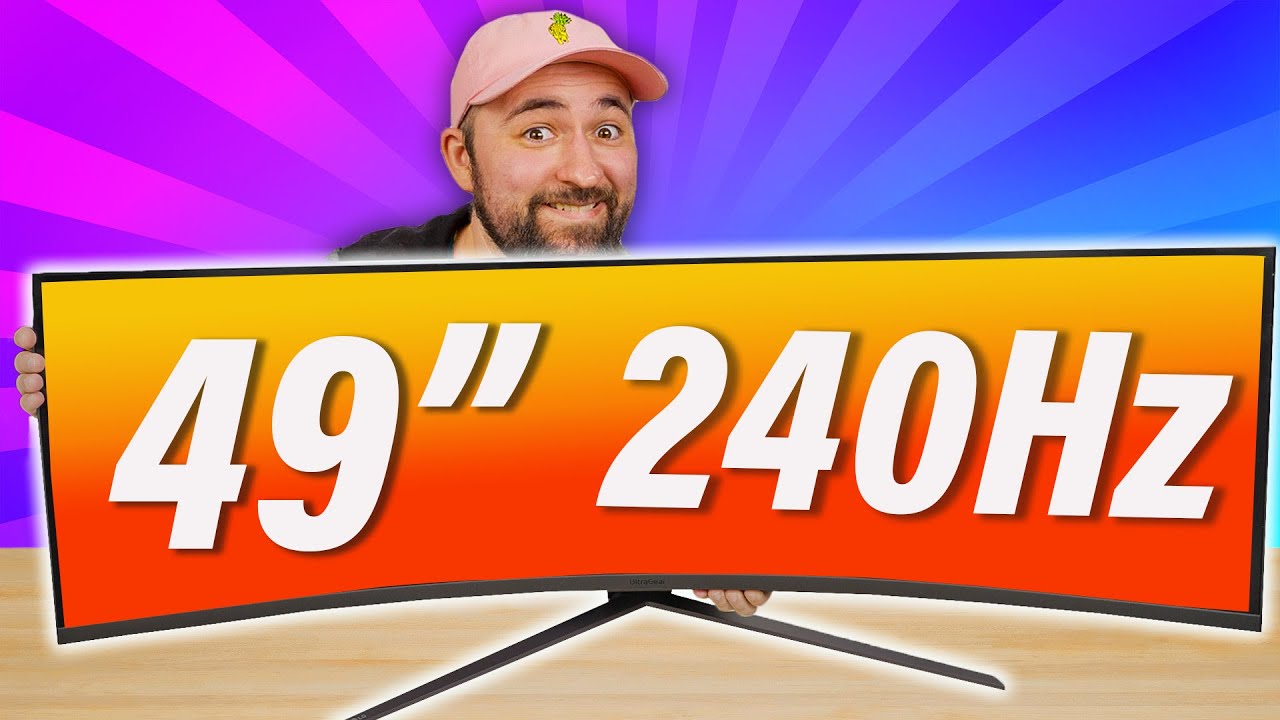
Can this beat Samsungs flagship? - LG 49GR85DC
0 up · 0 down · 0 ratings
Description
Level up your desk game!
Promos
Check out the Secretlab Magnus Desk Pro: lmg.gg LG is back with a new ultragear that features local dimming, HDR, and a 240Hz refresh rate, but does it handle any of it well? With a high price point and interesting labs results, Plouffe is here to see if LG's newest ultrawide is worth your time. Buy an LG UltraGear 49GR85DC 49” Curved Monitor: bit.ly Buy an LG C2 42” Smart TV: lmg.gg Buy an MSI Creator PS321QR 32” Monitor: geni.us Purchases made through some store links may provide some compensation to Linus Media Group. Want us to unbox something? Make a suggestion at lmg.gg ► GET MERCH: lttstore.com ► LTX 2023 TICKETS AVAILABLE NOW: lmg.gg ► GET EXCLUSIVE CONTENT ON FLOATPLANE: lmg.gg ► SPONSORS, AFFILIATES, AND PARTNERS: lmg.gg ► PRODUCTS WE USE ON THE SHORTCIRCUIT SET: lmg.gg FOLLOW US ELSEWHERE --------------------------------------------------- Twitter: twitter.com Instagram: @shortcircuityt TikTok: @linustech Facebook: @ShortCircuitYT CHAPTERS --------------------------------------------------- 0:00 There are too many monitors 0:34 No fun allowed 0:56 Unboxing 3:07 Design impressions and I/O 5:20 Sponsor - Secrelab 5:47 Initial display impressions 7:34 HDR impressions 8:23 OSD settings 10:05 240Hz gameplay and local dimming 11:37 Labs testing results 13:12 Pricing and overall thoughts 13:59 Outro
The video opens with Linus weighing the decision between ultra-wide gaming monitors and more traditional sizes, using the LG 49GR85DC as the focal point. He notes the sheer scale of a 49 inch 32:9 curved panel and discusses how such a screen fits into a desk setup, emphasizing the need for a sturdy, wide stand and substantial desk real estate. The unboxing sequence highlights the included stand, cable management clip, and the array of ports on the back, such as HDMI, DisplayPort, USB-B, USB-A, and a C13 power connector, along with a built in color calibration note and packaging concerns. He praises LG’s typical build quality and texture, while also critiquing the box depth and overall heft, which influence placement decisions and potential accessory costs like a heavy duty monitor arm. The section then transitions into initial design impressions, including the stand’s weight, the ease of rear inputs, and the optimistic, premium feel of the chassis and finish, setting up the expectation for what the panel can deliver in use. The reviewer then shifts to a sponsor plug for Secretlab Magnus Pro, briefly contrasting the monitor’s demand for space with a desk solution that keeps cables organized and the setup tidy. Overall, the video promises a hands-on look at how LG’s UltraGear 49GR85DC performs in real-world gaming, including panel tech like local dimming, HDR handling, and the impact of its 240 Hz refresh on fast gameplay.
Topics · technology · gaming · monitors · display-technology · ultrawide
Questions answered
- Does the LG 49GR85DC include USB-C data connectivity or USB-C power delivery?
- The monitor provides HDMI, DisplayPort, USB-B, two USB-A ports, and a C13 power input; there is no USB-C data port and no USB-C power delivery mentioned.
- How is the HDR performance on this monitor described in practice?
- HDR is described as not very strong due to edge-lit local dimming with column lighting, which can cause bloom and poor pinpoint brightness, especially in darker scenes.
- Is the LG 49GR85DC considered a good value at its price point?
- At a $1300 price, the reviewer does not recommend it, suggesting a smaller, higher-quality panel or a TV such as LG C2 as a better alternative for most users.