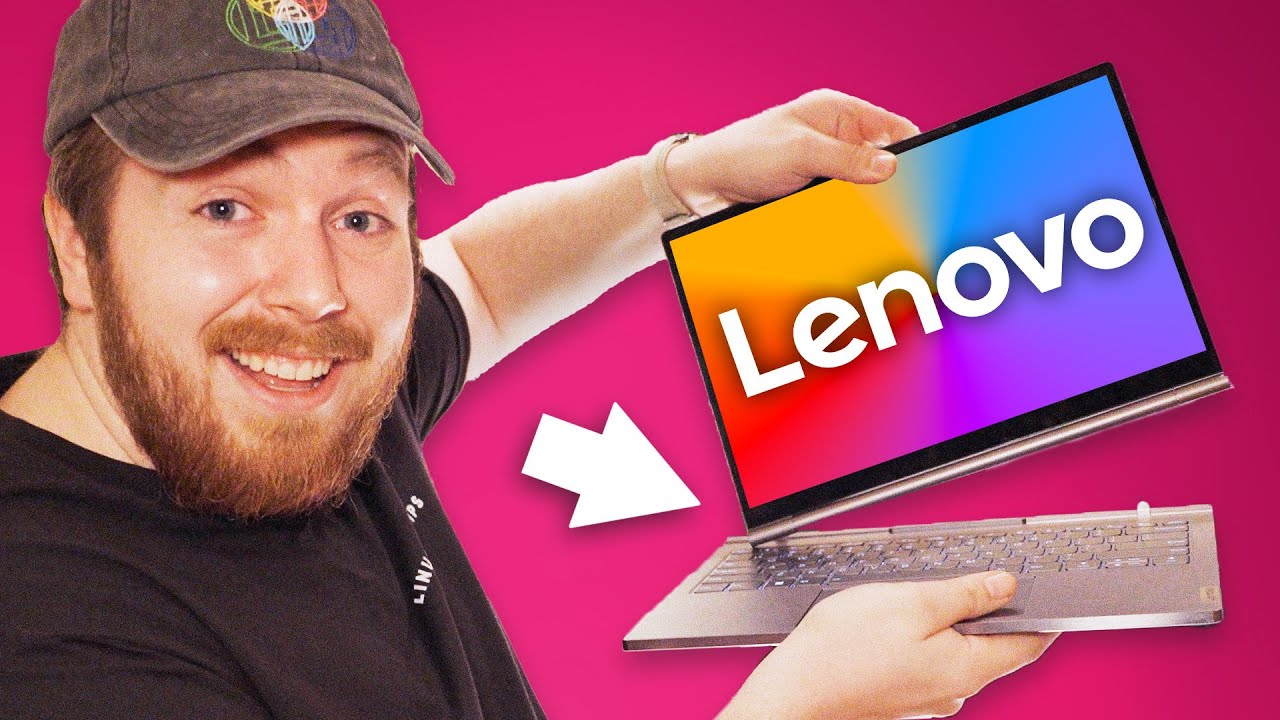
Windows or Android? WHY NOT BOTH - Lenovo ThinkBook Plus Gen 5 Hybrid
0 up · 0 down · 0 ratings
Promos
Learn more about be quiet! at: lmg.gg The name "2-in-1" seems a bit sillier now that Lenovo has made a REAL 2-in-1 device- a Windows laptop and an Android tablet- paired into one device. Does this provide the ultimate device that lets you work with a full keyboard and still play your favourite pay-to-win games after hours? Adam is here to find out. Want us to unbox something? Make a suggestion at lmg.gg ► GET MERCH: lttstore.com ► GET EXCLUSIVE CONTENT ON FLOATPLANE: lmg.gg ► SPONSORS, AFFILIATES, AND PARTNERS: lmg.gg ► PRODUCTS WE USE ON THE SHORTCIRCUIT SET: lmg.gg FOLLOW US ELSEWHERE --------------------------------------------------- Twitter: twitter.com Instagram: @shortcircuityt TikTok: @linustech Facebook: @ShortCircuitYT CHAPTERS --------------------------------------------------- 0:00 He didn't break it 0:39 Laptop specs and design impressions 1:19 Sponsor - be quiet! 1:51 Speaker impressions and switching to Android 3:01 Tablet specs and cameras 4:44 How it works (and doesn't work) together 8:01 Release date, pricing, and use cases 9:16 How the batteries work and final thoughts 10:20 Outro
The Lenovo ThinkBook Plus Gen 5 Hybrid showcases a bold approach to the 2-in-1 laptop by combining a Windows-based laptop with a detachable Android tablet, all within one chassis. The host highlights the device’s premium aluminum build, 32 GB of RAM, and an Intel Core Ultra 7 series processor, paired with a generous set of ports including Thunderbolt 4 and a dedicated display for the tablet. A key feature is the Android tablet that docks and interacts with the Windows side through a hybrid workflow, enabling two separate operating systems to run in concert rather than through a traditional dual-boot setup or virtualization. The tablet itself uses a Snapdragon 8 Plus Gen 1 processor, a 2.8K OLED display, and its own storage, designed to function as a true second device with its own camera system and biometric options. The discussion emphasizes the real-world use cases, such as switching between desktop-grade productivity in Windows and touch-first tablet tasks, all while maintaining a shared data ecosystem via a 10 GB hybrid folder that syncs content across both sides. The reviewer notes the practical challenges, like potential limitations in seamless file transfer and the need for cross-device coordination, but overall argues that the form factor solves several long-standing frustrations with folding or detachable setups by treating the two halves as a cohesive, portable workstation. The video closes with use-case scenarios, price expectations, and a verdict that while not perfect, the ThinkBook Plus Gen 5 Hybrid represents a compelling direction for portable productivity work and creative tasks alike.
Topics · technology · laptops · mobile_computing · consumer_electronics · ce_summaries
Questions answered
- What two operating systems does the ThinkBook Plus Gen 5 Hybrid support, and how are they used together?
- It supports Windows on the laptop and Android on the detachable tablet. They can run simultaneously in a hybrid workflow, with Windows handling desktop tasks and Android handling tablet tasks, and data can be shared via a hybrid folder that syncs across both devices.
- What is the tablet’s processor and display specification?
- The tablet runs a Snapdragon 8 Plus Gen 1 processor and features a 2.8K OLED display.
- What is a major hardware feature that helps connect the tablet and laptop?
- There is a proprietary connector that provides display, charging, and data transfer between the two parts, enabling the cohesive hybrid experience.