I’m prepared to beat the boss - NexiGo Hall Effect Gripcon
0 up · 0 down · 0 ratings
Description
Thanks to NexiGo for sponsoring this video!
Promos
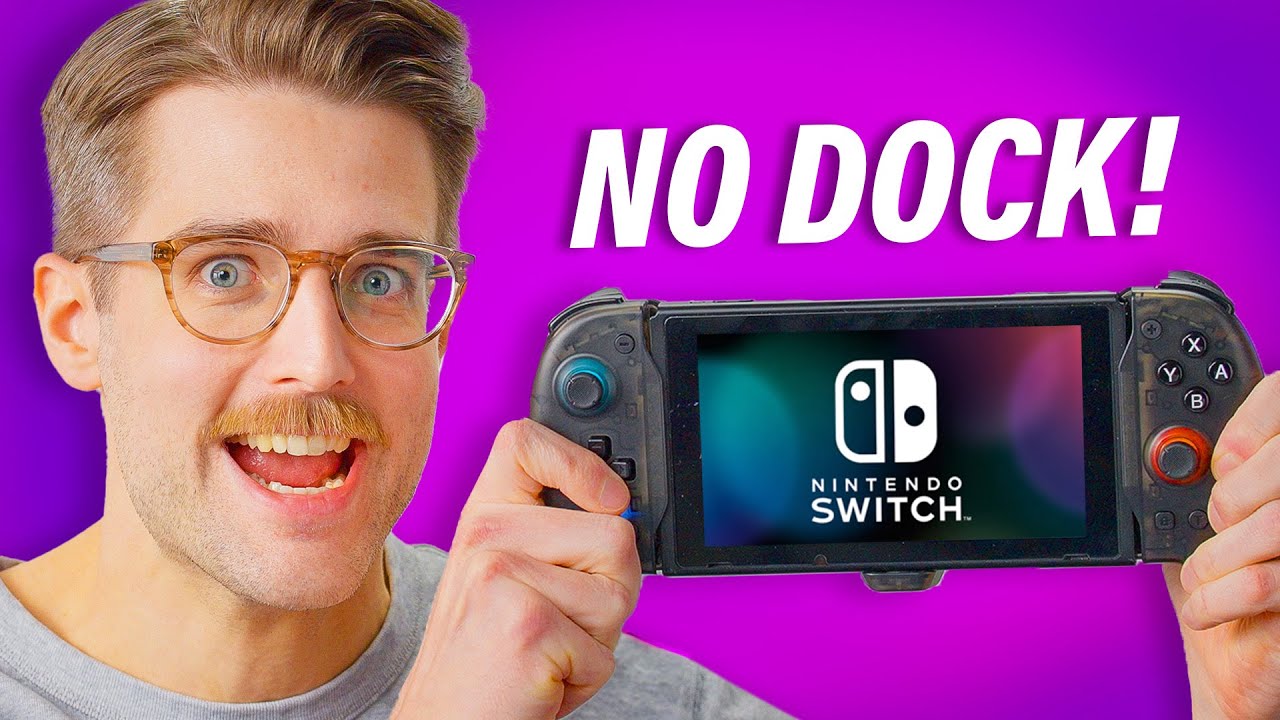
Check out the NexiGo Gripcon at: viralnation.link viralnation.link Have you ever wondered what would happen if you combined a controller with the Nintendo Switch Dock? Well, you would get the Nexigo Gripcon, a dock and controller combo that also features hall-effect joysticks. Buy a Nintendo Switch OLED: lmg.gg Purchases made through some store links may provide some compensation to Linus Media Group. Want us to unbox something? Make a suggestion at lmg.gg ► GET MERCH: lttstore.com ► GET EXCLUSIVE CONTENT ON FLOATPLANE: lmg.gg ► SPONSORS, AFFILIATES, AND PARTNERS: lmg.gg ► PRODUCTS WE USE ON THE SHORTCIRCUIT SET: lmg.gg FOLLOW US ELSEWHERE --------------------------------------------------- Twitter: twitter.com Instagram: @shortcircuityt TikTok: @linustech Facebook: @ShortCircuitYT CHAPTERS --------------------------------------------------- 0:00 Intro 0:16 Unboxing 1:30 Overview of the Gripcon 3:40 The BIG moment 4:45 Time to game 6:25 Using the macro buttons 8:15 TURBO MODE 9:42 Testing out gyro controls 10:30 One day older Riley tests docking functionality 11:40 Closing thoughts 12:43 Outro
The video is a hands-on unboxing and evaluation of the NexiGo Gripcon, a unique Nintendo Switch accessory that combines a wireless controller with a built-in dock. The host starts by inspecting the package contents, noting the extra joystick covers, documentation, and the overall tactile feel of the hardware. He highlights the back panel with macro buttons, the built-in turbo function, a USB-C charging port, HDMI output for docked use, and the dual cartridge slots. The device is demonstrated in Pro Controller wired mode, showing how the Hall Effect joysticks feel, the click of the buttons, and the immediate responsiveness without setup. He then dives into the macro mapping process, explaining how to assign actions to the back buttons and confirming that the LED feedback indicates successful configuration. The host experiments with jumping, aiming, and other actions by remapping controls, illustrating how the Gripcon can tailor itself to different playstyles. After mapping, he tests the turbo mode, explores auto-fire options, and shows semi-automatic and full-automatic modes, culminating in a boss battle sequence that emphasizes the practical benefits of the built-in features. Finally, the reviewer tests the dock functionality with a TV setup, discusses switching between docked and handheld modes, and weighs the overall value, color options, and compatibility with different Switch iterations, concluding that the Gripcon offers a compelling, if late, integration of a dock and controller in one package, with multiple colors and a few caveats about the life cycle timing.
Topics · gadgets · gaming accessories · unboxing · tech review · hardware review · dock accessory
Questions answered
- What is the NexiGo Gripcon and what does it combine?
- The NexiGo Gripcon is a Nintendo Switch controller that also functions as a dock, featuring hall effect joysticks, back macro buttons, and turbo modes for enhanced gameplay.
- Can you map buttons on the Gripcon and how is the mapping done?
- Yes, you can map the back macro buttons by entering mapping mode with the designated settings button, choosing the target button, and using LED feedback to confirm the mapping.
- Does the Gripcon support docked and handheld modes and how is the dock performance?
- The Gripcon supports both docked and handheld use, with HDMI output for docked mode and a switch between TV and console via a back switch; docking performance is described as functional with caveats about cable length and fit.