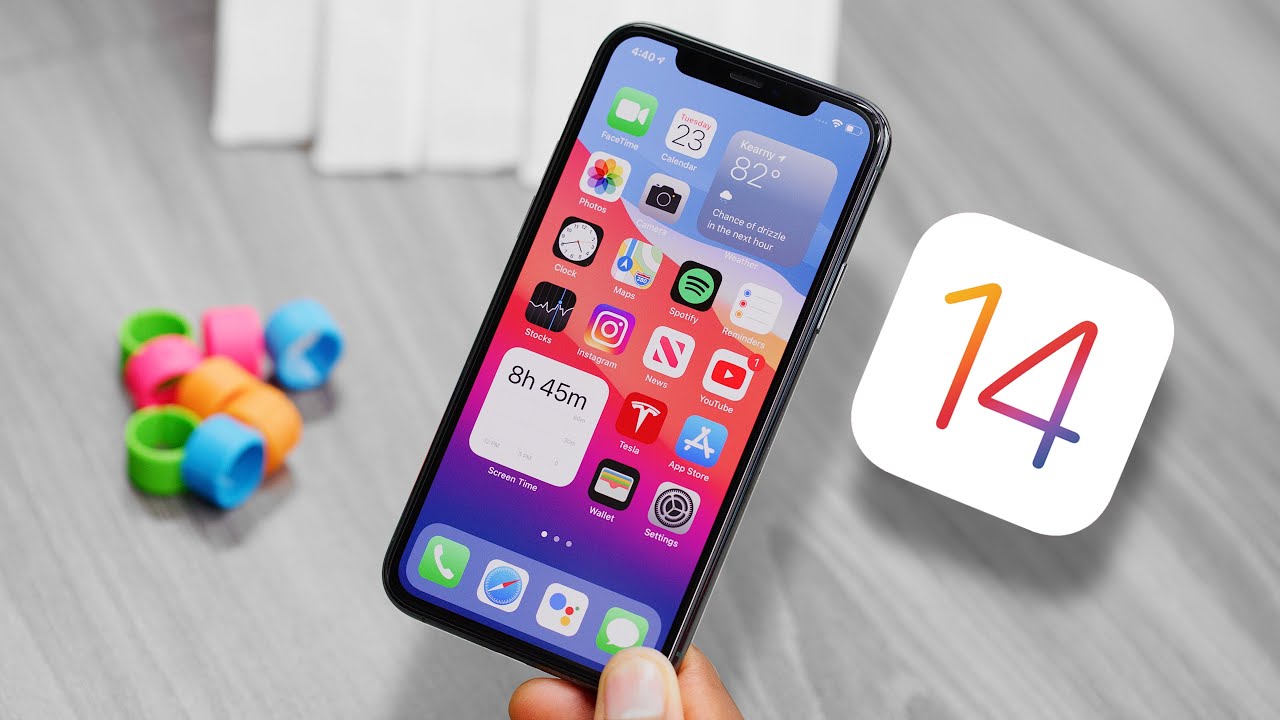
iOS 14 Hands-On: Everything New!
0 up · 0 down · 0 ratings
Promos
The best iOS 14 features, coming soon to an iPhone near you. Timestamps: 0:00 Intro 1:06 Homescreen 1:45 Widgets 4:30 Compact UI 6:51 Straight from Android 8:12 Unique Features 10:43 Outro MKBHD Merch: shop.mkbhd.com Video Gear I use: kit.co Tech I'm using right now: amazon.com Intro Track: youtube.com Playlist of MKBHD Intro music: goo.gl ~ twitter.com @MKBHD @MKBHD
iOS 14 Hands-On: Everything New! offers a structured first look at Apple's iOS 14 beta from MKBHD. The video begins with a recap of the WWDC reveal and sets expectations for a fall release, noting that the update brings a mix of long-awaited features and Apple’s own twists. The host explains the new home screen changes, highlighting the app library as an iOS version of an app drawer, the introduction of widgets, and the option to hide entire home screen pages to reduce clutter. He also touches on the compact UI changes, which streamline calls, FaceTime, and Siri interactions, making multitasking feel more fluid rather than interruptive. Throughout, there is a clear emphasis on both the polish of Apple’s implementation and the practical limitations, such as widget placement constraints, while also acknowledging the potential for third-party widget support in the future.
Topics · technology · mobile operating systems · user interface
Questions answered
- What are the biggest changes in the iOS 14 home screen?
- The biggest changes include the new app library, which acts like an app drawer, and widgets that can be added to home screens. There is also the option to hide entire home screens to reduce clutter and a Smart Stack widget that cycles through widgets based on predictions or manual arrangement.
- How does iOS 14 improve multitasking and notifications during calls?
- Compact UI changes reduce full-screen interruptions. Calls use a dropdown banner, FaceTime allows leaving the call to do other tasks with the call continuing, and picture-in-picture lets video continue while multitasking.
- What accessibility features stand out in iOS 14?
- New back tap shortcuts allow double or triple taps to trigger actions such as opening Siri or taking screenshots, and sound recognition can notify users of important sounds like a doorbell or fire alarm.