ASUS UL30A Thin & Light Core 2 Duo Notebook Re-boxing & First Look Linus Tech Tips
0 up · 0 down · 0 ratings
Description
Today I will be re-boxing a laptop. Watch for more details. The concept didn't work as well as I had hoped.
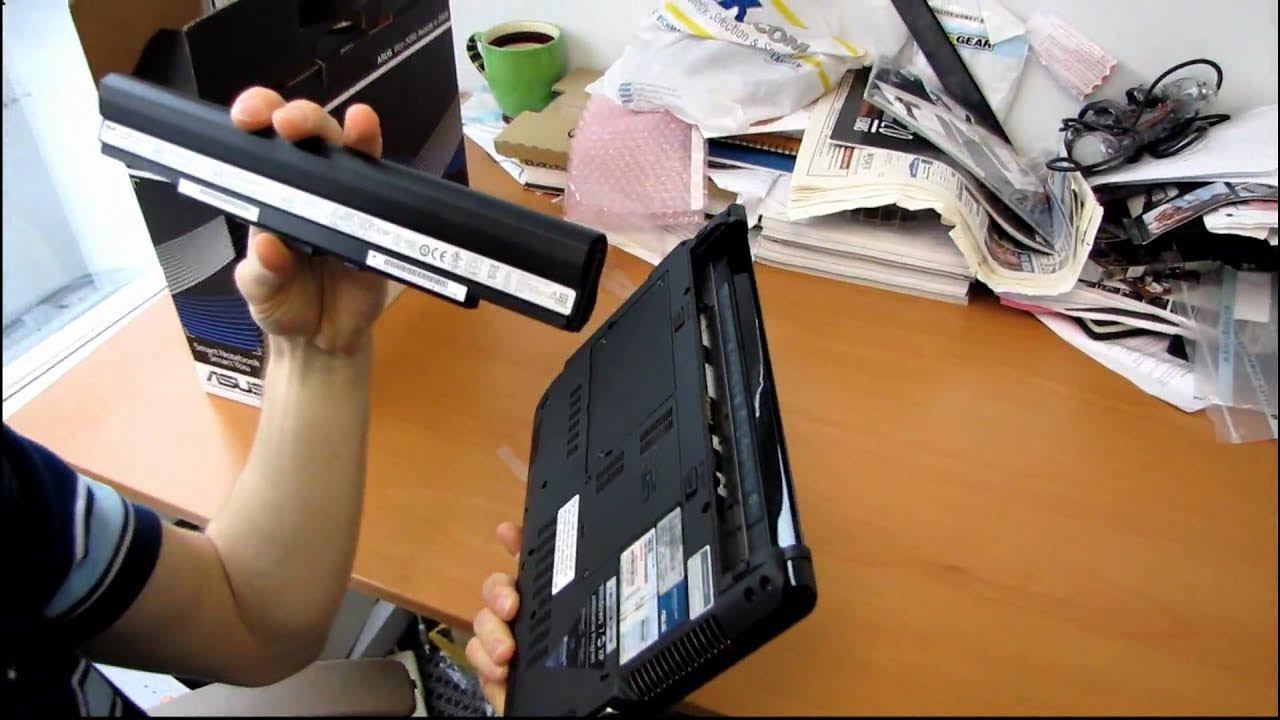
The video provides an in-depth look at re-boxing an ASUS UL30A thin and light notebook and delivering a first hands-on impression. The host emphasizes the device’s overall design, noting its very thin profile and the brushed aluminum finish with a sharp embedded ASUS logo. He walks through key specifications including a SU7300 Core 2 Duo processor, a 13.3 inch display, 3 GB of RAM, and a 250 GB hard drive, all pairing with an 8-cell battery aimed at long runtime. The narrator highlights the energy-saving approach such as a green LED display and the palm-rest area that remains cooler to the touch, addressing a common heat concern. He also points out the connectivity that includes HDMI, VGA, USB ports, SD card reader, gigabit Ethernet, and audio jacks, while noting the absence of an internal optical drive. The unboxing portion covers the box contents like recovery media, drivers discs, ExpressGate software, a small power adapter, and a warranty card, and discusses ASUS’s global 360° warranty benefits. The segment closes with reflections on how the battery-centric design influences the notebook’s weight distribution and how the packaging and accessories reflect the era of the device, concluding with an impression that the reboxing exercise still demonstrates the product’s premium positioning despite trade-offs in hardware heat and optical drive removal.
Topics · technology · hardware · unboxing · laptops
Questions answered
- What are the core specs of the ASUS UL30A as shown in the video?
- The ASUS UL30A features a SU7300 Core 2 Duo processor, 13.3 inch display, 3 GB of RAM, and a 250 GB hard drive, along with an 8-cell battery and integrated wireless.
- What notable design choices affect usability or portability in this notebook?
- The notebook emphasizes thin and light design with a compact power adapter, a palm-rest that stays cooler, and a battery-heavy chassis to extend runtime, at the cost of removing an internal optical drive.