Misconception Mashers - Episode 1 - PC Components
0 up · 0 down · 0 ratings
Promos
There are plenty of misconceptions about PC components out there. We'd like to, well, MASH them! TunnelBear message: TunnelBear is the easy-to-use VPN app for mobile and desktop. Visit tunnelbear.com to try it free and save 10% when you sign up for unlimited TunnelBear data. Techquickie Merch Store: designbyhumans.com Techquickie Movie Poster: shop.crowdmade.com Leave a comment with your requests for future episodes, or tweet them here: twitter.com Follow: twitter.com Join the community: linustechtips.com License for image used: creativecommons.org
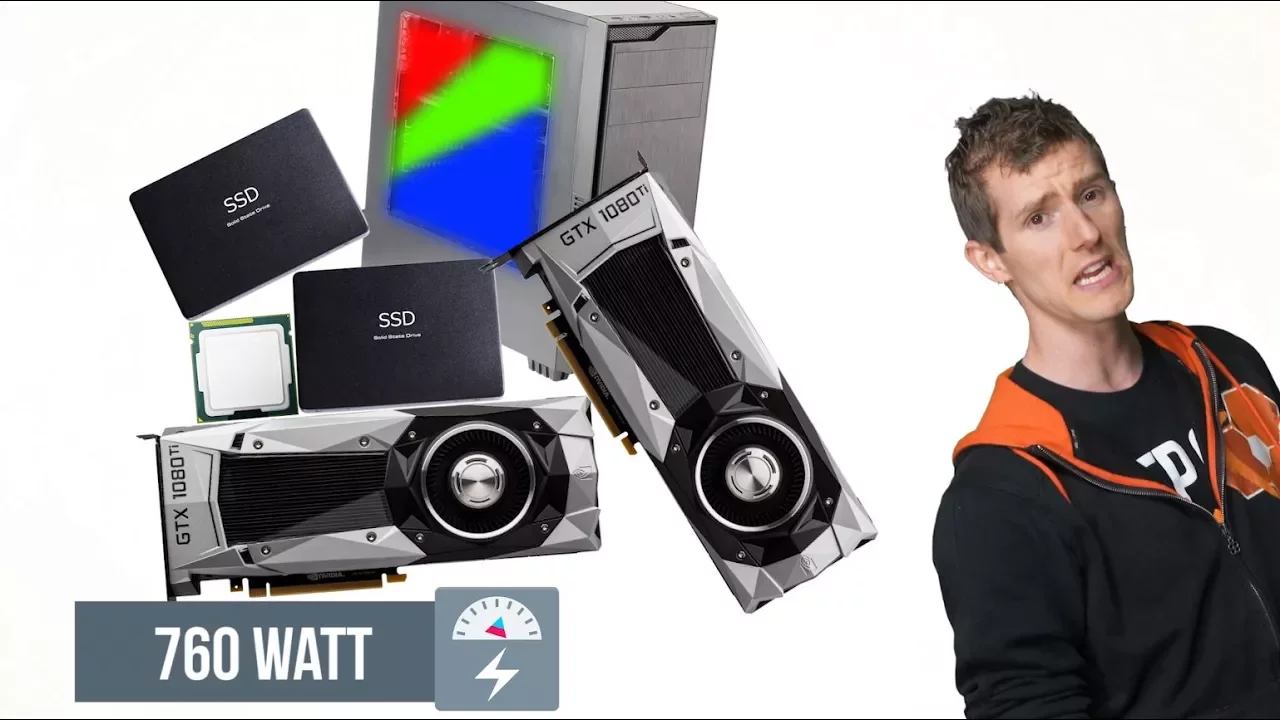
Misconception Mashers Episode 1: PC Components dives into common myths around PC hardware, unpacking what is true and what isn't about cooling designs, motherboard handling, power requirements, and overclocking. The hosts explain that reference or board-partner graphics cards often use blower-style coolers which direct hot air out of the back of the card and case, a configuration that can be preferable in small form factor builds where open-air coolers may overheat other components. They also debunk the blanket fear of placing a motherboard directly in its anti-static bag, noting that modern bags have high impedance and pose little risk of static discharge. The video then tackles power supply expectations, clarifying that despite popular belief, very high wattage PSUs are not always necessary for multi-GPU setups, as multi-GPU configurations have become less power-hungry and modern CPUs and GPUs have plateaued in consumption. Finally, the hosts critique the old notion that more motherboard power phases equate to better overclocking stability, explaining that build quality and efficiency have improved a great deal over the past several years, reducing the practical need for ultra high phase counts. The episode wraps with a lighthearted reminder to save money for peripherals or treats, while inviting viewers to suggest future misconceptions to mash up in later episodes and noting a sponsor plug for TunnelBear VPN. Overall, the video uses approachable explanations and concrete examples to guide viewers through design choices without overspending on components, highlighting how real-world considerations like case size, airflow, and build quality influence hardware decisions over outdated heuristics.
Topics · technology education · hardware · pc building · misconceptions · computing hardware · consumer electronics · thermal management