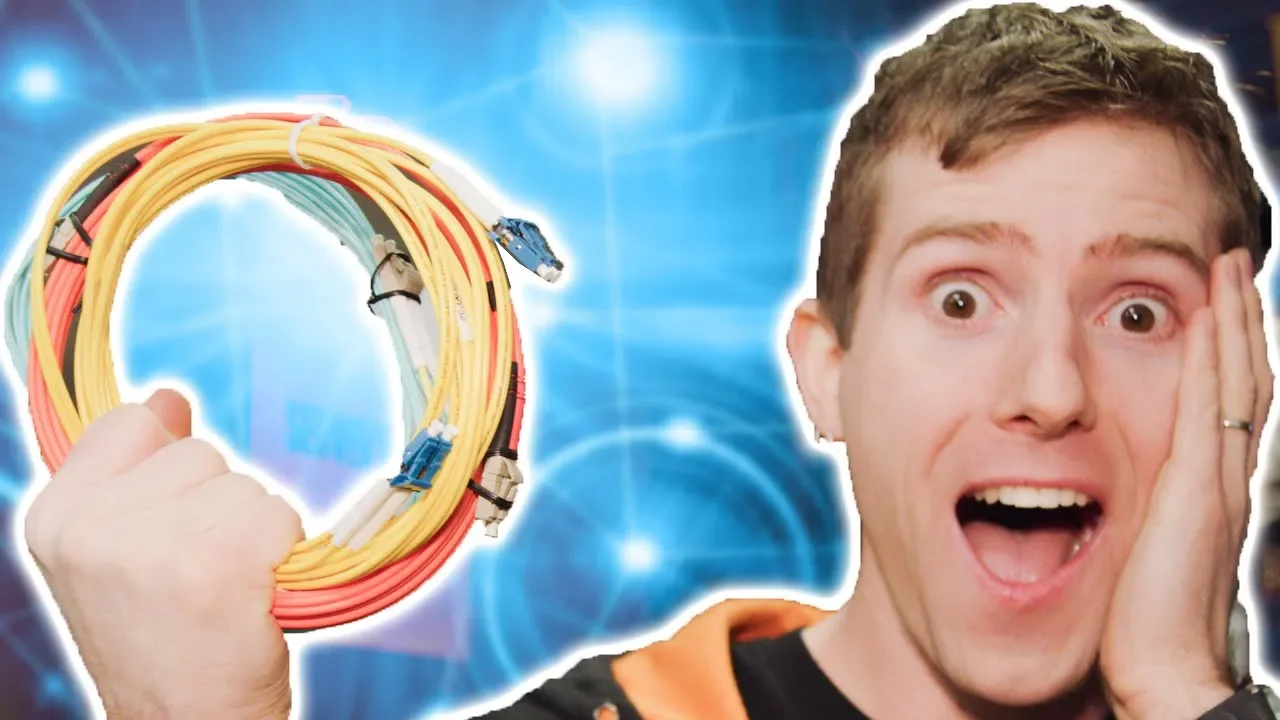
We got 10 GIGABIT Internet!!
0 up · 0 down · 0 ratings
Promos
Get your first audiobook for free when you try Audible for 30 days. Visit audible.com or text linus to 500500 Use code LINUS and get 25% off GlassWire at lmg.gg Learn more about iTel: lmg.gg Buy ethernet cables on Amazon: geni.us Discuss on the forum: linustechtips.com Our Affiliates, Referral Programs, and Sponsors: linustechtips.com Get Private Internet Access today at geni.us Linus Tech Tips merchandise at lttstore.com Linus Tech Tips posters at crowdmade.com Our Test Benches on Amazon: amazon.com Our production gear: geni.us Twitter - twitter.com Facebook - @LinusTech Instagram - @linustech Twitch - twitch.tv Intro Screen Music Credit: Title: Laszlo - Supernova Video Link: youtube.com iTunes Download Link: itunes.apple.com Artist Link: soundcloud.com Outro Screen Music Credit: Approaching Nirvana - Sugar High youtube.com
The video documents Linus and his team attempting to upgrade their private network link to a full 10 gigabit fiber connection. They begin by outlining the goal of moving from a gigabit fiber to a dedicated 10G wavelength, explaining that the new path will run from their building to the harbor exchange in Vancouver using a CWDM transceiver to split a single 10G wavelength into multiple 1G connections for the internal network. The team identifies the fiber entry points in two buildings, discusses the fiber sheathing and protection, and highlights the difference between a dedicated wavelength versus a dedicated fiber run, noting how the path remains direct yet dynamic to accommodate external activity. They install and configure a Sienna switch to monitor the link quality and ensure there are no hiccups as traffic moves from the street fiber through the splice cabinets into their server room. Throughout the setup, they explain long-haul versus short-range transceivers, the importance of matching transceivers to the network gear, and the careful steps needed to avoid lighting up the wrong interfaces. In later segments, they troubleshoot a misconfiguration involving LAN interfaces and link aggregation, reboot devices, and confirm connectivity to the harbor center gateway with a sub-two millisecond round-trip time, demonstrating that they finally have a working 10G link with very low latency to their primary peering location. Finally, they discuss testing strategies, acknowledge the limitations of speed tests that rely on remote servers, and suggest future experiments like live testing with a partner server to push bandwidth further, while giving shoutouts to their collaborator team, sponsors, and the community resources where viewers can discuss the build and find related gear. The video blends practical hardware demonstrations with troubleshooting and behind-the-scenes banter. It provides concrete details about the fiber infrastructure, including the presence of a CWDM splitter, the use of a long-haul transceiver, and the need to match transceivers to the network gear. It also reveals real-world challenges such as misconfigured interfaces, the impact of aggregation on visibility, and the iterative process required to validate a new 10G path. By the end, the team has established a 10G circuit to their harbor center, estimated a five to six gigabits per second usable rate to the broader internet, and laid out a plan for more rigorous, remote testing in collaboration with additional partners. The overall takeaway is that upgrading to 10G is feasible with careful planning, the right equipment, and thorough verification, and that even ambitious home or small-business networks require deliberate testing and coordination with service providers and data center partners.
Topics · technology · internet infrastructure · networking · data center