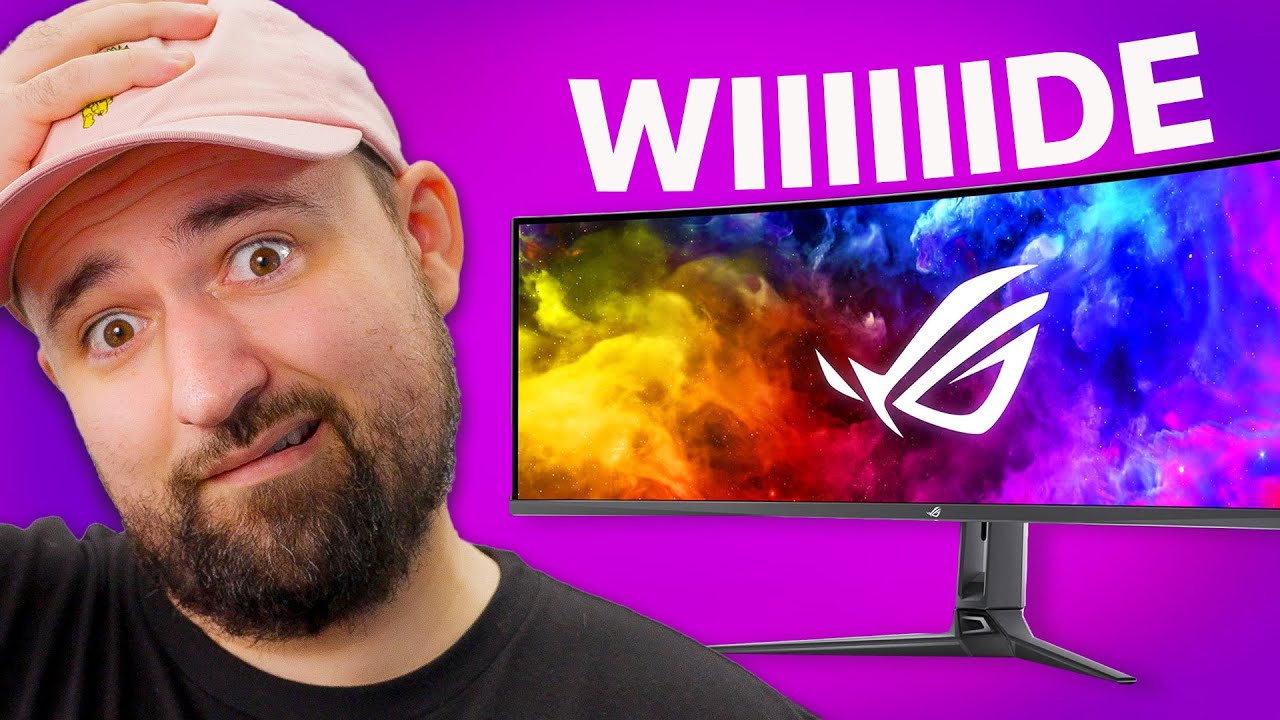
This changed my mind - ROG SWIFT PG49WCD
0 up · 0 down · 0 ratings
Description
Do your typing fingers a favor and
Promos
check out the LUMINKEY 80 Mechanical Keyboard at bit.ly Plouffe has an Alienware AW3423DW QD-OLED monitor and doesn't understand people who want to go further than ultrawide with the 32:9 aspect ratio a super ultrawide provides. Well, he didn't until he saw the new ROG Swift QD-OLED 2 ultrawide which has a ton of ports, an amazing-looking screen, and a wiiiiiiiiiiide screen for gaming goodness. Want us to unbox something? Make a suggestion at lmg.gg ► GET MERCH: lttstore.com ► GET EXCLUSIVE CONTENT ON FLOATPLANE: lmg.gg ► SPONSORS, AFFILIATES, AND PARTNERS: lmg.gg ► PRODUCTS WE USE ON THE SHORTCIRCUIT SET: lmg.gg FOLLOW US ELSEWHERE --------------------------------------------------- Twitter: twitter.com Instagram: @shortcircuityt TikTok: @linustech Facebook: @ShortCircuitYT CHAPTERS --------------------------------------------------- 0:00 This thing is wiiiiiide 0:34 Unboxing 2:18 Design, ports, and stand 4:57 Sponsor - LUMINKEY 5:26 Weird feet, HDR certification, and OSD 6:35 Super Ultrawide impressions 7:49 QD-OLED 2 improvements 8:58 LABS test results 9:37 Gaming on super ultrawide 11:18 Outro
This video presents an in-depth unboxing and review of the Asus ROG Swift PG49WCD, a 49-inch super ultrawide monitor built around QD-OLED Gen 2 technology. The host kicks off by highlighting the sheer width of the panel and explains the 5120 by 1440p resolution at 49 inches, noting a pixel density just over 100 PPI which suits general use, gaming, and productivity, while acknowledging that graphic design may demand higher pixel density. The unboxing covers the full accessory kit, including the HDMI 2.1, DP 1.4 cables, USB-C with KVM, and the 90W USB-C PD capability, plus a sturdy and sizeable stand with VESA mount option. The review then dives into design and port layout, emphasizing the generous IO, the built-in KVM, and the potential for a clean desk setup thanks to cable management and multiple USB ports. Throughout the first half, the presenter also comments on the physical heft, the stand geometry, and the initial impressions of setup usability, explaining how the monitor looks and feels in real life and what it enables for gaming, productivity, and media consumption. The second half shifts to image quality and performance, praising the QD-OLED Gen 2 panel for deep blacks, high contrast, and vibrant color accuracy, with measured HDR and color metrics that support strong out-of-the-box calibration. The host also discusses HDR brightness behavior, the graphene thermal layer, and burn-in considerations, while comparing to prior Gen 1 models and other ultrawide options. In day-to-day use, the monitor is lauded for immersion and multitasking potential, though user experience with on-screen controls, stand geometry, and occasional UI quirks in ultra wide contexts are noted as drawbacks. The video closes with a summary of the overall value proposition, acknowledging the $1499 price point, and emphasizes that while the 32:9 format offers significant benefits, some users will still encounter occasional compatibility quirks in certain games and interfaces, making it a strong but not universally perfect choice for every setup.
Topics · technology · reviews · display · gaming · hardware · pc_peripherals · oled
Questions answered
- What makes the ROG Swift PG49WCD stand out among ultrawide monitors?
- Its 49 inch 32:9 QD-OLED Gen 2 panel delivers deep blacks, high contrast, quick response times, and very wide real estate, plus a built-in KVM with 90W USB-C power delivery and a broad set of I/O options.
- Does the monitor perform well for gaming and productivity alike?
- Yes, it provides immersive gaming with a broad field of view and supports multitasking with multiple windows, though some UI elements and menus may require adjustments or come with occasional compatibility quirks.