HORI Fighting Edge Fight Stick Unboxing & First Look Linus Tech Tips
0 up · 0 down · 0 ratings
Channels and socials
See the HORI Fighting Edge fight stick in action here: youtube.com CA: ncix.com US: us.ncix.com
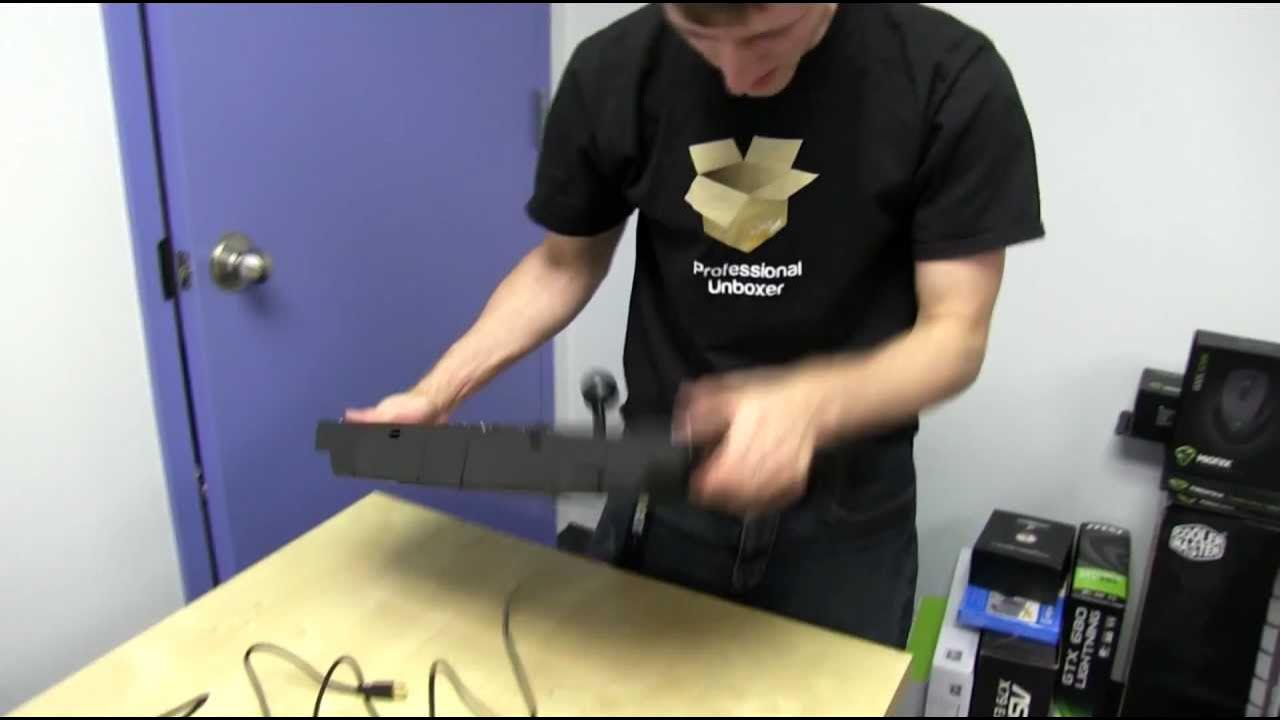
This video covers the unboxing and first look at the HORI Fighting Edge Fight Stick by Linus Tech Tips. The host begins by noting the package contents and the packaging design, and immediately expresses curiosity about whether the device works with a PC in addition to a PlayStation 3 console. He inspects the included accessories, including a USB cable, and attempts to power the stick, guiding viewers through initial setup steps while checking for driver recognition on a computer. Throughout the segment he humorously measures the cable length in Linus arm spans and discusses the physical build, noting the touch screen feature and the substantial, non-slip base pads designed for stable placement on a user’s lap or a chair edge. The unboxing proceeds with progressively revealing the stick’s physical layout, including the PlayStation button cluster, the joystick, and the integrated touchscreen, and the host reflects on how the device opens and collapses for storage. By the end, he confirms basic PS3 compatibility and PC readiness via driver installation, and signs off by inviting viewers to subscribe for more unboxings, reviews, and computer videos. The tone blends hands-on testing with light humor and practical checks, offering a clear first impression of the HORI Fighting Edge as a premium arcade-style controller with thoughtful ergonomics and cross-platform potential.
Topics · technology · gaming hardware · unboxing · pc peripherals · console accessories
Questions answered
- Is the HORI Fighting Edge compatible with both PS3 and PC, and how is the setup performed?
- Yes, the Fighting Edge is PS3 compatible and can be used with a PC. Setup involves connecting the USB cable, installing the necessary drivers on the PC, and confirming device recognition in the operating system.
- What notable design features does the HORI Fighting Edge have for stability and usability?
- The stick includes large grippy pads on the bottom to prevent sliding, a robust housing, a joystick, and a touchscreen area, with a layout designed to keep the device stable on a chair edge during play.
- What is highlighted about the packaging or included accessories in the unboxing?
- The unboxing notes the USB cable as a primary included accessory, along with a cleaning cloth, and discusses how the cable length translates to practical reach during setup.