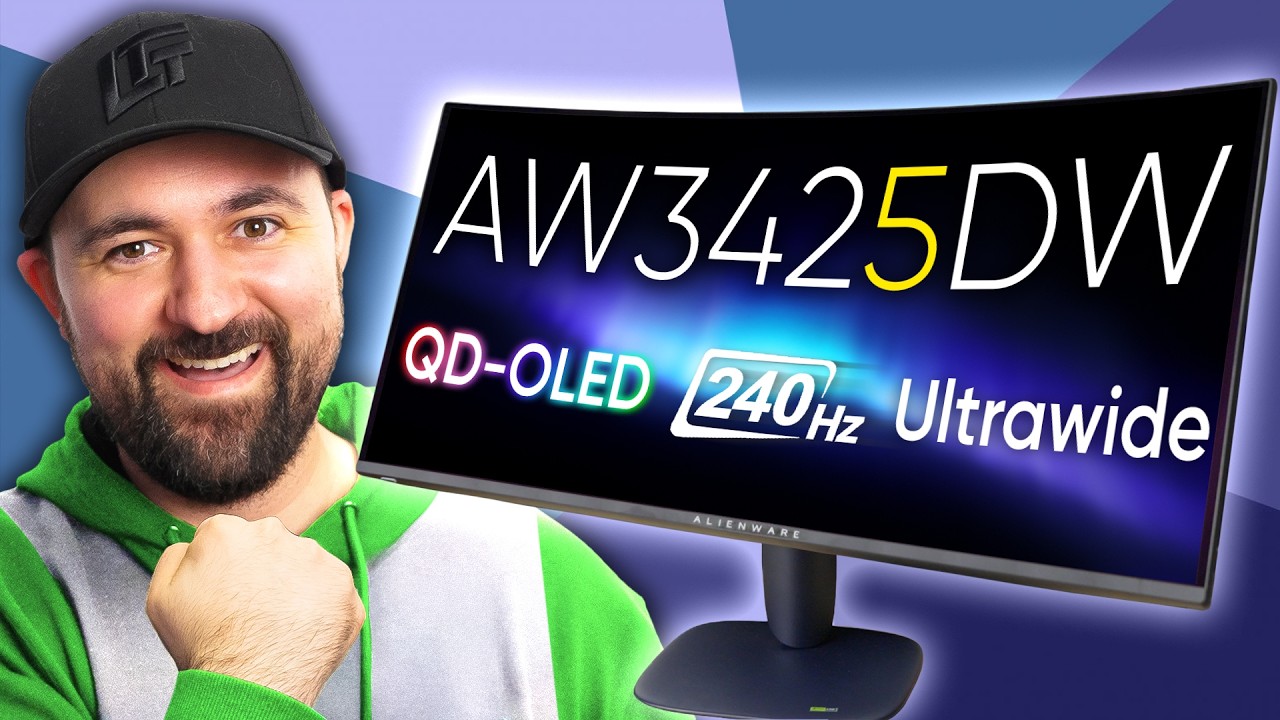
They Finally Upgraded My Gaming Monitor - Alienware AW3425DW
0 up · 0 down · 0 ratings
Promos
Check out the Secretlab Titan Evo ergonomic gaming chair at lmg.gg and give your back the support it deserves! Alienware’s new AW3425DW is a worthy successor to one of our favorite ultrawide gaming monitors, bringing 240Hz QD-OLED goodness to a much lower price point. It’s faster, more color accurate, and just $799. But is it too good to be true? Buy an Alienware AW3525DW 240hz 34" QD-OLED Monitor here: lmg.gg Purchases made through some store links may provide some compensation to Linus Media Group. Want us to unbox something? Make a suggestion at lmg.gg ► GET MERCH: lttstore.com ► GET A VPN: piavpn.com ► GET EXCLUSIVE CONTENT ON FLOATPLANE: lmg.gg ► SPONSORS, AFFILIATES, AND PARTNERS: lmg.gg CHAPTERS --------------------------------------------------- 0:00 Intro 0:42 Stand design and first impressions 2:35 I/O and cable options 4:06 Sponsor 4:41 Powering on and OSD overview 6:13 Tweaking settings 7:38 HDR and Gaming impressions 10:52 Display accuracy and DSC toggling 11:46 Final thoughts 12:31 Credits
The video opens with the host expressing enthusiasm about the Alienware AW3425DW, framing it as a direct upgrade over the AW3423DW and highlighting its new 240 Hz refresh rate for ultrawide gaming. He details the box contents, including a redesigned stand, HDMI 2.1, USB-C, and a DisplayPort option, while noting the absence of DP 2.1 and some USB-A ports. The discussion shifts to initial setup, build quality, desk footprint, color accents, and the overall ergonomic stance of the monitor, emphasizing how the new design reduces desk clutter and improves usability. The host then dives into the OSD, USB-C charging options, HDR handling, and the built-in features like PIP and self-diagnostic tools, commending the three-year warranty and image retention safeguards as strong selling points. He proceeds to test various configurations, including enabling DSC, refining color modes, and adjusting HDR, to capture how the AW3425DW performs in real-world gaming and multimedia scenarios. The review continues with a comparison between SDR and HDR color accuracy, latency testing, and viewing-angle performance, ultimately concluding that the monitor offers exceptional value at $799 while acknowledging a few trade-offs such as speaker omission and HDMI bandwidth considerations. The host closes with a final verdict that the AW3425DW is a compelling upgrade for ultrawide enthusiasts who want high refresh, strong color reproduction, and a reasonable price, while hinting at future Gen 2 models that may introduce different feature sets. The video ends with practical notes on potential future improvements and a reminder of ongoing ecosystem options from Alienware and partners.
Topics · tech reviews · gaming monitors · oled displays · ultrawide · display technology · hardware reviews
Questions answered
- What is the key selling point of the AW3425DW according to the video?
- The key selling point is the 240 Hz refresh rate on a 34 inch ultrawide OLED panel at a price around $799, offering fast gaming performance with strong color accuracy and HDR capabilities.
- Does the monitor include built-in speakers?
- No, the reviewer notes that the monitor does not include built-in speakers and expresses a preference for using external audio solutions.
- What connectivity options are highlighted for the AW3425DW?
- The monitor includes HDMI 2.1, DisplayPort 1.4, USB-C, and USB-A ports, with DSC toggleable, and general support for 240 Hz gaming via HDMI 2.1 or DisplayPort.