How to Set Up a Home Media Server
0 up · 0 down · 0 ratings
Description
Thanks to Seagate for sponsoring this video!
Check out 12TB Seagate IronWolf NAS drives on Amazon: geni.us
Promos
Check out Synology NAS enclosures on Amazon: geni.us Streaming from Netflix and YouTube is great, but setting up your own personal home media server has tons of benefits. Techquickie Merch Store: designbyhumans.com Techquickie Movie Poster: shop.crowdmade.com Follow: twitter.com Leave a reply with your requests for future episodes, or tweet them here: twitter.com Join the community: linustechtips.com Intro Theme: Showdown by F.O.O.L from Monstercat - Best of 2016 Video Link: youtube.com iTunes Download Link: itunes.apple.com Listen on Spotify: open.spotify.com
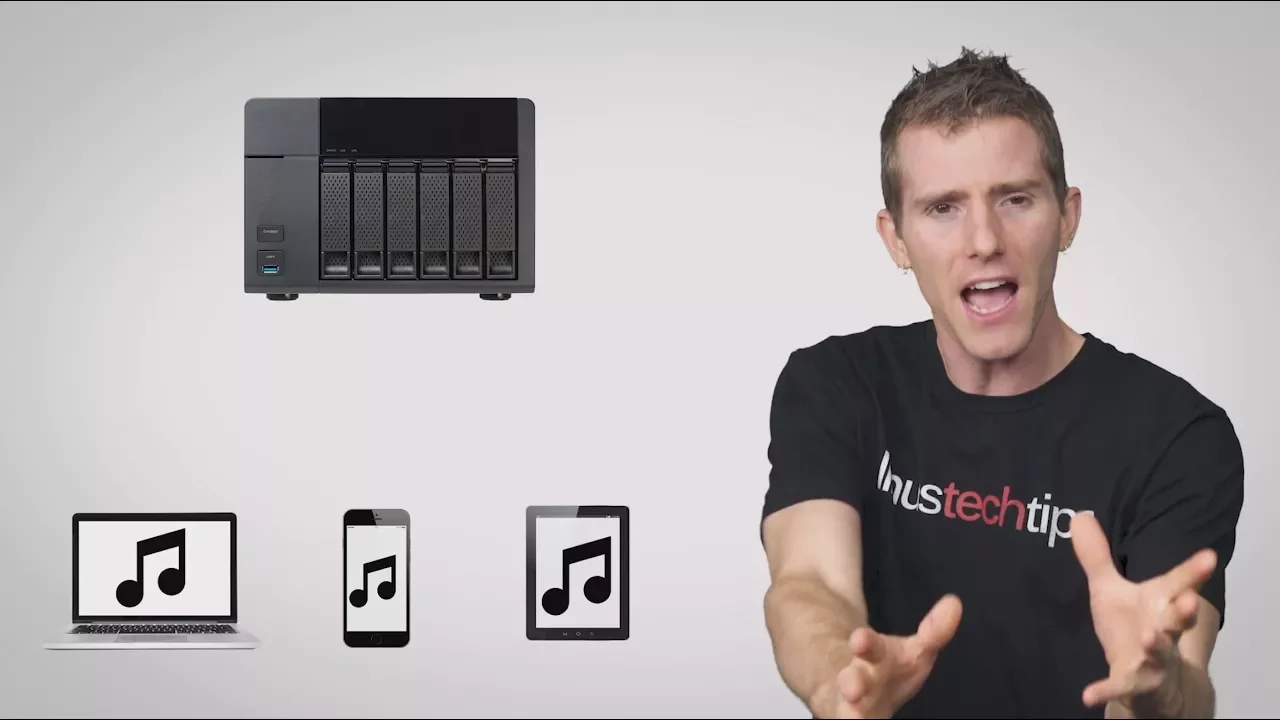
The video explains why a home media server can be a superior solution for storing and streaming your personal media compared to relying solely on third-party streaming services. It begins by highlighting how modern internet speeds still fail to guarantee consistent access to large media libraries, and presents a home server as a centralized, private hub that can serve content to multiple devices on the same local network with high reliability. The speaker outlines the core options for hosting a home server, including repurposing an old PC or investing in a dedicated NAS device, which typically comes with a lightweight operating system and scalable drive bays. The benefits of a NAS are explained, such as easy expansion, potential for silent operation, and the ability to handle large libraries without occupying devices individually. The discussion also covers hardware considerations like drive choices, the role of solid state caches, and CPU power for transcoding to support multiple concurrent streams across PCs, TVs, phones, and tablets. Practical steps are given for initial setup: choosing a NAS model or an OS like unraid or freenas, configuring the network so the NAS is visible on the LAN, and organizing media into a sensible folder structure to simplify library management. The video then guides viewers through installing server software (Plex, Kodi, or Emby) on the NAS and installing corresponding client apps on various devices, emphasizing on-screen instructions and router port configuration to enable remote access for streaming from anywhere. Finally, the host recommends Seagate and Synology as trusted partners for private NAS storage and highlights advanced features like IronWolf drives with health monitoring and extended warranties to reassure users about data safety. The closing segment invites viewers to like, subscribe, and share their future topic requests, reinforcing the channel’s ongoing educational mission.
Topics · Technology · Networking · MediaStreaming · DataStorage