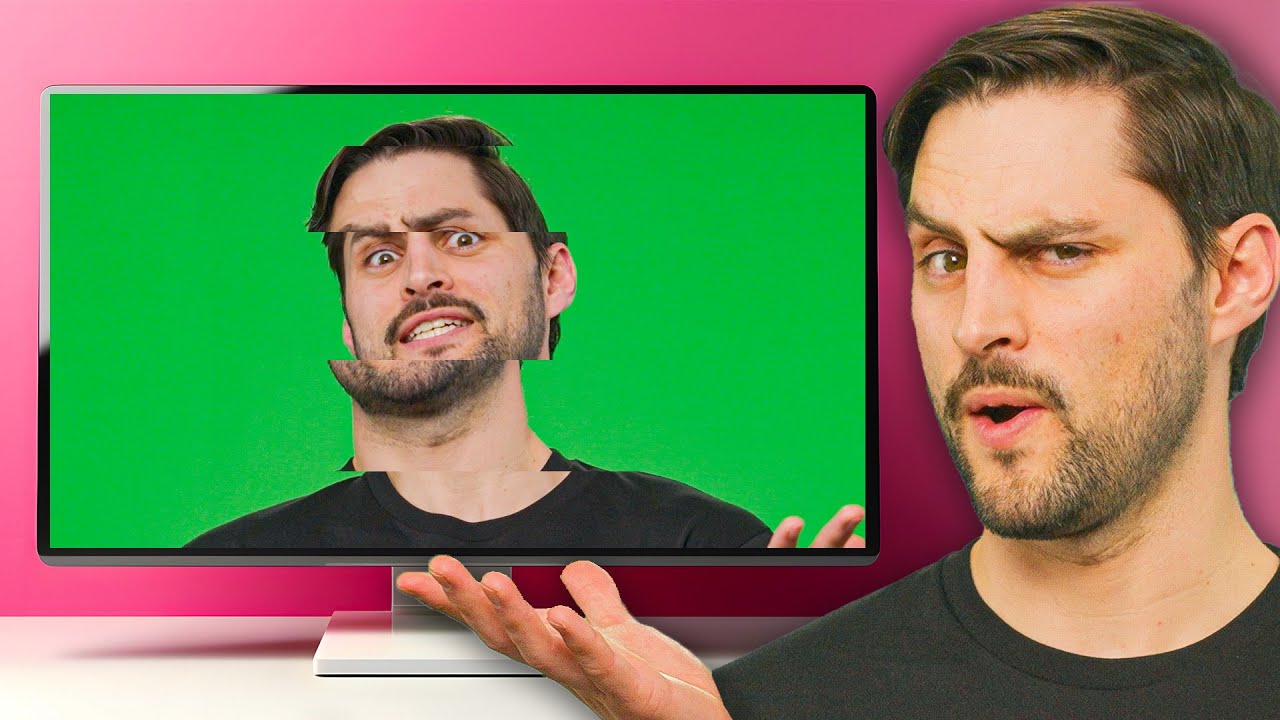
What is Variable Refresh Rate?
0 up · 0 down · 0 ratings
Promos
Check out NexiGo at: viralnation.link Learn about variable refresh rate (VRR) and how it prevents screen tearing. Also, we explain the differences between AdaptiveSync, FreeSync, and the different flavors of G-Sync. Leave a reply with your requests for future episodes. ► GET MERCH: lttstore.com ► GET EXCLUSIVE CONTENT ON FLOATPLANE: lmg.gg ► SPONSORS, AFFILIATES, AND PARTNERS: lmg.gg FOLLOW US ELSEWHERE --------------------------------------------------- Twitter: twitter.com Facebook: @LinusTech Instagram: @linustech TikTok: @linustech Twitch: twitch.tv
Variable refresh rate, or VRR, has been a standout feature for PC displays, reducing screen tearing by syncing the monitor’s refresh rate with the graphics card’s frame output. The video starts by explaining the core idea:传统 monitors run at a fixed refresh rate while the GPU renders frames at varying speeds, causing tearing when a new frame is displayed in the middle of a refresh cycle. VRR solves this by dynamically adjusting the monitor’s refresh rate to match the GPU’s frame rate, avoiding the mismatch that leads to tearing. The narrative then contrasts VRR with older solutions like vertical sync, which can introduce stuttering when the GPU is rendering slower than the display’s refresh cadence. It also discusses how users can mitigate tearing by capping FPS in games when the GPU's output exceeds the monitor’s maximum refresh rate, though VRR itself is not a one-size-fits-all solution. The video then surveys several flavors of VRR, including open source adaptive sync, AMD FreeSync, and Nvidia’s G-Sync family, explaining that G-Sync may involve built in hardware on some monitors and can enable better motion handling on supported displays. It closes by offering practical guidance on whether to invest in a G-Sync monitor, noting that Adaptive Sync displays can still deliver tear-free gaming at a lower price if motion blur and ghosting aren’t major concerns. The overall takeaway is that VRR helps deliver smoother gameplay by dynamically matching refresh to frame rate, while the best option depends on budget and how much you value reduced tearing and motion blur versus outright efficiency.
Topics · technology · display technology · gaming hardware · video technology
Questions answered
- What is the core function of variable refresh rate in gaming displays?
- VRR dynamically adjusts the monitor's refresh rate to match the GPU's current frame rate, preventing the mismatch that causes screen tearing and often reducing stuttering compared to fixed refresh rates.
- What are the main families of VRR technologies mentioned, and how do they differ?
- The main families are Adaptive Sync, AMD FreeSync, and Nvidia G-Sync. Adaptive Sync is an open standard, FreeSync is AMD's tested implementation of Adaptive Sync, G-Sync is Nvidia's brand with options including displays with built-in hardware and G-Sync Compatible status for non-Nvidia GPUs.
- When might you prefer not to use VRR despite it reducing tearing?
- If VRR introduces motion issues such as ghosting or gamma shifts on certain displays, particularly some OLED panels, you might disable VRR and rely on a higher fixed refresh rate or other settings to preserve image quality.