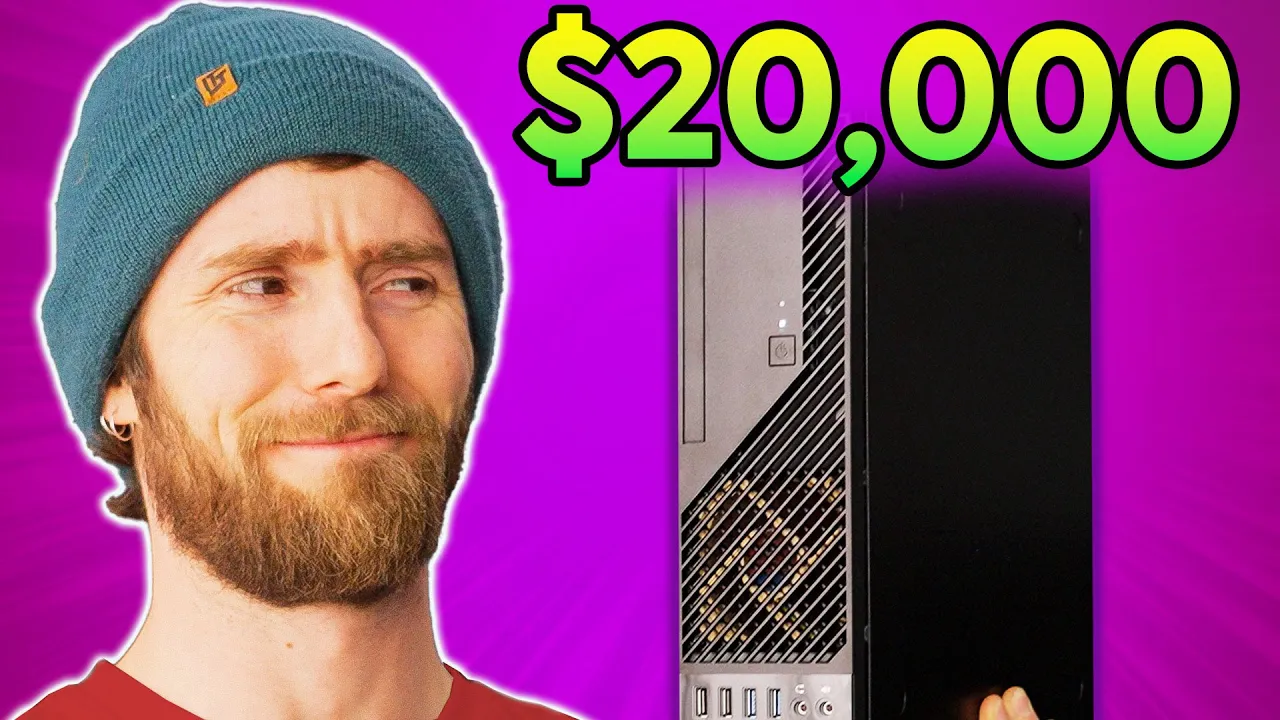
This is a $20,000 Computer - The Portable NAS
0 up · 0 down · 0 ratings
Promos
Join us in War Thunder for FREE at playwt.link Get an exclusive bonus using our link - thanks for supporting the channel! Our editors are used to editing off of a top-of-the-line NVMe-based network storage server, but when we travel for big events like CES, we don't have that luxury.... until now. Discuss on the forum: linustechtips.com Buy AMD Ryzen 7 5700X - geni.us Buy NEMIX DDR4 ECC RAM - geni.us Buy ASRock X570D4U-2L2T - geni.us Buy INWIN Win CJ712 Case - geni.us Buy Silverstone FX350-G PSU - geni.us Buy Noctua NF-A8 Fans - geni.us Buy Noctua NH-L9a Low Profile CPU Cooler - geni.us Buy KIOXIA CM6-R NVMe SSD - geni.us Buy CalDigit Connect 10G - geni.us Purchases made through some store links may provide some compensation to Linus Media Group. ► GET MERCH: lttstore.com ► SUPPORT US ON FLOATPLANE: floatplane.com ► AFFILIATES, SPONSORS & REFERRALS: lmg.gg ► PODCAST GEAR: lmg.gg FOLLOW US --------------------------------------------------- Twitter: twitter.com Facebook: @LinusTech Instagram: @linustech TikTok: @linustech Twitch: twitch.tv MUSIC CREDIT --------------------------------------------------- Intro: Laszlo - Supernova Video Link: youtube.com iTunes Download Link: itunes.apple.com Artist Link: soundcloud.com Outro: Approaching Nirvana - Sugar High Video Link: youtube.com Listen on Spotify: spoti.fi Artist Link: youtube.com Intro animation by MBarek Abdelwassaa @mbarek_abdel Monitor And Keyboard by vadimmihalkevich / CC BY 4.0 geni.us Mechanical RGB Keyboard by BigBrotherECE / CC BY 4.0 geni.us Mouse Gamer free Model By Oscar Creativo / CC BY 4.0 geni.us CHAPTERS --------------------------------------------------- 0:00 Intro 1:27 The size problem 3:32 The build 12:06 It brokey 13:35 The software & testing it 15:10 How we actually intend to use it & networking
The video opens by framing a common problem for video editors who rely on fast networked storage: traveling to events like CES without the luxury of a dedicated data center. The hosts explain that hotel internet is insufficient and propose bringing a portable, high performance editing rig instead. They set a design goal to fit the system inside a carry-on sized Pelican 1510 case and to avoid full ATX size hardware, which leads them to an MATX motherboard and compact components. The discussion emphasizes remote management features like IPMI so the system can be controlled over the network without a local monitor, a critical capability for field use. They outline the high level plan to balance performance, cooling, and portability while maintaining enough storage for on-site editing tasks. The narrative builds toward a concrete hardware shortlist and the experiments that will test whether this on-the-road setup can actually function as a mobile editing suite. The build section details the choice of case and motherboard, highlighting the ASRock Rack X570D4U-2L2T for its dual 10-gigabit NICs and remote management, and then the tight fit inside the Pelican case which requires a compact, slim chassis. They introduce the InWin CJ712 as the only viable option that could physically fit, even though it barely clears the dimensions. The crew discusses power delivery, swapping the stock 265 watt supply for a 350 watt Silverstone unit to improve reliability, and they modify cooling by enlarging the intake/exhaust path to enhance airflow. They also justify RAM choices by opting for ECC memory and a generous 128 GB, using older Intel Optane M.2 drives as boot devices for endurance. The segment emphasizes the challenges of thermal management and space constraints, while keeping a sense of humor about the tight workspace and the occasional misstep. The software and testing portion shows them installing TruNAS SCALE on the boot drives and configuring a mirrored pool with a network share, while enabling SSD-friendly features like auto trim. They experiment with drive topology, noting that only one of the two large 30 TB Kioxia CM6 drives is visible in the PCIe setup and work through a BIOS/firmware level bifurcation process to ensure proper detection. The crew tests the power and cooling strategy, setting fans to full blast to push air through the cramped enclosure, and they assess thermal readings to prevent overheating under real use. The video then shifts toward practical use cases, explaining how this portable NAS would serve multiple editors on the go, including networking plans with a 10 gigabit switch and USB-C powered gear, while discussing the tradeoffs between Apple laptops for editing stability versus raw rendering performance on Windows. The finale teases the War Thunder sponsor and nods to a prior modular carry-on editing rig, framing this build as an iterative step in Linus Tech Tips’ mobile editing journey.
Topics · technology · hardware_build · network_storage · portable_computing · diy · small_form_factor · server_hardware
Questions answered
- What is the core purpose of the portable NAS in this video?
- To provide high-speed, on-site editing storage that can be carried to events and used without relying on hotel networks.
- Why did the team choose a micro ATX MATX board instead of a full ATX board?
- To fit the hardware inside the carry-on Pelican case and still accommodate essential features like dual 10-gigabit NICs and IPMI.
- What storage drives are used for bulk capacity and why?
- Two 30 terabyte Kioxia CM6 enterprise NVMe drives are used for large capacity and fast sequential speeds, enabling multiple editors to work off the NAS.
- How do they manage network connectivity when on the go?
- They plan to use a 10 gigabit portable switch and TB dongles plus a cellular internet puck to ensure editors stay connected.