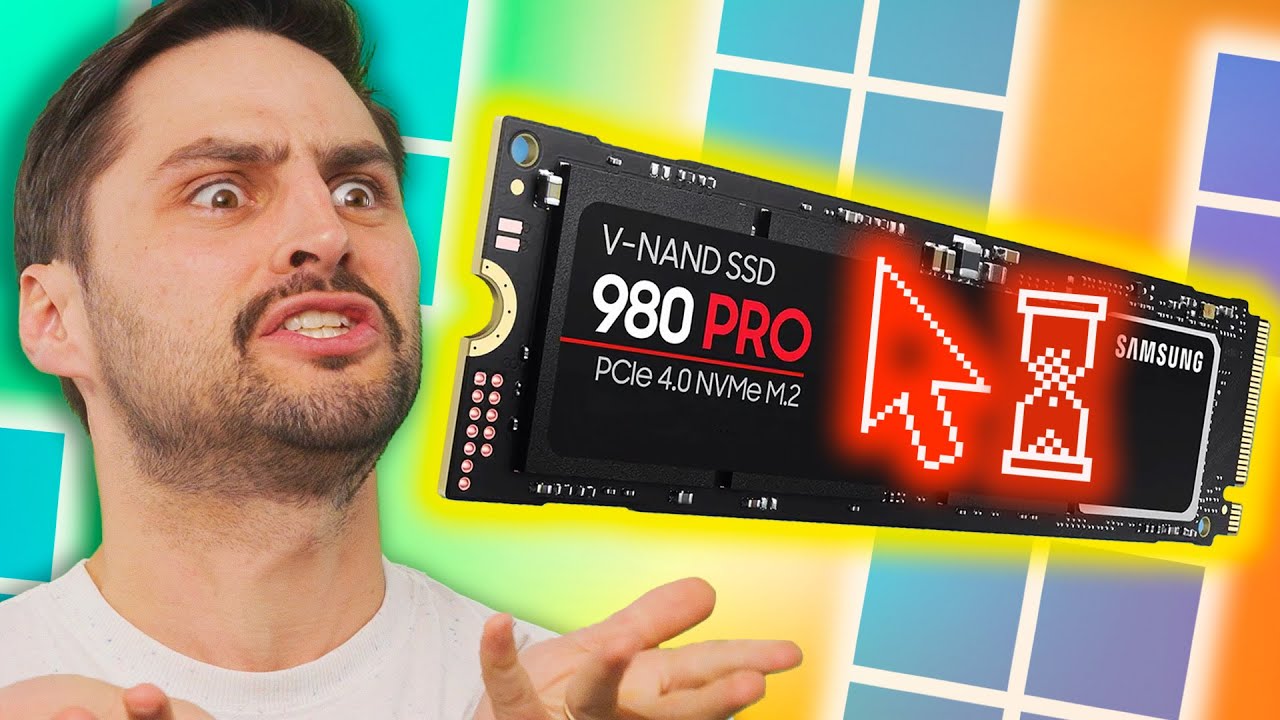
Win 11 is Slowing Your SSD
0 up · 0 down · 0 ratings
Promos
Get $5 off your Magic Spoon order with code linus at lmg.gg ► GET MERCH: lttstore.com ► GET EXCLUSIVE CONTENT ON FLOATPLANE: lmg.gg ► LISTEN TO THE TECH NEWS: lmg.gg ► SPONSORS, AFFILIATES, AND PARTNERS: lmg.gg ► OUR PODCAST GEAR: lmg.gg NEWS SOURCES: lmg.gg --------------------------------------------------- Timestamps: 0:00 RIP Booty-Mangler 0:13 Windows 11 Pro encryption slows SSDs 1:28 Mexican's phones being remotely disabled 2:40 Pixel 8 Pro can't do much AI generation 3:46 Magic Spoon 4:09 QUICK BITS INTRO 4:18 Twitch allows simulcasting (again) 5:00 Microsoft Excel finally useable 5:44 Amazon testing human replacements...I mean robots 6:19 Windows Phone's vengeance from the grave 6:50 Tinder's Matchmaker feature to get your mom's input FOLLOW US ELSEWHERE --------------------------------------------------- Twitter: twitter.com Instagram: @TechLinkedYT Facebook: @TechLinked TikTok: @techlinkedyt
Win 11 is Slowing Your SSD examines a critical tension between Windows 11 Pro encryption and SSD performance. The video explains how Microsoft shifted default encryption from hardware to software, which can dramatically slow drive speeds on some setups, with test references showing reductions up to 45 percent in certain configurations. It discusses the practical implications for users who rely on high-performance NVMe SSDs, and why hardware encryption can be faster than no encryption, but Windows 11 Pro enforces software encryption by default and even removes a simple opt-out in many cases. The host walks through the historical change from 2019 that made software encryption the default, highlighting the annoyance of having to reinstall Windows to switch to hardware encryption, and underlines that this is not a minor inconvenience but a systemic design choice that affects everyday performance. The segment also touches on how these encryption defaults interact with system speed, particularly on premium SSDs like the Samsung 990 Pro, and what users can do to regain control of their storage performance. The broader takeaway is a warning to verify encryption settings and understand how OS-level defaults can impact hardware performance, especially for enthusiasts who expect their hardware to run at peak speeds. The video uses a fast-paced, light-hearted tone to cover multiple tech news topics while grounding the encryption discussion in concrete examples and accessible explanations. It concludes with a reminder that users should assess their own hardware and software configurations to avoid unnecessary slowdowns, and consider the potential benefits of hardware encryption even if it requires more setup to enable.
Topics · technology · computing · hardware
Questions answered
- What change in Windows 11 Pro affects SSD performance according to the video?
- Windows 11 Pro enforces software encryption by default, which can slow SSD performance compared to hardware encryption.
- Why might hardware encryption be preferable for SSD speed?
- Hardware encryption can be faster because it leverages the drive's own processor, avoiding the overhead of the OS-managed software encryption.
- What could a user do if they want hardware encryption on their system?
- Users may need to adjust encryption settings and, in some cases, reinstall Windows to switch from software to hardware encryption, depending on their setup.