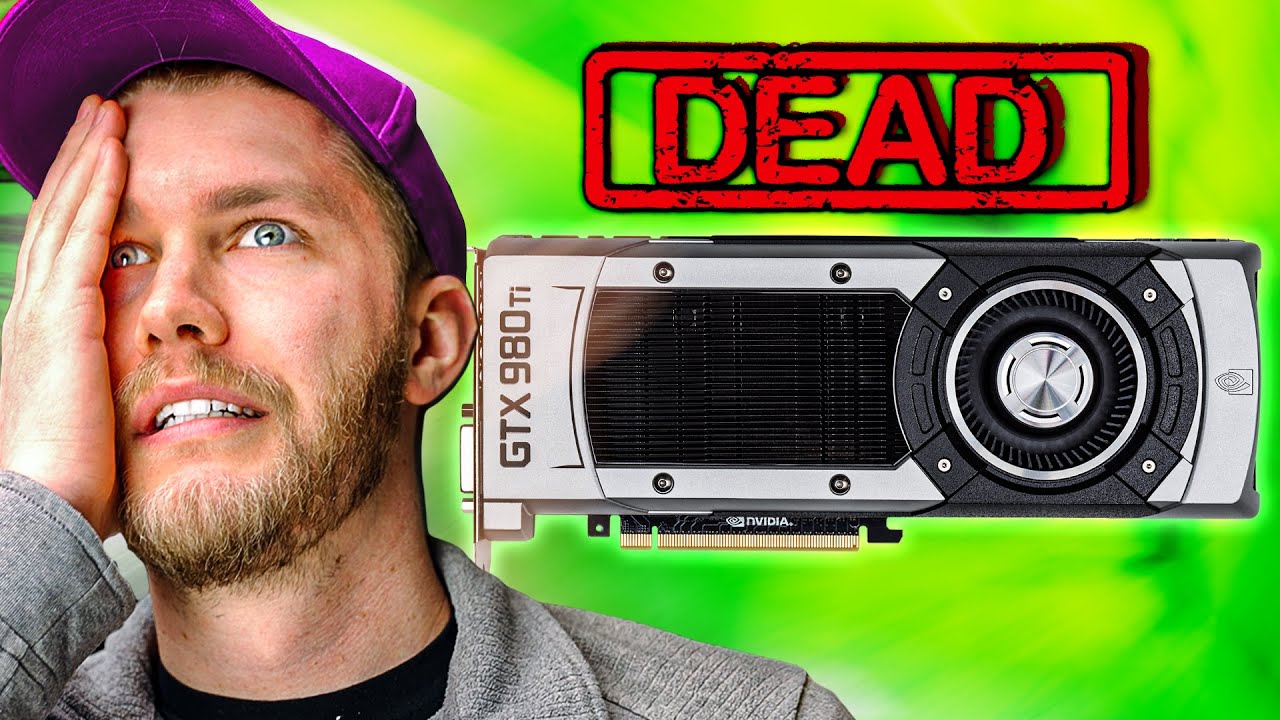
We Bought 6 Dead GPUs. Can We Fix Them?
0 up · 0 down · 0 ratings
Promos
Thanks to ORIGIN PC for sponsoring this video! To learn more about the ORIGIN PC Millennium 5000T and Intel’s 12th-Generation processors, click here: bit.ly We bought 6 very dead and very expensive GPUs from eBay. Can we fix them? Discuss on the forum: linustechtips.com iFixit Article on Temporarily Fixing a GPU Using The Oven Trick: geni.us Purchases made through some store links may provide some compensation to Linus Media Group. ► GET MERCH: lttstore.com ► AFFILIATES, SPONSORS & REFERRALS: lmg.gg ► PODCAST GEAR: lmg.gg ► SUPPORT US ON FLOATPLANE: floatplane.com FOLLOW US ELSEWHERE --------------------------------------------------- Twitter: twitter.com Facebook: @LinusTech Instagram: @linustech TikTok: @linustech Twitch: twitch.tv MUSIC CREDIT --------------------------------------------------- Intro: Laszlo - Supernova Video Link: youtube.com iTunes Download Link: itunes.apple.com Artist Link: soundcloud.com Outro: Approaching Nirvana - Sugar High Video Link: youtube.com Listen on Spotify: spoti.fi Artist Link: youtube.com Intro animation by MBarek Abdelwassaa @mbarek_abdel Monitor And Keyboard by vadimmihalkevich / CC BY 4.0 geni.us Mechanical RGB Keyboard by BigBrotherECE / CC BY 4.0 geni.us Mouse Gamer free Model By Oscar Creativo / CC BY 4.0 geni.us CHAPTERS --------------------------------------------------- 0:00 – 1:23 – Intro 1:23 – 3:23 – Our Test Bench: The ORIGIN PC Millennium 3:23 – 5:38 – Jono’s ASUS RTX 2080 5:38 – 6:40 – Testing our cards for shorts 6:40 – 8:22 – AMD RX 580 4GB 8:22 – 14:04 – EVGA GTX 1080 FTW 14:04 – 15:19 – Return of the AMD RX 580 4GB 15:19 – 18:00 – Dell OEM Radeon RX 5700XT 18:00 – 21:10 – EVGA GTX 980Ti 21:10 – 24:16 – EVGA GTX 1080Ti 24:16 – 25:31 – Some other methods to fix your GPU 25:31 – 27:00 – Conclusion
We bought six dead GPUs for a few hundred dollars each and attempt to resurrect them on a high-end test bench from Origin PC. The video opens with the team acknowledging the daunting challenge of reviving units that have various degrees of damage, from cosmetic issues to heavy water damage and blown components. They begin by verifying the test setup, including a Millennium 5000T desktop and a controlled environment to power and test each card safely. The crew explains the importance of basic checks like driver updates, firmware, and thermals, and they emphasize that many fixes start with simple, non-destructive steps before diving into component-level repairs. Early results show the variability of success with this batch, as some cards respond positively to cleaning and airflow improvements, while others remain stubbornly dead or intermittently functional. The team also discusses the risk of repair attempts performed by others, underscoring how improper fixes can permanently ruin a card, which frames their cautious, methodical approach throughout the video.
Topics · technology repair · hardware tinkering · gpu hardware · science & engineering
Questions answered
- What is the first practical step when you suspect a dead GPU might be salvageable?
- Verify the card is truly nonfunctional by testing with a proper bench, update drivers and firmware, check temperatures, and run a basic stability test before disassembling or replacing parts.
- Why is it risky to rely on a DIY repair or oven reflow for GPUs?
- Repairing or reflowing solder can cause more damage, remove flux, or fail to address underlying design flaws; ovens generally do not reach the temperatures needed for reliable rework and can create unsafe conditions.
- What are common signs that a GPU might be salvageable after cleaning or reseating?
- Improved airflow, stable temperatures after cleaning, and a card that begins to post or run basic tests where previously it did not.