Antec Dark Fleet DF-85 Closer Look & nVidia GeForce 3D Vision Surround Build Inside Linus Tech Tips
0 up · 0 down · 0 ratings
Description
I build my 3D Vision Surround gaming setup in the Antec Dark Fleet DF-85 and I run into a couple of small problems, but I still think it's a sharp looking case overall.
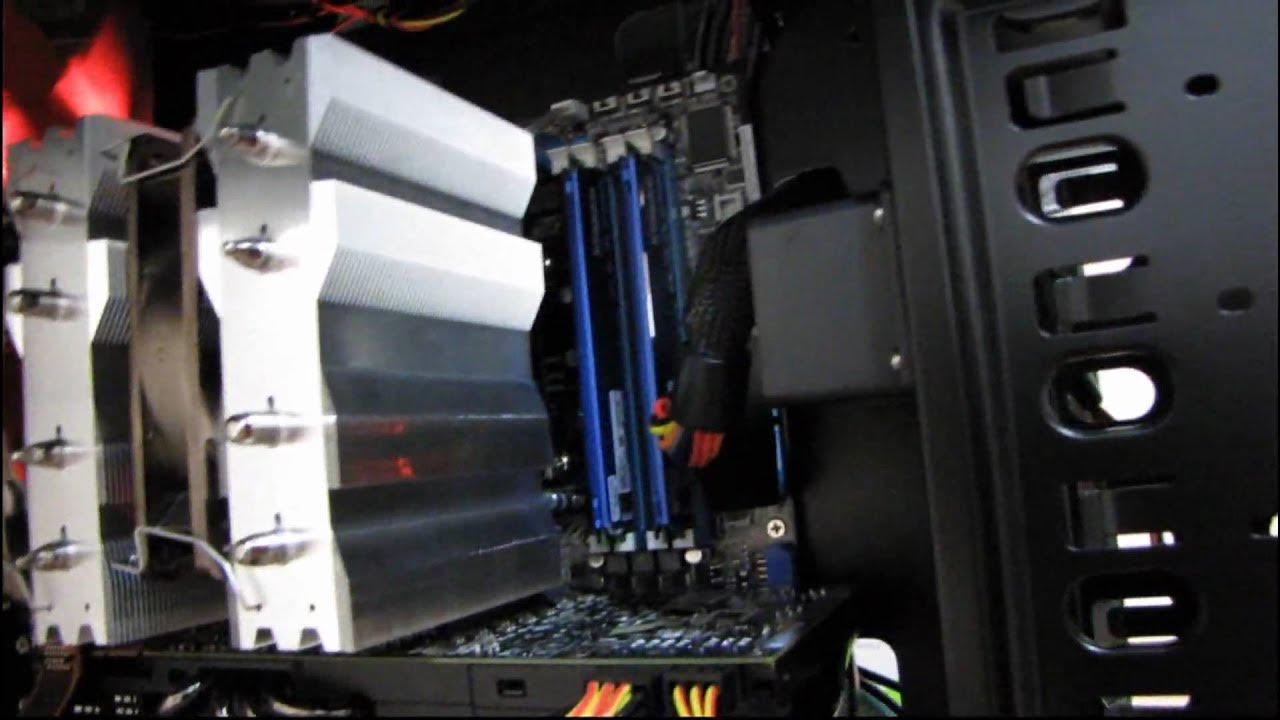
In this detailed closer look, Linus dives into the Antec Dark Fleet DF-85 while integrating his 3D Vision Surround setup. The video begins with a recap of the DF-85 features and how the author has mounted the high speed 3D Vision rig inside the case, leading into early observations about design choices like the external drive bay doors and the fleet swap bays. Linus then demonstrates practical builder tips, including how to access the drive bays, how to clean and replace fan filters, and how the fleet swap mechanism affects cable routing around the graphics cards. He notes a few drawbacks, such as the bulk added by the fleet swap bays which can interfere with longer GPUs and the limited room behind the motherboard tray for cable management, especially for power and data cables with high pin counts. Throughout the segment, he comments on cooling and airflow feasibility, and compares the DF-85 against prior Antec designs, highlighting both the bright LED accents and the overall cyber-industrial aesthetic. In closing, Linus covers USB 3.0 implementation and the lack of a universal USB 3.0 pinout at the time, advising viewers to route a standard USB cable to the back panel for compatibility. The video ends with gratitude to viewers and a reminder to subscribe for more tech tips, occasional humor from his cats, and further hardware explorations. The second portion assesses real-world usage aspects, including the practicalities of cabling from modern power supplies, managing front panel connectors, and the ease of accessing the CPU cooler backplate for future swaps. Linus evaluates the limitations of the DF-85 when it comes to cable management behind the motherboard, pointing out that most cables must pass over a metal lip and that space behind the drive cages is insufficient for neat routing. He also emphasizes the upside, such as excellent CPU cooler access and the ability to install multiple hard drives when not using the fleet swap bays. The close-up perspective on fan control and lighting reveals the fan management is largely unchanged from the earlier 1200 model, with adjustable speeds and a brightness cue that may vary by motherboard or controller. He finally confirms the SSD and other components mount cleanly, with the case offering robust front-panel connectivity and easy USB 3.0 integration by routing under the cards to the back panel. The overall impression is that while the DF-85 delivers a striking look and solid airflow options, cable management remains the largest hurdle for builders due to crowded bays and limited rear space, yet it remains a capable chassis for enthusiasts seeking a distinctive aesthetic and modular drive options.
Topics · computer hardware · pc case reviews · build logs · hardware · tech gear
Questions answered
- What are the main pros of the Antec Dark Fleet DF-85 for a high-end build with multiple GPUs?
- The DF-85 offers strong airflow, modular drive options, a cyber-industrial aesthetic, and good front panel connectivity, making it appealing for enthusiasts who want both performance and a distinctive look.
- What is a notable drawback when using fleet swap bays in this case?
- The fleet swap bays add bulk that can interfere with longer graphics cards and complicate cable routing, especially around the 24-pin and PCIe power areas, reducing available clearance for certain GPUs.