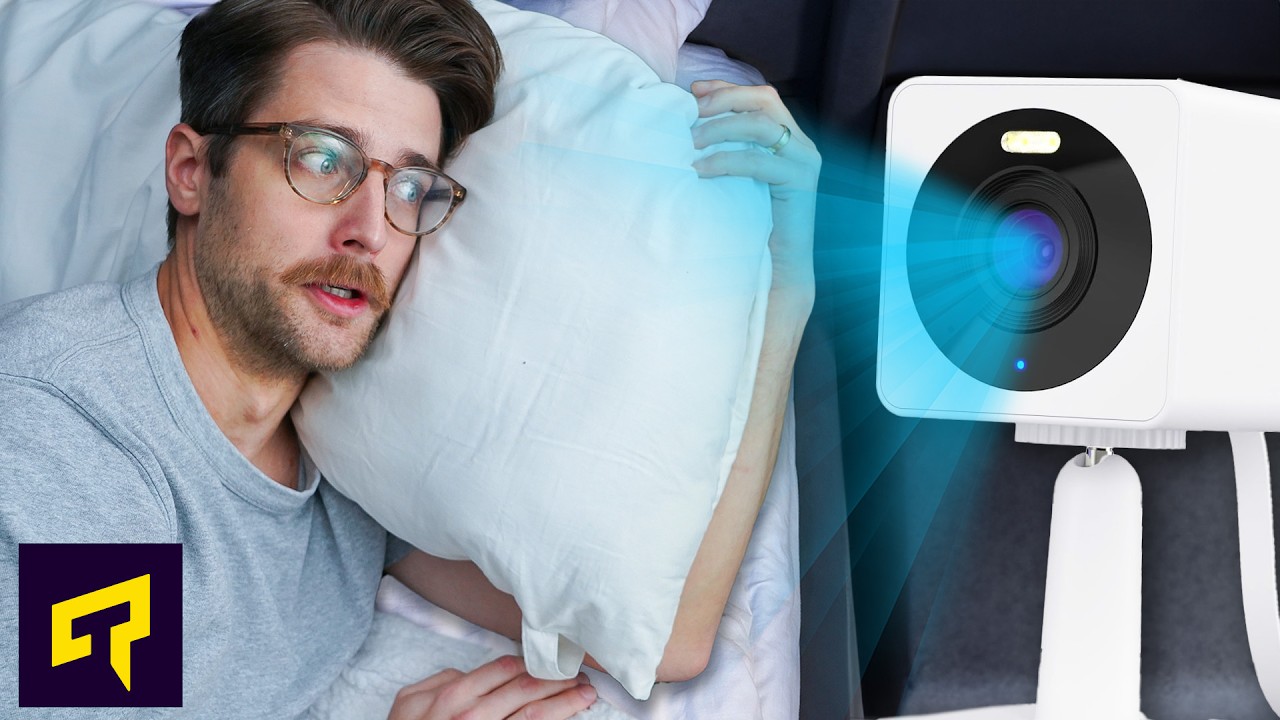
Is Your Indoor Camera Watching You?
0 up · 0 down · 0 ratings
Promos
Remove your personal information from the web at joindeleteme.com and use code Techquickie for 20% off. Thanks to Troy Hunt for his help with this video! How can you minimize the risk that a hacker ends up watching you through your indoor smart camera? Leave a reply with your requests for future episodes. ► GET MERCH: lttstore.com ► LTX 2023 TICKETS AVAILABLE NOW: lmg.gg ► GET EXCLUSIVE CONTENT ON FLOATPLANE: lmg.gg ► SPONSORS, AFFILIATES, AND PARTNERS: lmg.gg FOLLOW US ELSEWHERE --------------------------------------------------- Twitter: twitter.com Facebook: @LinusTech Instagram: @linustech TikTok: @linustech Twitch: twitch.tv
The video opens with a provocative question about whether indoor cameras are silently watching people, and then quickly establishes the core worry: IoT devices like indoor cameras are notoriously vulnerable to hacking. The host notes that security is often a secondary concern to function, which means many cameras are easier to compromise than a traditional PC or smartphone. The discussion underscores that there is no absolute security online, but there are practical mitigations. The segment explains the appeal and risks of cloud-connected cameras versus cameras that store footage locally, emphasizing that true real-time viewing can be achieved through self-hosting, though this option demands more technical setup. The host also introduces the risk of port forwarding and UPnP as common security holes, explaining how open ports can act as doors from the internet into a home network. The narrative then pivots to evaluating brand trust and past security breaches, using examples like Anker’s Eufy and Wyze to illustrate how a company’s response to breaches matters as much as the breach itself. The conclusion offers concrete, sensible steps: if cloud access is needed, ensure strong passwords and two-factor authentication, and consider aligning camera choices with privacy-focused vendors. Finally, the host adds a light-hearted note about privacy by suggesting practical measures like positioning cameras away from certain areas and keeping discussions focused on security rather than sensationalism.
Topics · privacy · technology · security · iot · cloud-computing · home-networking
Questions answered
- What are the main security risks of indoor cameras connected to the cloud?
- Cloud-connected indoor cameras can be vulnerable to account takeovers, insecure default configurations, and data interception if passwords and two-factor authentication are weak, or if vendors delay disclosure of breaches.
- What practical steps can a user take to reduce risk without abandoning camera usefulness?
- Use strong unique passwords and enable two-factor authentication, avoid unnecessary port opening or UPnP, consider self-hosting or local storage options, and choose vendors with proactive breach responses and clear privacy practices.