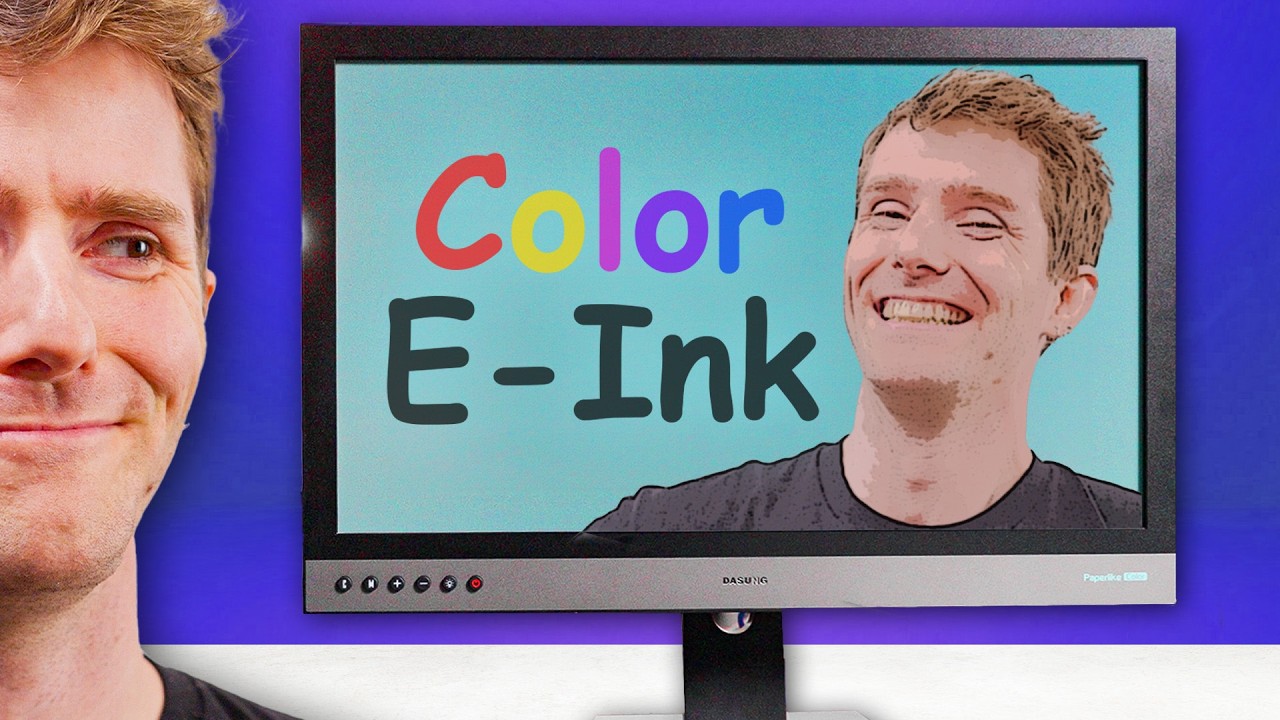
I Got The Worst Monitor Ever… In Color! - Dasung Paperlike Color E-Ink Monitor
0 up · 0 down · 0 ratings
Description
Check out the DASUNG Paperlike Color E-ink Monitor: lmg.gg
Promos
Check out the DASUNG Paperlike E-ink Monitor: lmg.gg Buy a Kobo Clara Colour eReader: geni.us Buy an Amazon Kindle eReader: geni.us Purchases made through some store links may provide some compensation to Linus Media Group. ► GET MERCH: lttstore.com ► GET EXCLUSIVE CONTENT ON FLOATPLANE: lmg.gg ► GET A VPN: piavpn.com ► SPONSORS, AFFILIATES, AND PARTNERS: lmg.gg ► EQUIPMENT WE USE TO FILM LTT: lmg.gg ► OUR WAN PODCAST GEAR: lmg.gg FOLLOW US --------------------------------------------------- Twitter: twitter.com Facebook: @LinusTech Instagram: @linustech TikTok: @linustech Twitch: twitch.tv MUSIC CREDIT --------------------------------------------------- Intro: Laszlo - Supernova Video Link: youtube.com iTunes Download Link: itunes.apple.com Artist Link: soundcloud.com Outro: Approaching Nirvana - Sugar High Video Link: youtube.com Listen on Spotify: spoti.fi Artist Link: youtube.com Intro animation by MBarek Abdelwassaa @mbarek_abdel Monitor And Keyboard by vadimmihalkevich / CC BY 4.0 geni.us Mechanical RGB Keyboard by BigBrotherECE / CC BY 4.0 geni.us Mouse Gamer free Model By Oscar Creativo / CC BY 4.0 geni.us CHAPTERS --------------------------------------------------- 0:00 Intro 1:25 How It Works 5:52 Video Impressions 8:55 Office Use Impressions 10:37 Comics 11:55 Who is this for? 12:52 Gaming 15:25 Conclusions
Channels and socials
Join us in War Thunder for FREE at playwt.link Get an exclusive bonus using our link - thanks for supporting the channel! While we love looking at cool gaming monitors with features like MiniLED and QD-OLEDs, Dasung is coming to us today with something out of left field, an E-INK display. That’s right the same tech that graces the Amazon Kindle is in a monitor now. Only this time it is in color! Could this be the difference between e-ink and e-stink? Discuss on the forum: linustechtips.com
The video explores the Dasung Paperlike Color E-Ink Monitor, a color E-Ink display that Dasung positions as a novel take on a technology traditionally used in e-readers. The host starts by outlining the core specs: a 25.3-inch panel with 3K resolution, a color front filter, an enhanced refresh rate, and a front light, all aimed at making color E-Ink usable for general computer work. He contrasts it with standard LCD/LED monitors and questions whether the novelty of color E-Ink translates into real-world benefits or remains mostly a curiosity. The discussion includes an overview of the physics behind E-Ink: charged pigment capsules, electrode-driven movement, and the idea that larger particles can help create color surfaces. He also mentions the relevant caveats and the practical performance expectations for office tasks, reading, and light-sensitive use cases. Overall, the video frames the Paperlike Color not as a conventional replacement but as a specialized option for particular needs, with a focus on how it handles text, gray scales, and static imagery in different modes.
Topics · technology · product_reviews · display_technology · hardware
Questions answered
- What is the Dasung Paperlike Color E-Ink Monitor designed to do best?
- It is designed to provide a color E-Ink display option with improved text readability and reduced eye strain for users who primarily read, edit documents, or work in light-sensitive contexts, while accepting limitations in color accuracy, brightness, and motion performance.
- How does color work on an E-Ink display in this monitor?
- Color is achieved using a color filter layer on top of the E-Ink, with a pixel layout that attempts to produce color by combining red, green, and blue elements, though the implementation results in artifacts and uneven color quality compared with traditional color LCDs.
- Is the Paperlike Color suitable for gaming or video?
- The reviewer notes significant ghosting and limited refresh rates, making it less suitable for fast gaming or high-detail video, though some slower or turn-based tasks may be workable with mode adjustments.
- Who should consider buying this monitor?
- People who need or strongly prefer a color E-Ink experience for reading, document work, or eye comfort, and who can tolerate brightness trade-offs and color limitations; not recommended for users who demand bright, vibrant colors or fast-paced visuals.