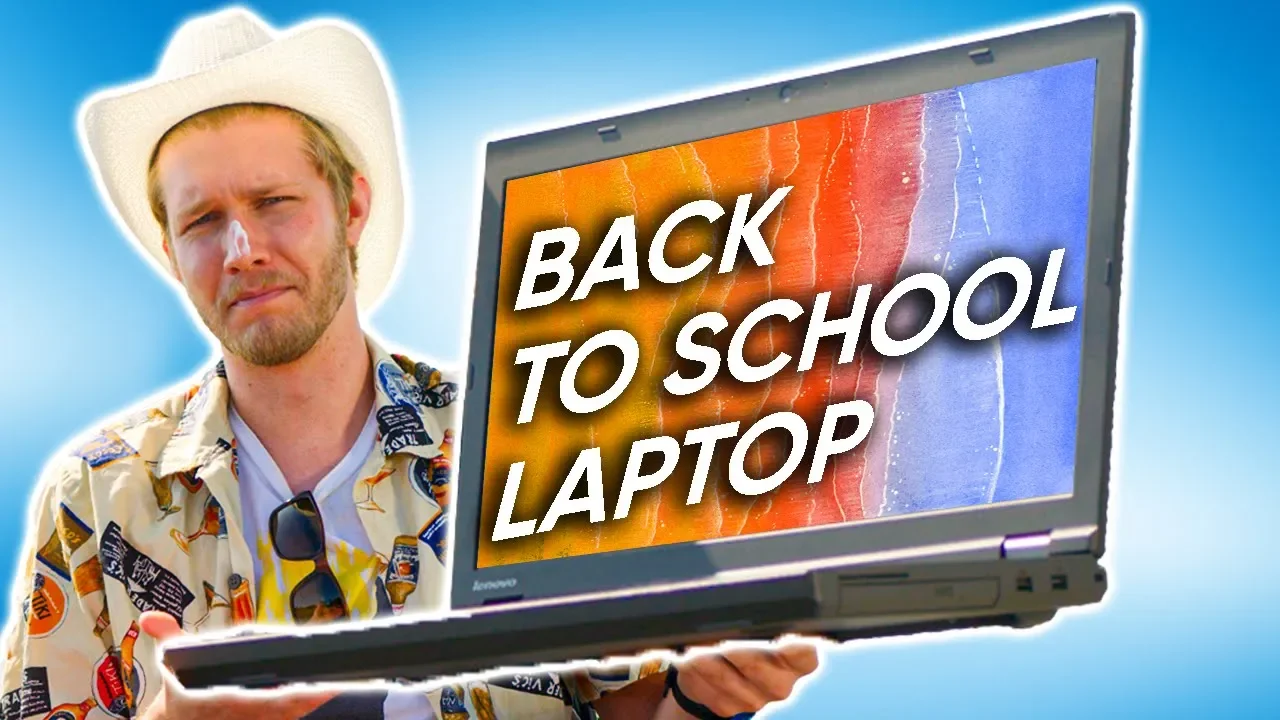
2019 Best Back to School Laptops
0 up · 0 down · 0 ratings
Promos
Get the Ring Doorbell Kit today at ring.com Use code LINUS and get 25% off GlassWire at lmg.gg Summer might be almost over, but we've done the work to make laptop buying easy so you can enjoy that last bit of it. Buy Acer Aspire 5 On Amazon: geni.us On Newegg: lmg.gg Buy Acer Nitro 5 On Amazon: geni.us On Newegg: lmg.gg Buy Surface Laptop 2 On Amazon: geni.us On Newegg: lmg.gg Buy Dell XPS 13 On Amazon: geni.us On Newegg: lmg.gg Buy Asus Zephyrus GA502 On Amazon: geni.us On Newegg: lmg.gg Buy Dell XPS 15 On Amazon: geni.us On Newegg: lmg.gg Buy Razer Blade 15 On Amazon: geni.us On Newegg: lmg.gg Buy MacBook Pro On Amazon: geni.us On Newegg: lmg.gg Purchases made through some store links may provide some compensation to Linus Media Group. Discuss on the forum: linustechtips.com Our Affiliates, Referral Programs, and Sponsors: linustechtips.com Get Private Internet Access today at geni.us Displate metal posters: lmg.gg Linus Tech Tips merchandise at lttstore.com Linus Tech Tips posters at crowdmade.com Our Test Benches on Amazon: amazon.com Our production gear: geni.us Twitter - twitter.com Facebook - @LinusTech Instagram - @linustech Twitch - twitch.tv Intro Screen Music Credit: Title: Laszlo - Supernova Video Link: youtube.com iTunes Download Link: itunes.apple.com Artist Link: soundcloud.com Outro Screen Music Credit: Approaching Nirvana - Sugar High youtube.com
The video opens with a light-hearted seasonally themed intro that relates the approach of school time to laptop shopping. It emphasizes frugality and practical buying, aiming to simplify the process of picking a cheap yet usable laptop for students. The host outlines a tiered budgeting approach starting at around $200 for the cheapest options and progressively reviewing better buys as the budget increases, while warning about common pitfalls such as underpowered CPUs, small or non-upgradable storage, and slow storage solutions. A core message is that upgrading and upgradability are crucial when buying budget machines, with specific cautions about suspiciously large memory claims and the drawbacks of eMMC storage. The discussion then pivots to concrete recommendations, beginning with a budget-friendly ThinkPad T540p, including how to source and upgrade components like RAM and SSDs to improve performance. Throughout, the host stresses the importance of confirming upgradability before purchase and suggests looking for models with SSDs and available RAM slots to maximize longevity and usability. The middle section shifts toward mid-range options, highlighting the Acer Aspire 5 as a strong budget pick, noting its 1080p display and upgradable RAM and storage, and comparing it to the older ThinkPad. The host explains that at around $500 you should still expect solid core performance and a usable display, while warning that some models at this price point sacrifice speed, which can hinder overall schoolwork like word processing and browsing. Moving into the $800 to $1000 range, the video showcases more premium but still affordable machines such as the Acer Nitro 5 with a GTX 1650 and the Surface Laptop, discussing trade-offs like build quality, keyboard feel, display quality, and the ability to upgrade. For gaming and multimedia, the host highlights the Asus Zephyrus GA502, the Dell XPS 13, the ThinkPad X390, and the venerable Dell XPS 15, weighing performance versus portability and cost. The segment culminates with high-end choices for no-compromise needs, including the Razer Blade 15 for top-tier graphics and display, and a candid appraisal of premium options like the MacBook Pro in terms of keyboard quality and software ecosystems for students. The host wraps up with a practical recommendation strategy: prioritize 8th-generation quad-core CPUs, 8GB of RAM minimum with upgrade paths, a solid 240GB SSD, and a balance between performance and price, while noting that the best value often comes from models that hit around $500–$800 on sale. A closing note invites viewers to engage with the LTT community for further guidance and promotes sponsor products and affiliate links, ending on a lighthearted call to skim through the practical advice and consider what fits their exact budget and needs.
Topics · Technology · Computing · Gadgets · Education · Gaming
Questions answered
- What is the recommended minimum budget for a usable student laptop according to the video?
- The video recommends aiming for a budget around 500 to 800, with a strong emphasis on choosing a model that can be upgraded (RAM and SSD) to extend usability.
- Why does the host caution against hard drives in budget laptops?
- Hard drives are often paired with slow SSDs and can bottleneck system performance; the recommendation is to prefer machines with SSDs and upgradeability for better daily performance.
- Which laptop is highlighted as the best upgradeable budget pick in the video?
- The Acer Aspire 5 is highlighted as a strong budget pick due to 1080p display, upgradable RAM and storage, and solid value at around $500.