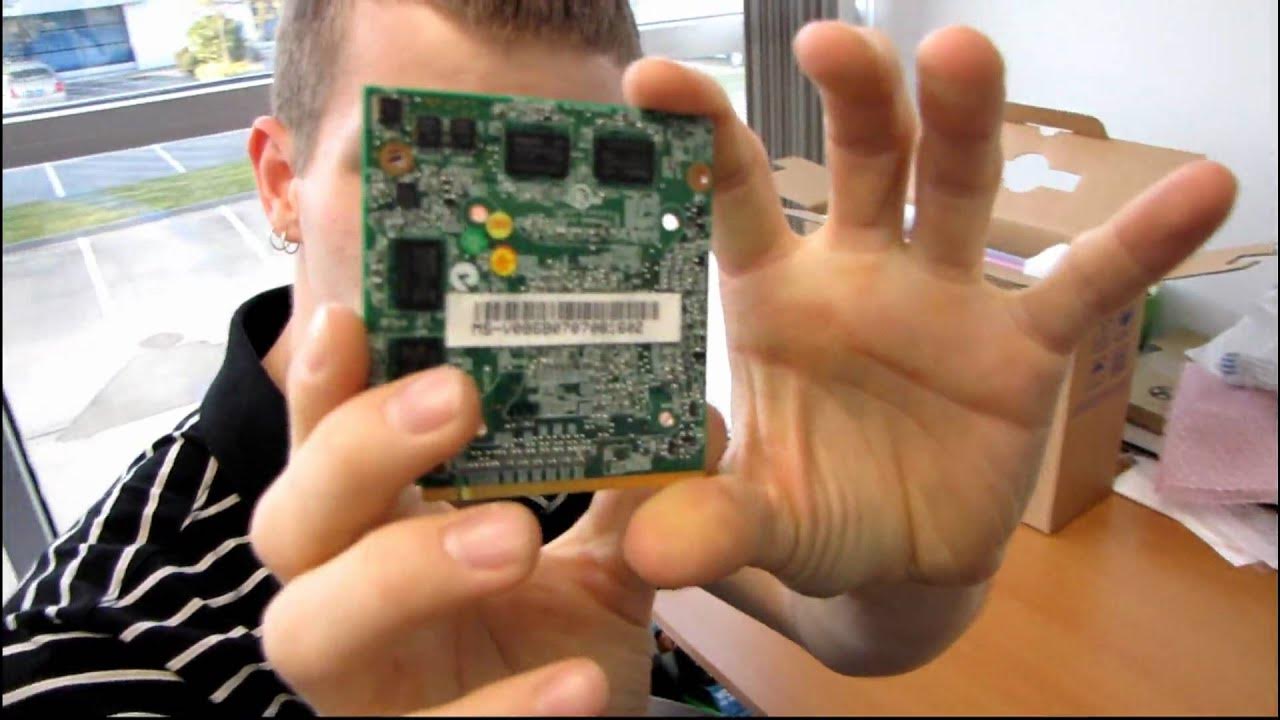
OCZ Avenger AG2 DIY Barebones Notebook Unboxing & First Look Linus Tech Tips
0 up · 0 down · 0 ratings
Description
It's an older product, but that's never stopped me before. I grabbed one of these for my sister and thought I might as well unbox it. All you need to add is CPU, RAM, HDD, and wireless card, and you're good to go. Price is right too.
This video documents Linus Tech Tips host Linus as he unboxes and gives an initial look at the OCZ Avenger AG2 DIY Barebones Notebook. The presenter highlights that this is a barebones system that requires the user to supply the CPU, RAM, hard drive, and wireless card, while including a full kit of components and accessories such as the AC adapter, microfiber cloth, thermal compound, and mounting hardware. He notes the pink color option and remarks on the overall packaging, including a surprisingly complete bundle for a DIY notebook, with items like a driver CD, Nero Essentials, and a concise user guide. The initial portion focuses on inspecting the exterior, identifying the ports and layout, and evaluating the feel and finish of the notebook shell. As he removes protective coverings and examines the keyboard, he comments on the layout, key travel, and ergonomic aspects, pointing out a solid build with minimal shell flex once the battery is installed. He also discusses the IO options on the sides, such as USB ports, VGA out, FireWire, and the absence of modern HDMI or DVI in this older model, while noting the presence of a 12.1 inch display and a built-in webcam. Throughout, the tone blends practical unboxing detail with light humor, setting expectations for the future hardware upgrade steps needed to complete the build. The segment ends with a plan to transplant parts from a deceased sister’s laptop into this new shell, underscoring the DIY ethos of repurposing and upgrading rather than discarding older hardware. The video serves as both a practical unboxing showcase and a teaser for subsequent assembly work that would bring the barebones notebook to a functional state for Linus’s sister.
Topics · technology · hardware · unboxing · laptops
Questions answered
- What is the OCZ Avenger AG2 DIY Barebones Notebook packed with
- The unboxing shows a complete bundle including the notebook shell, AC adapter, microfiber cloth, thermal compound, screws, a modem cable, and driver/utility media, with the system requiring the user to supply CPU, RAM, hard drive, and wireless card.
- What are the visible features and IO on the AG2 during the unboxing
- The notebook offers USB ports, a VGA output, FireWire, a DVD writer, a Kensington lock, headphone/microphone jacks, an SD card reader, and indicators for wireless and battery; HDMI and DVI are not present due to the older hardware generation.