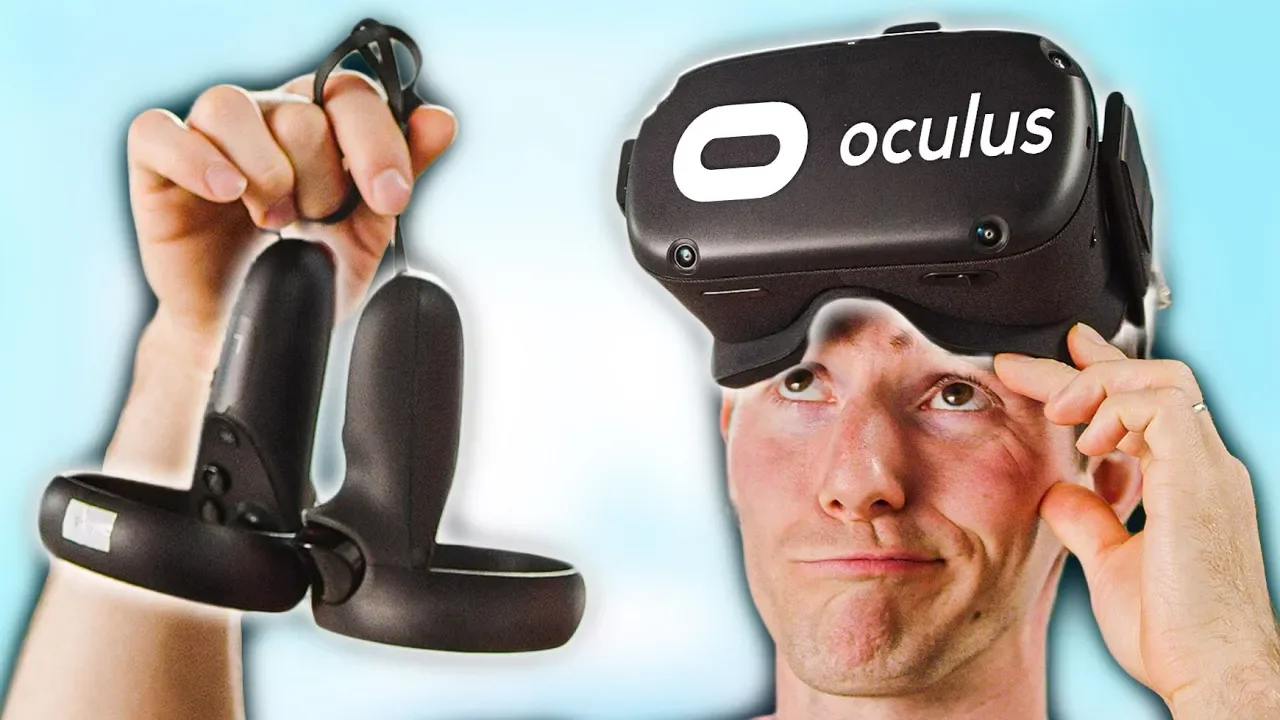
I was WRONG - Oculus Quest Review
0 up · 0 down · 0 ratings
Promos
Get $20 in free credit on your new account at linode.com Sign up for Private Internet Access VPN at lmg.gg Maybe VR isn't "dead" after all....... Buy Oculus Quest on Amazon: lmg.gg Purchases made through some store links may provide some compensation to Linus Media Group. Discuss on the forum: linustechtips.com Our Affiliates, Referral Programs, and Sponsors: lmg.gg Get Private Internet Access today at geni.us Displate metal posters: lmg.gg Linus Tech Tips merchandise at lttstore.com Linus Tech Tips posters at crowdmade.com Our Test Benches on Amazon: amazon.com Our production gear: geni.us Twitter - twitter.com Facebook - @LinusTech Instagram - @linustech Twitch - twitch.tv Intro Screen Music Credit: Title: Laszlo - Supernova Video Link: youtube.com iTunes Download Link: itunes.apple.com Artist Link: soundcloud.com Outro Screen Music Credit: Approaching Nirvana - Sugar High youtube.com
In the opening segment, the video frames a broader shift in virtual reality from a perceived dead end to a renewed, vibrant consumer space in 2019. The host contrasts early VR stagnation with a year that delivered meaningful innovations, highlighting the Oculus Quest as a pivotal release. He frames the Quest as a standalone, wireless, room-scale headset with high resolution displays and dual controllers, emphasizing that no PC is required for operation. He also situates it relative to high-end headsets like the Valve Index, noting that the Quest targets affordability and accessibility while still delivering a compelling VR experience. The discussion then moves to setup, with a live guardian boundary demonstration that shows how the Quest maps a play space using its external cameras and how this guardian system can remember multiple spaces for frequent use. The host explains the practical benefit: you can set up a large play area anywhere, and the device can reuse saved spaces, which makes VR more approachable for casual users. The video then shifts to hardware specifics, describing the display resolution, panel type, and a note that the Quest uses a smartphone-class processor. The reviewer remarks that the lenses appear notably improved over earlier generations and that the overall fit is more comfortable for many users, while acknowledging some trade-offs with comfort and heat. The reviewer shares personal impressions after trying the device, comparing it to prior VR experiences and acknowledging a “snob” bias while remaining open to a positive personal verdict. The narrative then covers content ecosystem and software considerations, including game availability, cross-buy limitations, and the pending Oculus Link beta that would enable PC VR access from the Quest via USB-C or fiber cable. The host notes that while Quest data and graphics are not on par with high-end PC VR, its standalone nature and social features,like casting to a Chromecast or mobile app,offer unique value for social gatherings and casual use. In conclusion, the video frames Quest as a major step toward mainstream VR adoption, emphasizing mobility, ease of use, and the potential for PC VR streaming as a bridge to higher fidelity experiences. The host ends with a call to subscribe for future coverage and a quick mention of related Linus Tech Tips services and promotions. The overall takeaway is that the Quest represents a significant advancement that broadens VR access, even as it trades some fidelity and tracking perfection for portability and simplicity.
Topics · virtual reality · consumer electronics · technology reviews · gaming hardware
Questions answered
- What is the Oculus Quest's primary advantage over PCVR headsets?
- The Quest is a standalone wireless headset with room-scale tracking using built-in cameras, so no PC or external sensors are required.
- Will Oculus Link allow Quest to access Rift content on a PC?
- Yes, Oculus Link (beta) will let you connect the Quest to a PC via USB-C or an optical fiber cable to access Rift content.
- What are some limitations noted for Quest compared to high-end PC VR headsets?
- The Quest uses a smartphone-class processor, has lower refresh rates and fidelity, and some titles may not cross-buy or be fully compatible with Rift content.
- How does the guardian system work on Quest?
- The guardian system maps out a safe play area using the headset’s cameras and can remember multiple spaces for different setups.