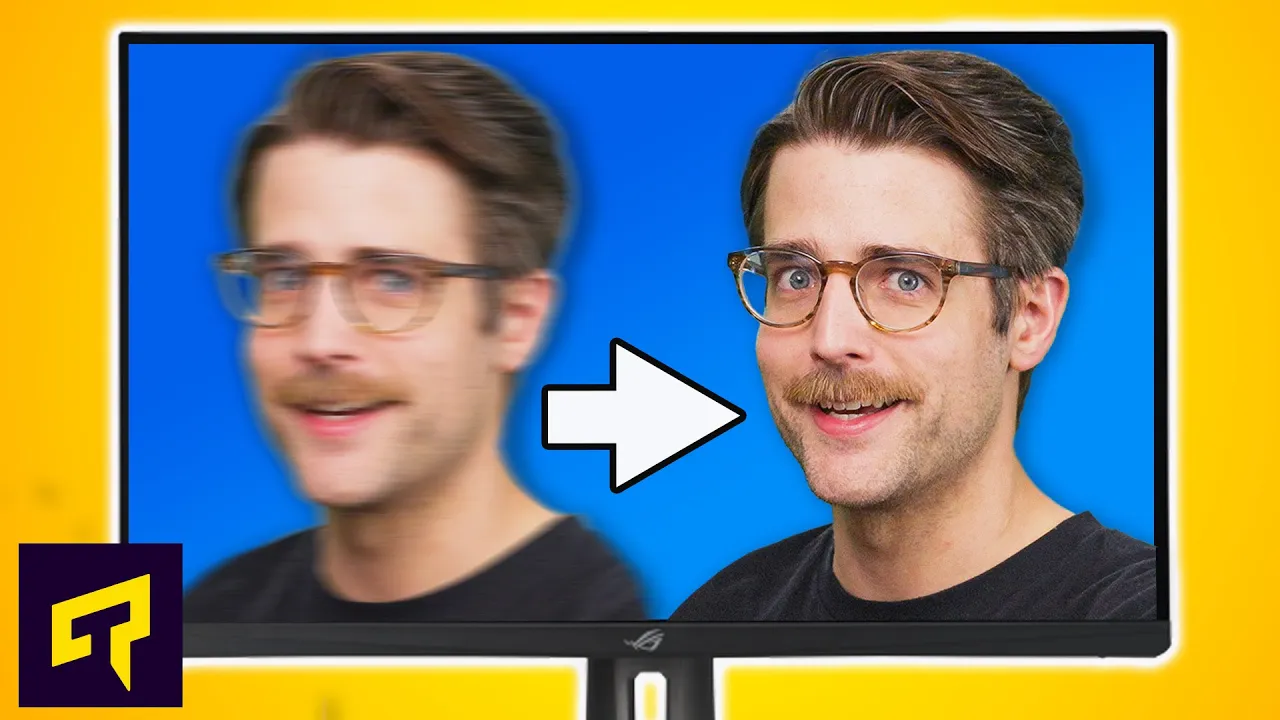
Your GPU Isn't The Problem. Your Monitor Is.
0 up · 0 down · 0 ratings
Promos
Check out Volta Spark on Amazon using the link below! lmg.gg Learn about Nvidia's ULMB2 technology and how it could help reduce motion blur in games. Leave a reply with your requests for future episodes. ► GET MERCH: lttstore.com ► LTX 2023 TICKETS AVAILABLE NOW: lmg.gg ► GET EXCLUSIVE CONTENT ON FLOATPLANE: lmg.gg ► SPONSORS, AFFILIATES, AND PARTNERS: lmg.gg FOLLOW US ELSEWHERE --------------------------------------------------- Twitter: twitter.com Facebook: @LinusTech Instagram: @linustech TikTok: @linustech Twitch: twitch.tv
The video explains that even with a powerful graphics card, you may still experience a lack of perceived clarity in games due to your monitor rather than the GPU. It defines motion blur as the smear or ghosting that happens when pixels take a few milliseconds to change color, a byproduct of non instantaneous pixel response times. The host clarifies that game settings labeled as motion blur are separate from the monitor’s backlight behavior, and notes that traditional backlight strobing can reduce blur by turning the backlight off briefly during pixel transitions. The historical context is given for Nvidia’s initial backlight strobing solution, ULMB, which suffered from dim images and required lowering refresh rates. The video then introduces ULMB2, an improved approach that minimizes crosstalk and overdrive artifacts by more precisely controlling pixel transitions, allowing for a brighter image without reducing refresh rate, and reducing motion blur. Finally, the video addresses practical considerations, including that only a couple of monitors today officially support ULMB2 and that gamers on a budget may tolerate some ghosting on higher refresh rate displays, while emphasizing that monitor choice is a critical factor in gaming clarity and performance.
Topics · display-technology · gaming-performance · computing