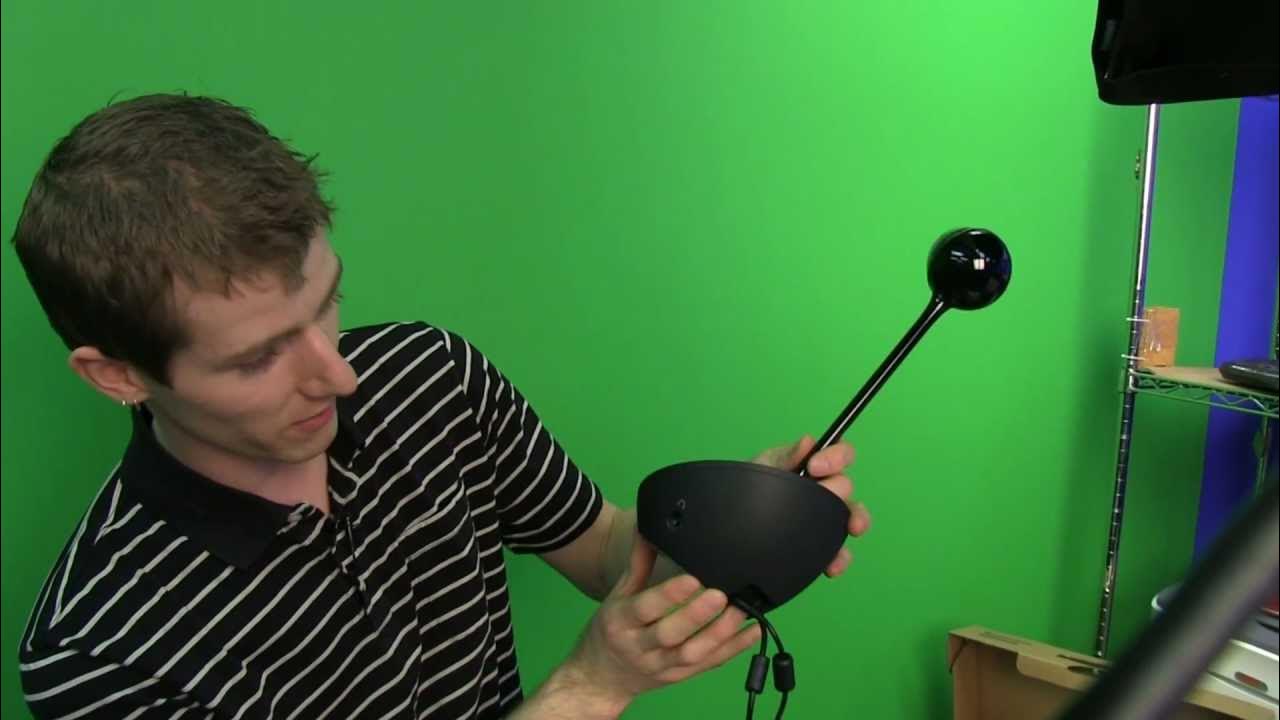
Logitech BCC950 Business Webcam Unboxing & First Look Linus Tech Tips
0 up · 0 down · 0 ratings
Channels and socials
The BCC950 is a professional grade webcam that comes in a price point that will be very appealing to small businesses. Read about this and join our forum: linustechtips.com twitter.com @LinusTech Buy at NCIX: ncix.com
The Logitech BCC950 Business Webcam unboxing presents a device that is marketed as a bridge between consumer webcams and full room video conferencing systems. Linus breaks down the package as simple and functional, emphasizing that the emphasis is on capabilities and integration with enterprise-grade software like Microsoft Link rather than flashy packaging. He explains how the camera’s 1080p video, built-in speakerphone, and an integrated remote enable fluid switching between participants and angles, which helps simulate a more communal meeting environment without the cost of a dedicated conference room. The review delves into practical usage scenarios for small businesses or distributed teams, highlighting how the BCC950 can turn a modest office into a capable collaboration hub with minimal setup. He demonstrates that it connects via USB and works with multiple conferencing clients beyond Link, including Skype and FaceTime, which broadens its appeal for varied workflows. The host also discusses the value proposition, positioning the device as a flexible, cost-effective solution for remote meetings, presentations, and collaborative sessions, rather than a simple webcam upgrade. In closing, Linus reflects on how such systems reduce travel expenses and time wasted on flights, making a compelling case for deploying compact, desk-friendly conference setups in smaller environments. Overall, the video blends hands-on assembly, feature exploration, and real-world scenarios to convey how the BCC950 can function as a turnkey video collaboration unit for small teams and growing offices.
Topics · technology · hardware · video_conferencing · unboxing
Questions answered
- What software platforms does the Logitech BCC950 work with besides Microsoft Link?
- Besides Microsoft Link, the BCC950 works with common webcam software and platforms such as Skype, FaceTime, and other standard video conferencing clients.
- What is the notable feature of the included remote control?
- The remote control can pan, tilt, zoom, and manage calls, acting as a portable way to adjust the camera and control the speakerphone during meetings.