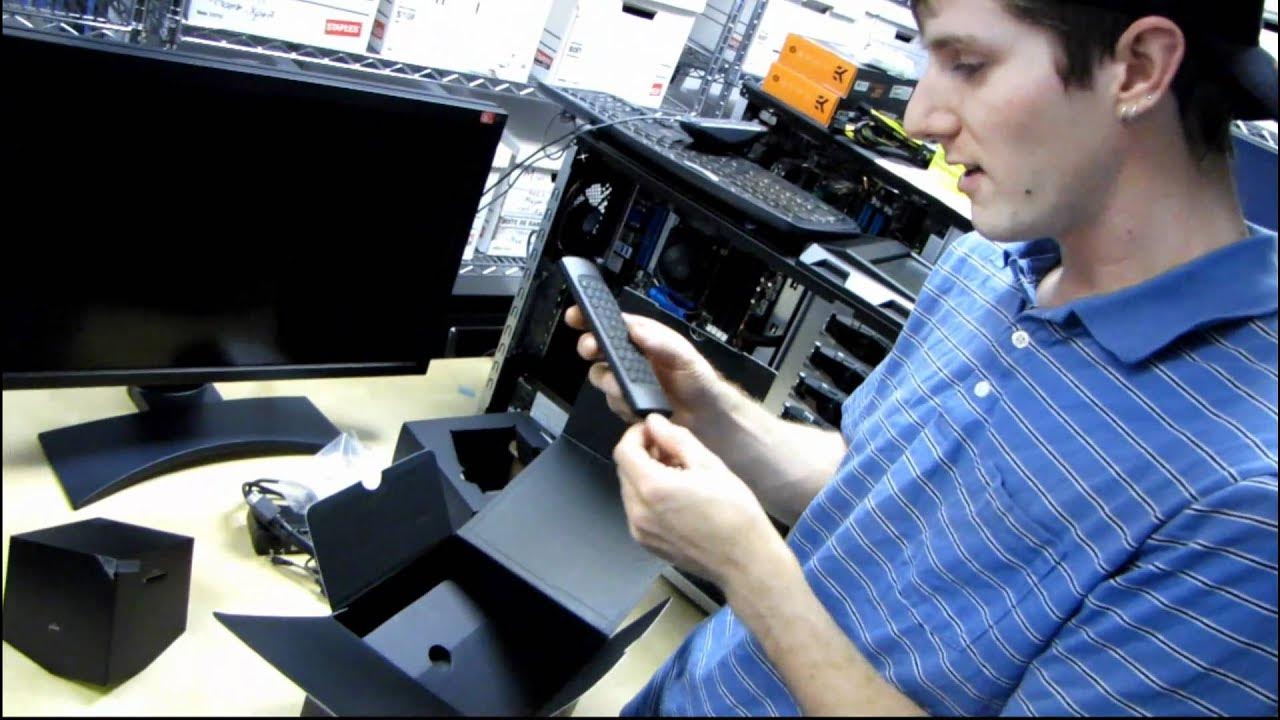
D-Link Boxee Box HD Network & Internet Media Streamer Unboxing & First Look Linus Tech Tips
0 up · 0 down · 0 ratings
Description
I know a LOT of people have been eagerly waiting for this one. Please subscribe because I promise to have more content coming in the next week or two about this exciting product.
D-Link Boxee Box HD Network and Internet Media Streamer is introduced with an immediate emphasis on its distinctive cube-like design and on-demand content capabilities. The host walks through the unboxing process, detailing the included items such as the power adapter, HDMI cable, GPL notice, setup guide, and a remote that features a full keyboard and navigation controls. He highlights the Boxee Box’s emphasis on open source software, noting that third party apps are available through the repository and that the device can access content from a home server or network shares, enabling playback of videos, music, and photos on the TV without a monthly fee. Throughout the segment, Linus Tech Tips explains the potential of the platform to organize media, display album art, and manage a wide library of content from the web, with ambitions for Netflix integration rumored for the near future. The video also teases future follow-up content that will demonstrate more features and real-world use, including performance tests, media organization, and additional software capabilities. The host’s tone is exploratory and anticipatory, inviting viewers to subscribe for deeper dives and hands-on demonstrations as he experiments with setup and feature exploration. By the end of the unboxing, viewers are left with a sense of the Boxee Box as a capable, flexible media streamer with an emphasis on customization and openness rather than reliance on a single service.
Topics · technology · hardware · unboxing · streaming
Questions answered
- What comes in the Boxee Box unboxing and what are its initial specifications?
- The unboxing includes the Boxee Box unit, a power adapter, HDMI cable, a GPL notice, a quick setup guide, documentation, and a remote with an integrated keyboard. The Boxee Box is described as Intel Atom based, with support for optical audio out, HDMI audio, two USB ports, and a LAN port, plus an SD/MMC slot for expansion.
- What future content did Linus promise for this device?
- Linus indicated he would publish follow-up videos covering more features, performance testing, software repository usage, media organization capabilities, and in-depth demonstrations of the device in action.