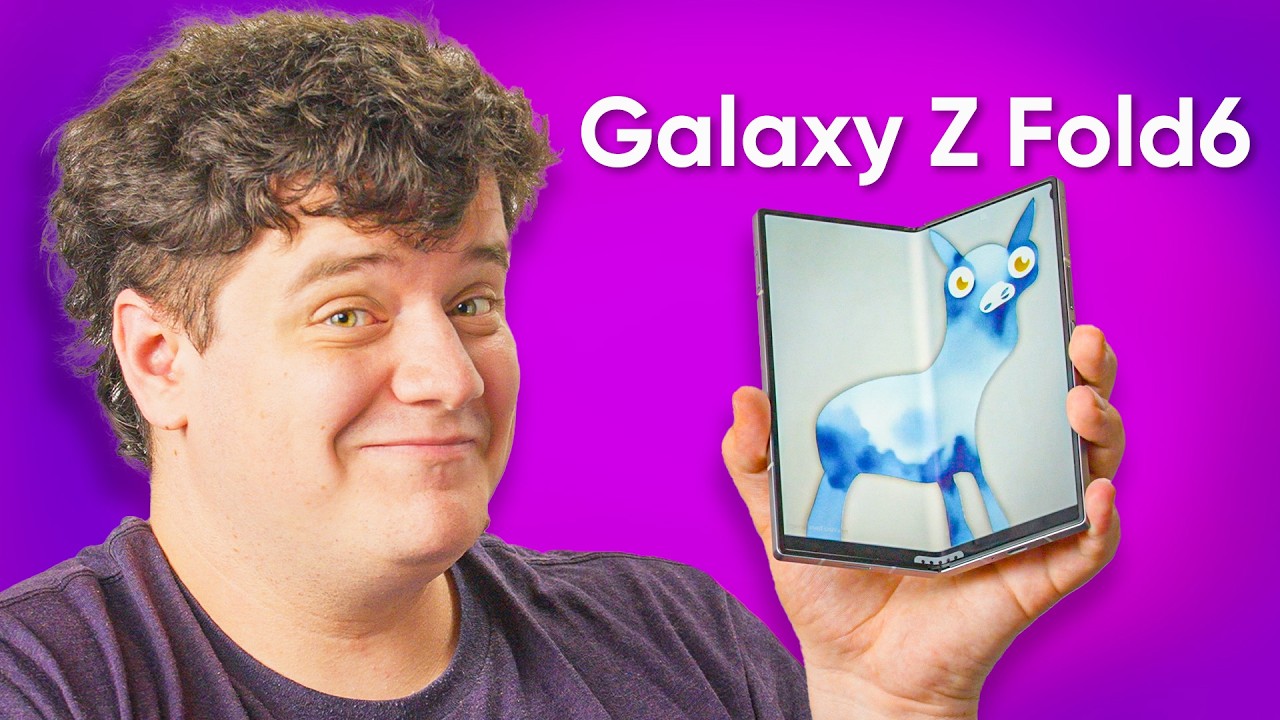
My 2 year old Fold is SO MUCH worse... - Samsung Galaxy Z Fold 6
0 up · 0 down · 0 ratings
Promos
Get your over priced stickers at shortlinus.com Elijah has been daily driving a Galaxy Z Fold 4 and its hinge has struggled to withstand the test of time. How will the brand new Z Fold 6 compare to his well-worn daily driver? Elijah checks out the Fold 6 to see if Samsung has added enough new features to entice him to upgrade. Buy a Samsung Galaxy Z Fold 6: lmg.gg Purchases made through some store links may provide some compensation to Linus Media Group. Want us to unbox something? Make a suggestion at lmg.gg ► GET MERCH: lttstore.com ► GET A VPN: piavpn.com ► GET EXCLUSIVE CONTENT ON FLOATPLANE: lmg.gg ► SPONSORS, AFFILIATES, AND PARTNERS: lmg.gg ► PRODUCTS WE USE ON THE SHORTCIRCUIT SET: lmg.gg FOLLOW US ELSEWHERE --------------------------------------------------- Twitter: twitter.com Instagram: @shortcircuityt TikTok: @linustech Facebook: @ShortCircuitYT CHAPTERS --------------------------------------------------- 0:00 Unboxing 0:42 First impressions 2:02 Exterior comparison to Fold4 2:26 Sponsor 3:49 Screen impressions 4:56 Speaker test 5:58 Gaming 7:56 Galaxy AI Notes app 10:29 Conclusion and pricing 11:29 Credits
The video opens with an unboxing and first impressions of the Samsung Galaxy Z Fold 6, framed around the creator's experience with a Fold 4 over the last two years. He notes the new gray color and immediately observes design changes such as the hinge feel and the camera bump, which remains a frequent point of contention. The presenter compares the Fold 6 to his Fold 4, highlighting the flatter cover display and improved brightness across the middle and front screens, while also commenting on how the device handles in-hand comfort and the noticeable camera bump when the device is opened. The unboxing segment also touches on minor accessories and the inclusion of a USB-C cable, then transitions into real-world usage scenarios like watching media, using the speakers, and leveraging the YouTube-friendly stand feature on the device. He emphasizes improvements in screen brightness and durability, but remains skeptical about whether the new features justify upgrading from the Fold 4 given the high price. The video then shifts into performance tests including gaming, noting the device runs games smoothly with an average FPS around 53 in tested titles, while acknowledging that not all games push the hardware to 120 Hz and that cooling remains a consideration. The creator also explores Galaxy AI features, such as note assist and drawing enhancements, discussing how these tools are integrated and their potential usefulness, while debating seven years of OS updates and the practicality of screen repair costs. Finally, the creator offers a pragmatic take on value, acknowledging the premium price while noting incremental updates and suggesting viewers form their own opinion based on personal needs, use cases, and willingness to pay for a folding-phone experience that might be more iterative than revolutionary.
Topics · technology · mobile devices · product reviews · unboxing · gaming
Questions answered
- What are the main improvements of the Galaxy Z Fold 6 compared to the Fold 4 shown in this video?
- The video notes a flatter cover display, brighter middle and front screens, and a flatter feel when the device is closed. It also highlights a more pronounced, but still problematic, camera bump and a hinge that feels stiff initially but may loosen with use.
- How does the Fold 6 perform in gaming and media consumption according to the test?
- The device runs games smoothly with an average around 53 FPS in tested titles, and the larger screen provides a very engaging media and gaming experience. The speaker output is decent, and brightness is strong, making outdoor use more practical.
- What are the AI features discussed, and are they well-received?
- Galaxy AI features include note assist, transcript assist, and a draw-to-image tool in Notes. The reviewer finds some elements interesting but emphasizes the need to turn on individual settings, and notes that the AI tools are supplementary rather than essential for everyone.