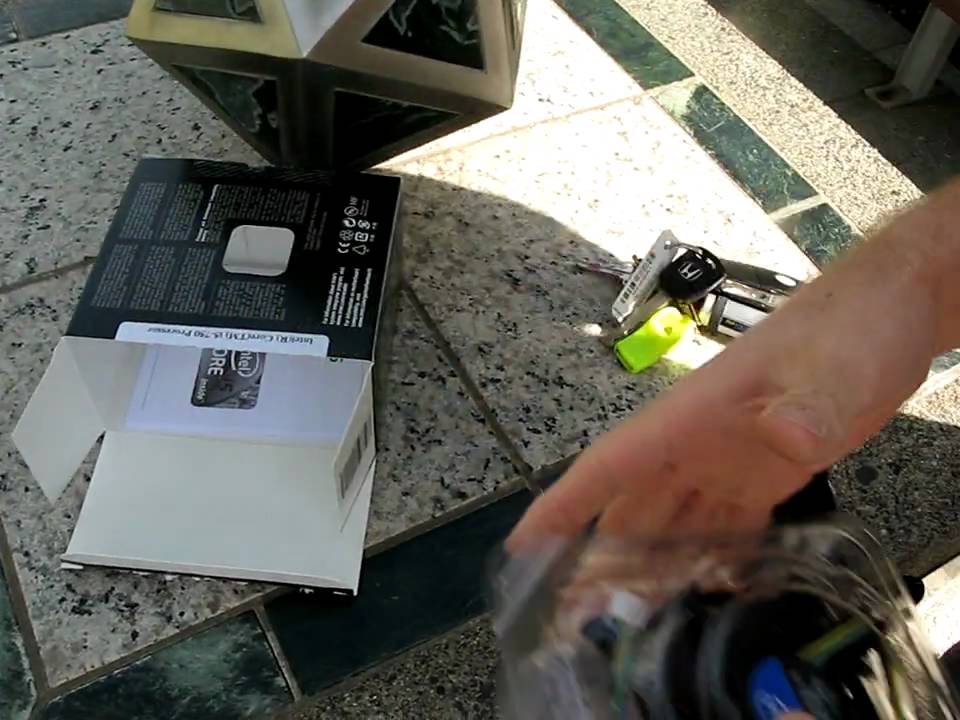
Intel Core i5 750 Quad Core LGA1156 Processor Unboxing Linus Tech Tips
0 up · 0 down · 0 ratings
Description
Our first processor unboxing reveals: A CPU and a heatsink! Also a sweet sticker.
Linus Tech Tips kicks off with an unboxing of the Intel Core i5 750 LGA1156 quad core processor, noting it does not support hyper threading, which means Windows task manager will show four CPU threads. The host highlights the slim Intel stock heatsink that ships with the chip and compares it unfavorably to larger aftermarket coolers, suggesting upgrades like the Freezer 7 Pro or Noctua in subsequent builds. The unboxing sequence reveals the CPU itself, the back of the package showing the LGA1156 interface, and the included manuals, warranty, and Intel Inside sticker. He emphasizes the chip’s labeling on the top that lists the CPU name, manufacture date, and clock speed, and he remarks that there are 1156 pins on the socket. Throughout the segment, the host provides practical commentary on the cooling solution and early expectations for performance, concluding with a quick acknowledgment of the unboxing contents and a nod to how this CPU fits into early LGA1156-based systems. The video blends light humor with hardware-focused education, illustrating what a first-time buyer could expect from an initial processor purchase in 2009 and offering context for upgrading components to achieve better cooling and overclocking potential in LGA1156 builds.
Topics · technology · hardware · unboxing · pc-assembly · computers
Questions answered
- What cooling solution does Linus recommend for the Core i5 750 in the video?
- Linus recommends upgrading from the stock heatsink to aftermarket coolers such as the Freezer 7 Pro Rev 2 or Noctua for better cooling and potential overclocking.